
MusicArt Vocal Tools
Experience How AI Vocal Remover Cleans Your Audio
See how the MusicArt AI Vocal Remover separates a song into clean vocals and clear instrumentals. Great for karaoke tracks, remixes, school projects, or practice recordings.

For Audio Creators
Refine Your Sound With Precision
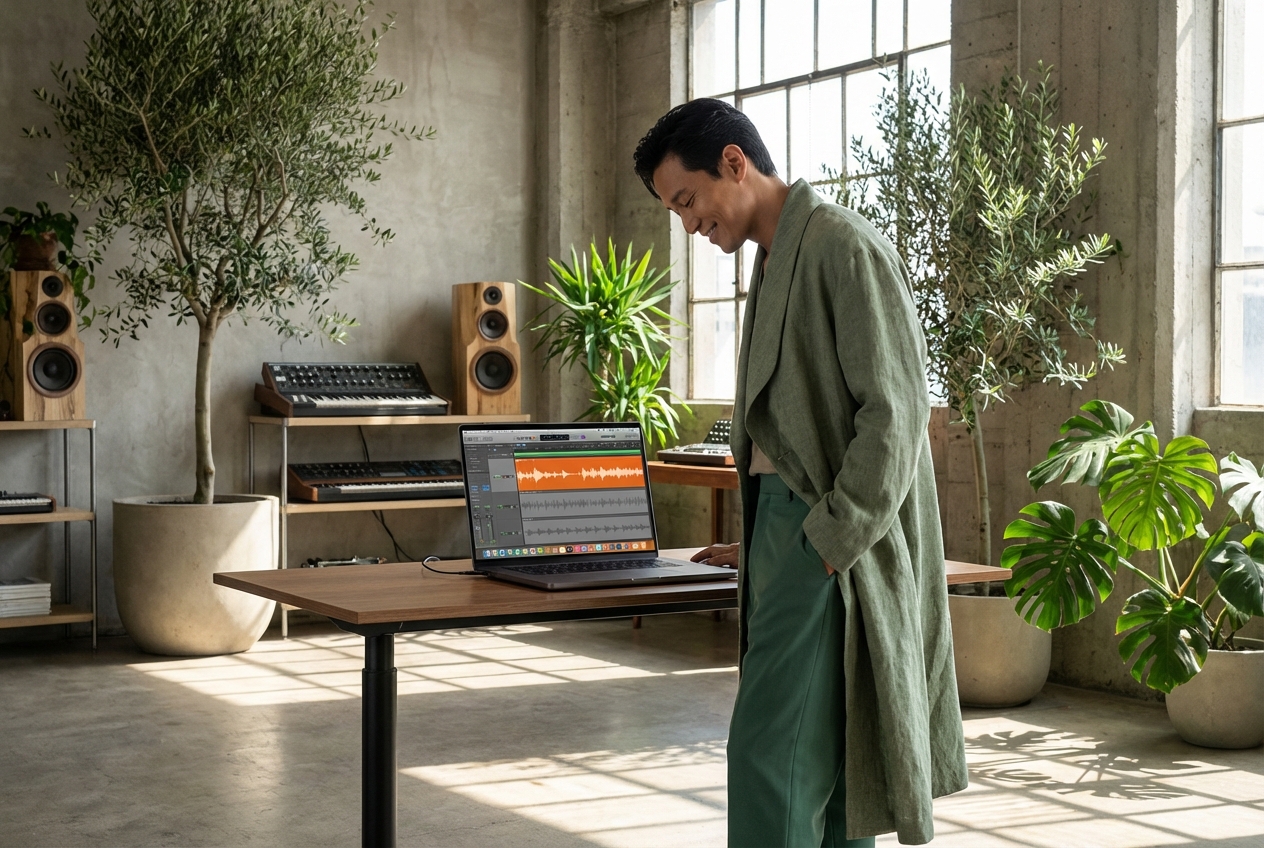
Every creator needs clean audio to build their vision. Our beat remover isolates the exact elements you need to remove beat interference and elevate your final mix.
Remix Artists
Isolate pure vocals to craft entirely new arrangements. Strip away the original rhythm section without leaving digital artifacts behind.

Vocal Coaches
Analyze vocal techniques by stripping away distracting instrumentals. Hear every breath and pitch variation clearly for better student feedback.

Sample Diggers
Extract clean acapellas from dense mixes. Build your personal library of isolated vocals ready to drop into your next production.
Core Capabilities
Intelligent Beat Remover Technology
Experience audio separation that respects the original recording. Our AI beat remover analyzes frequencies to gently remove beat layers while preserving vocal warmth.
Vocal Isolation
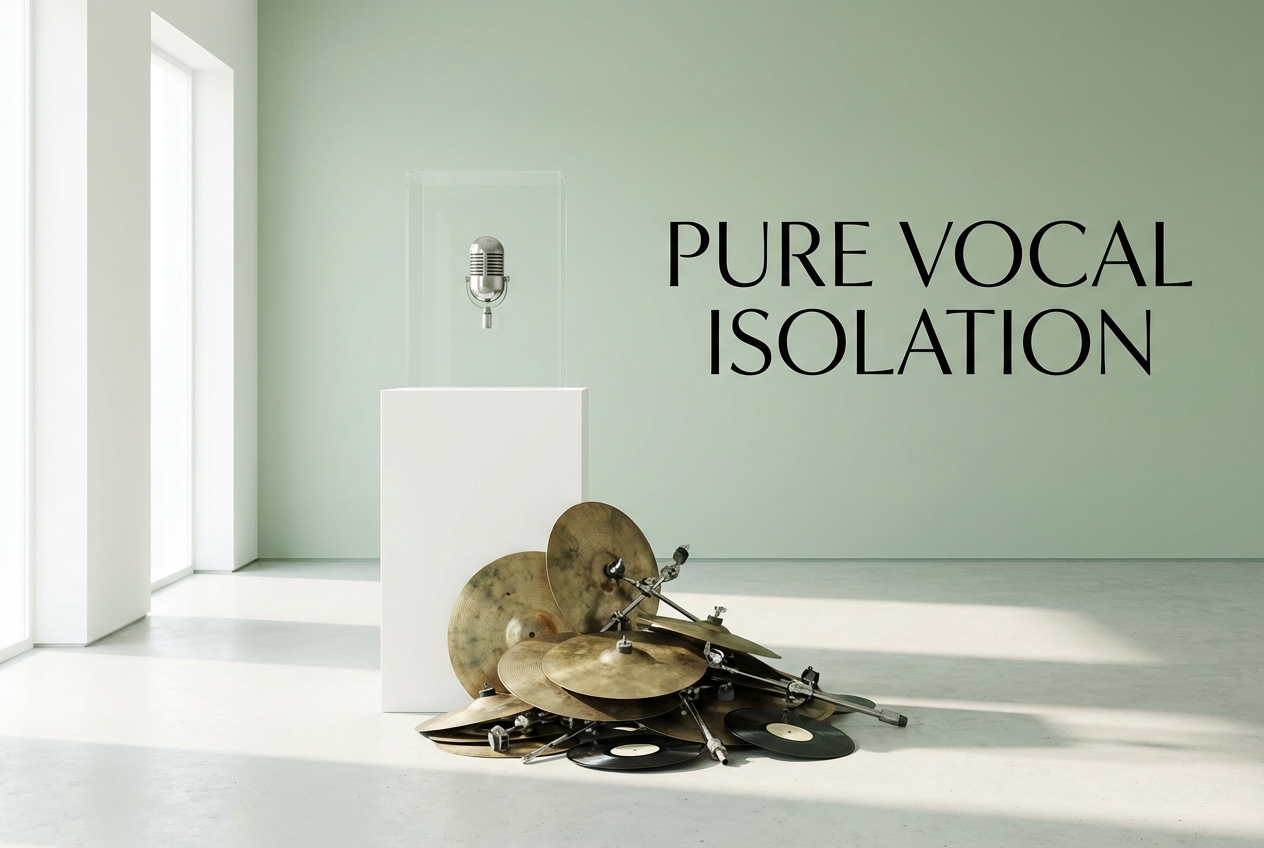
Lift voices out of complex arrangements. The algorithm identifies human frequencies and separates them from the underlying rhythm section.

Instrumental Stripping
Peel back the drums and bass to reveal the core melody. Cleanly remove beat elements without degrading the remaining audio quality.
Format Flexibility
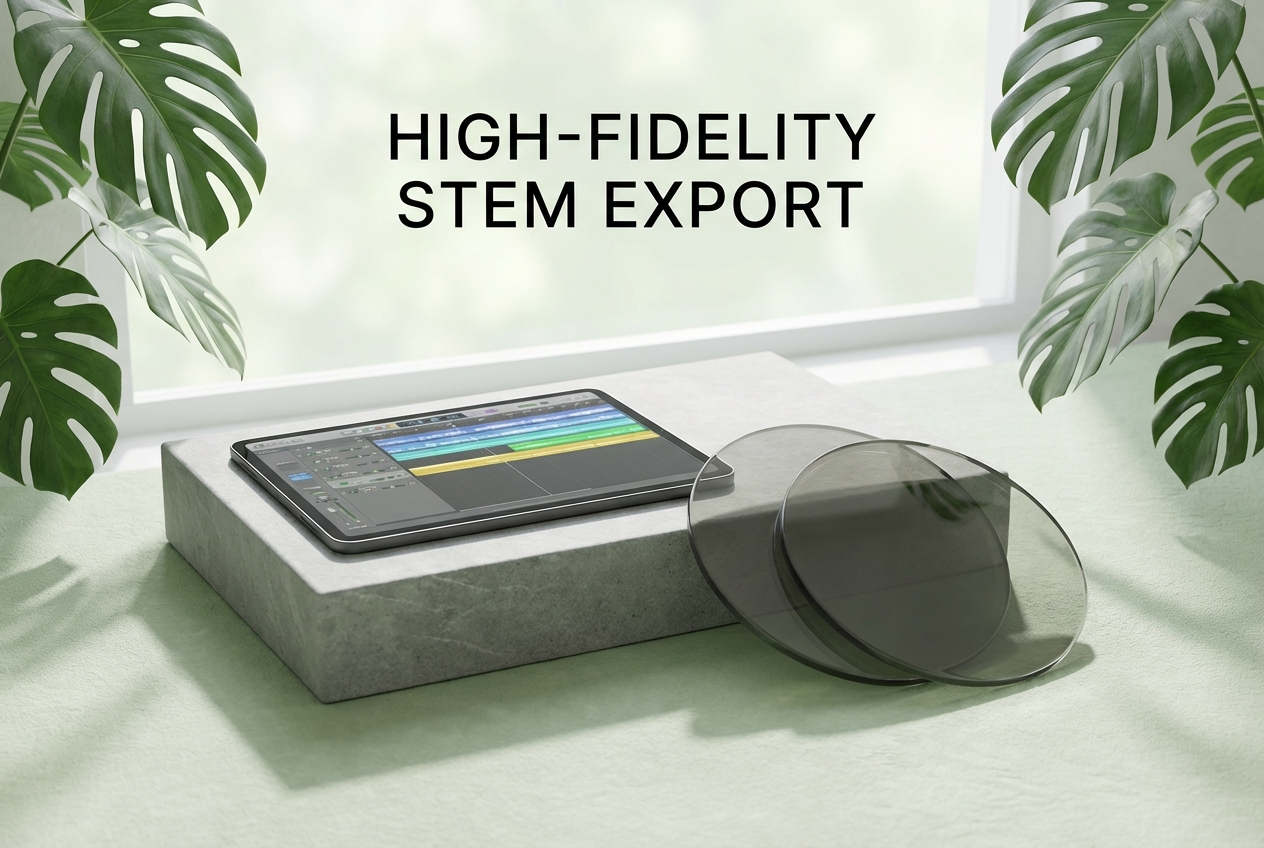
Upload your existing library or select from our curated sounds. Export your separated stems in high-fidelity formats ready for your DAW.
Instant Processing
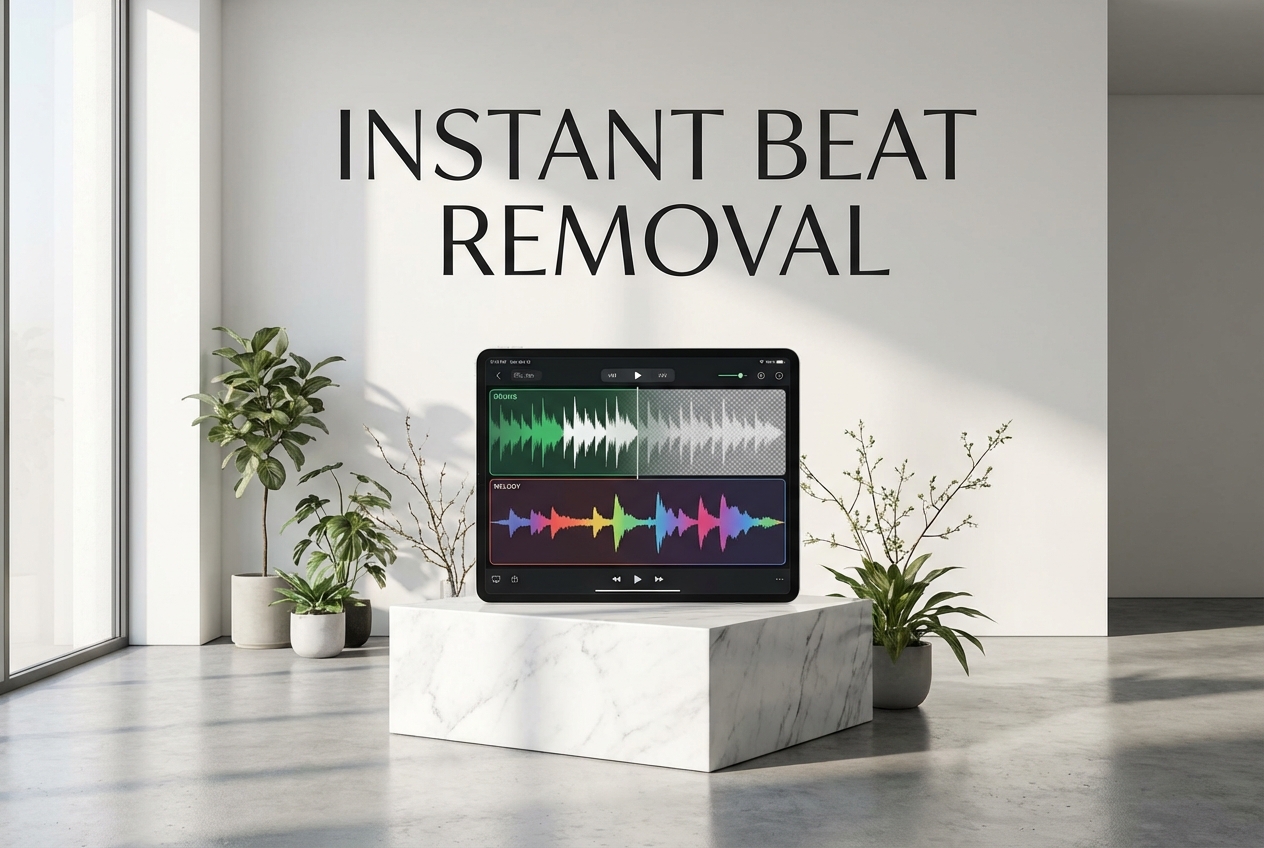
Transform full tracks into isolated stems in moments. The cloud-based engine handles heavy audio processing so your workflow remains uninterrupted.
Simple Workflow
Extract Vocals In Three Steps
Transform your audio files quickly. Use our beat remover to cleanly separate vocals and remove beat elements with minimal effort and maximum clarity.
Select Source Audio
Upload your track or choose a piece from our music library. Ensure the file is high quality for the best separation results.
Initiate Separation
Let the engine analyze the waveform. It maps the instrumental frequencies and prepares to isolate the vocal layer from the rhythm.
Download Stems
Preview the isolated vocals and the separated instrumental track. Save the clean stems directly to your device for immediate use.

What audio formats are supported for uploading?
You can upload standard audio formats including MP3, WAV, and FLAC. Higher quality source files generally yield cleaner separation results.
How long does the AI extraction process take?
Processing typically takes less than a minute for a standard-length song. The exact time depends on the file size and complexity of the mix.
Can I use the extracted vocals for commercial projects?
If you upload your own copyrighted material, you must secure necessary permissions. We only guarantee royalty-free usage for content generated entirely from scratch by our AI.
Is my uploaded audio stored securely online?
Your files are processed securely and automatically deleted from our servers after a short period. We do not use your personal uploads to train our models.
Does the tool work well on live recordings?
Studio recordings provide the best results due to controlled mixing. Live tracks can be processed, but background noise may affect the clarity of the isolated stems.

Experience The Ultimate Beat Remover
Isolate vocals and remove beat tracks with precision. Transform your audio library today.