Ten Band Control
Target specific sonic elements by adjusting sliders between thirty one hertz and sixteen kilohertz for absolute tonal precision.
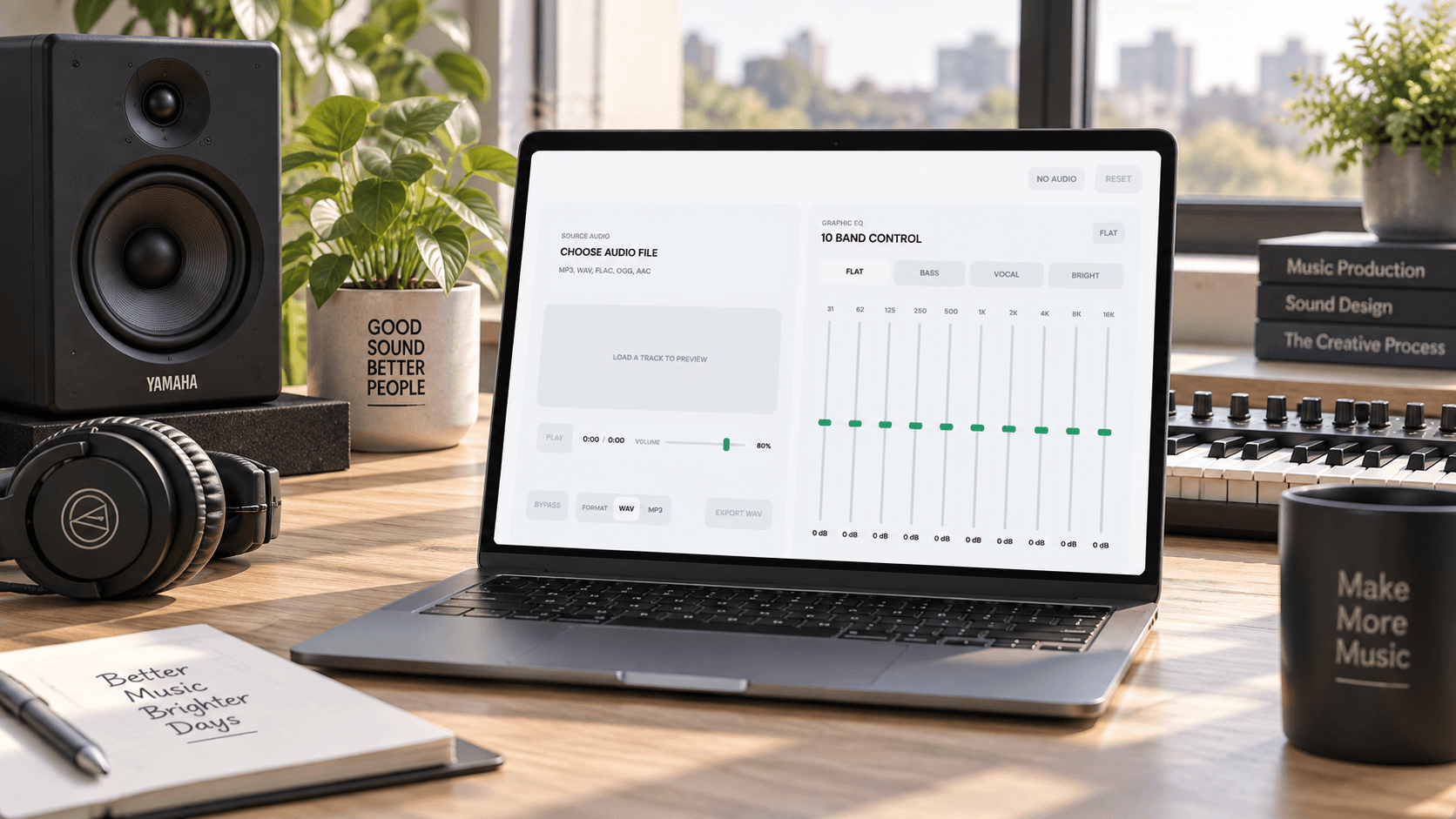
A precise ten band graphic interface lets you sculpt frequencies from deep bass to crisp highs directly within your web browser.
Adjust individual bands by twelve decibels to correct acoustic flaws or add distinct character to any uploaded track before exporting.
Load your file into the music audio equalizer to adjust ten frequency bands manually or apply presets for instant sonic balance.
Drag and drop your existing sound file into the browser workspace to begin the frequency shaping process.
Move the sliders across ten distinct bands or select curated presets like vocal clarity and deep bass.
Preview the adjusted sound profile in real time before downloading the final polished track as a WAV.
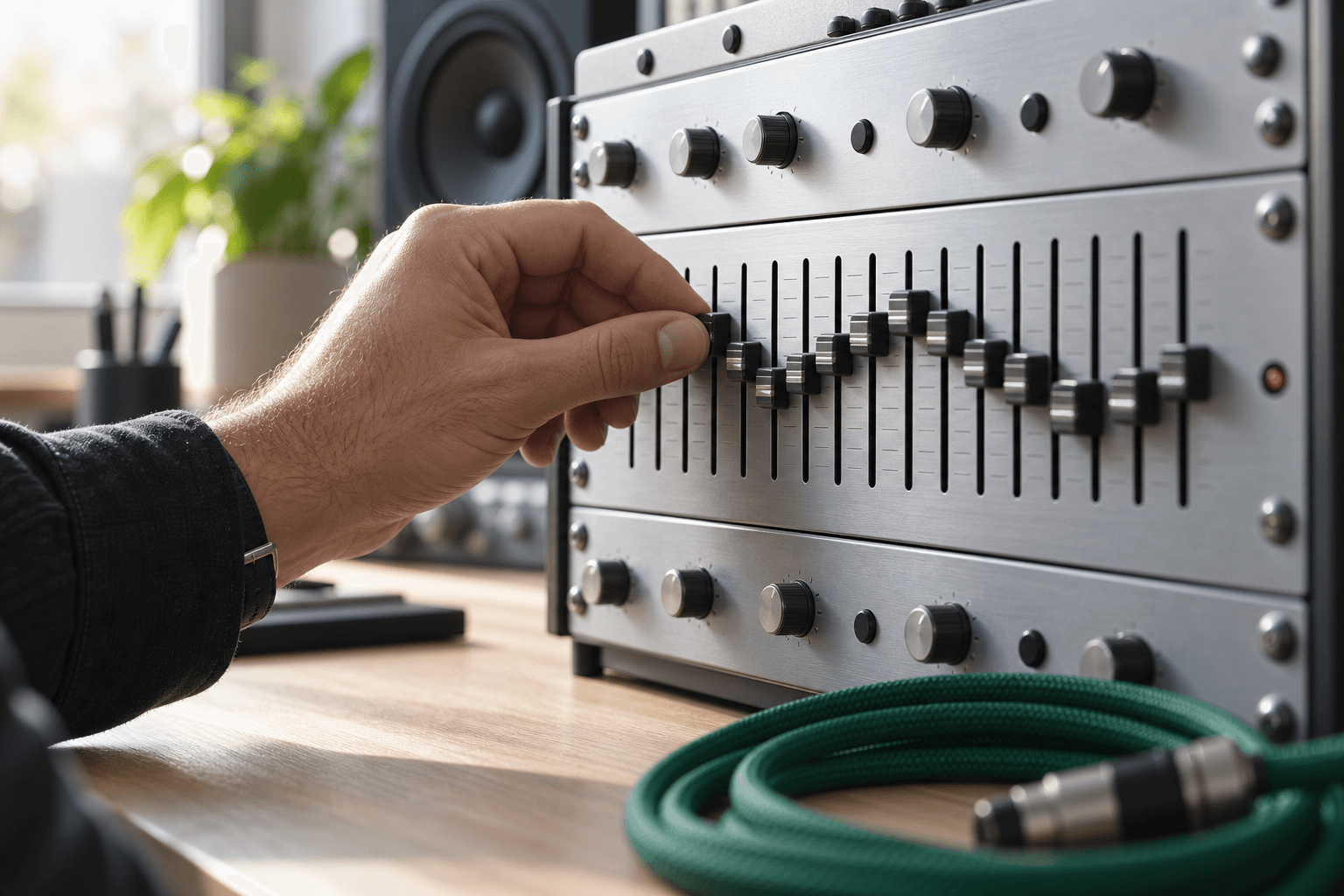
Target specific sonic elements by adjusting sliders between thirty one hertz and sixteen kilohertz for absolute tonal precision.
Apply instant atmospheric shifts using built in profiles like bright or flat to match your specific aesthetic vision.
Listen to frequency changes immediately as you move sliders to ensure the sonic texture aligns with your intent.
Preserve the integrity of your tuned track by downloading the final result in pristine WAV or MP3 formats.
Every creator needs a reliable audio equalizer to refine their tracks and ensure the final mix sounds professional across all playback systems.
Clarify spoken word recordings by reducing muddy low frequencies and enhancing vocal presence for a crisp listening experience.
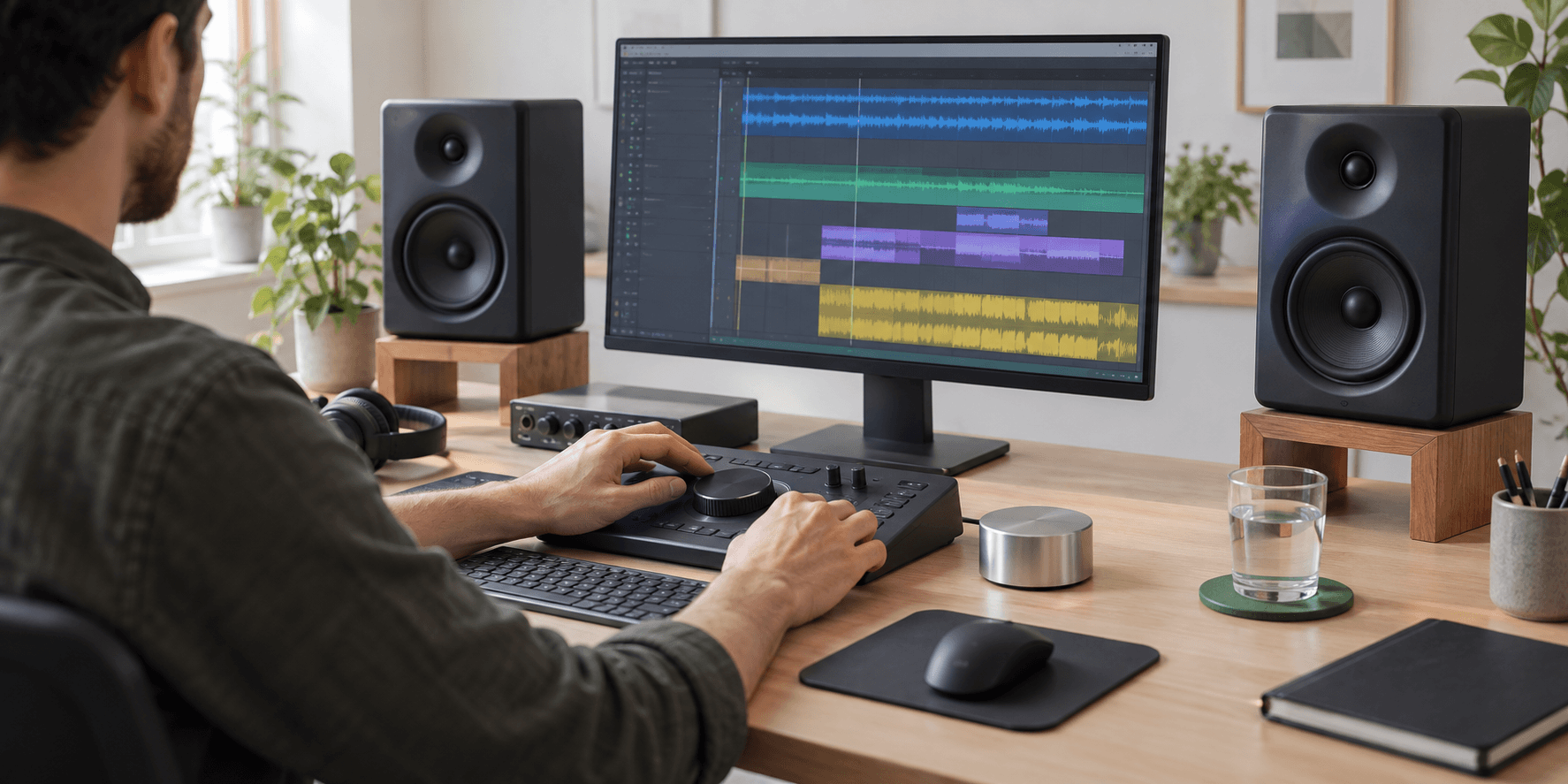
Balance background scores with dialogue tracks to create a cohesive auditory atmosphere that complements your visual storytelling perfectly.

Shape the tonal balance of raw recordings to give your instruments clarity and depth before final distribution.
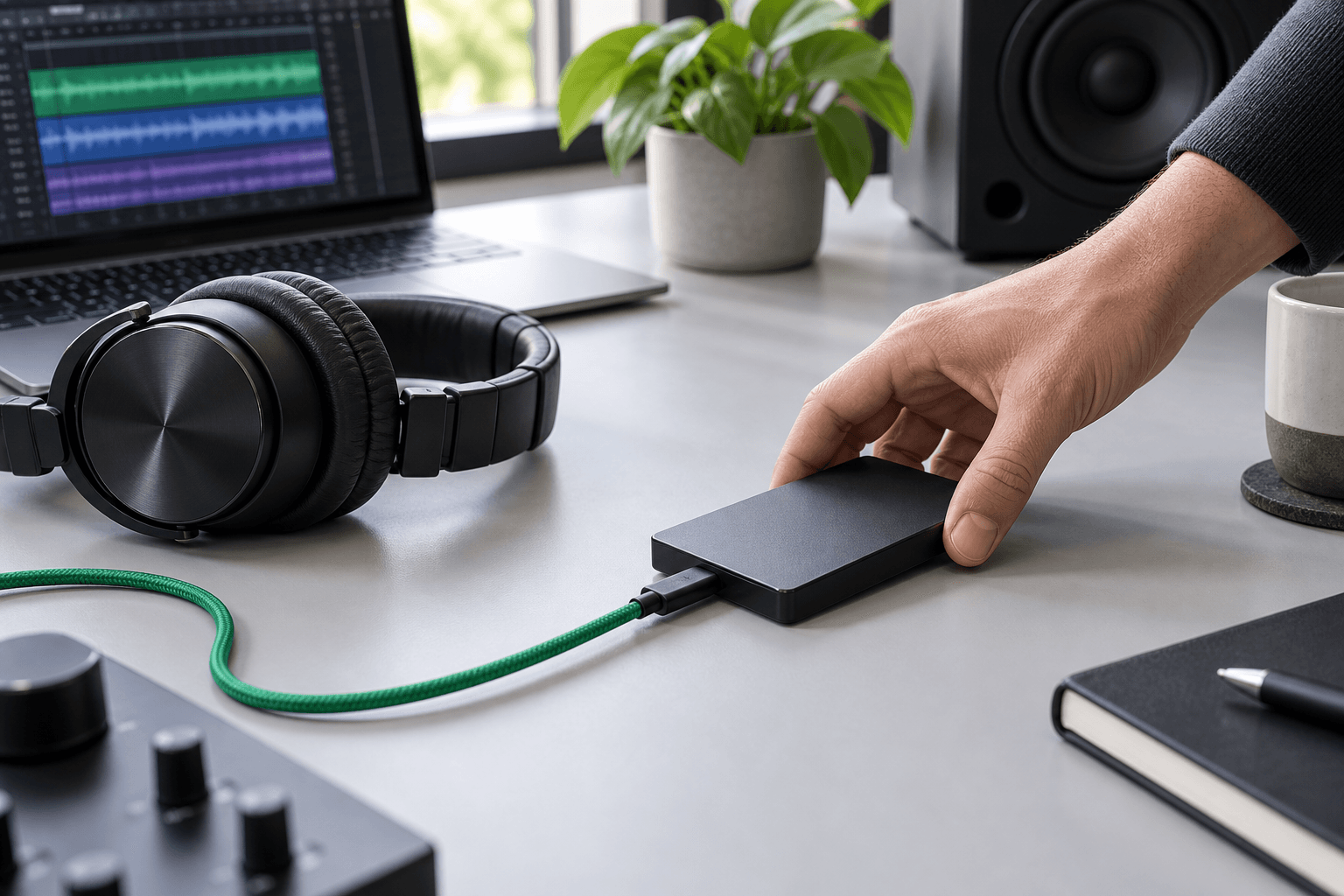
Shape your frequencies directly on the web without downloading heavy software or managing complex installation processes.
Hear every decibel change the moment you move a slider to maintain an uninterrupted creative flow.
Navigate a clean visual layout designed to keep your focus entirely on the texture and mood of the sound.
Work seamlessly with standard file types and export your finished piece in formats ready for immediate publishing.

You can load standard sound files directly into the browser interface. The system processes your tracks instantly for immediate frequency adjustments.
Each slider targets a specific range from deep lows to crisp highs. Adjusting these bands alters the tonal balance and overall texture of your track.
Yes, the platform allows you to export your finalized sound profile. You can save the polished result as a pristine WAV or MP3 file.
The tool includes curated profiles like vocal clarity and bass boost. These presets provide an immediate starting point for your sonic refinement.
We prioritize your privacy by processing files securely within your active session. Your original recordings remain entirely your property and are never stored permanently.

Refine your tracks instantly and download the perfect mix for your next creative project.