Beat Maker for PC With AI Beats Made in Your Browser
MusicArt is a beat maker for PC that runs in the browser, with nothing to download or install. Describe the drums, the bass and the mood, then listen to the beat.
hard boom bap battle beat for freestyle, dusty punchy drums, deep bass line, gritty piano loop, vinyl scratches, head nodding groove
Beat Maker for PC Pages for Each Beat Type
A beat maker for PC works best when each kind of beat has its own starting point, so MusicArt gives full instrumentals, rap beats and drill beats separate pages.
Full instrumental beats
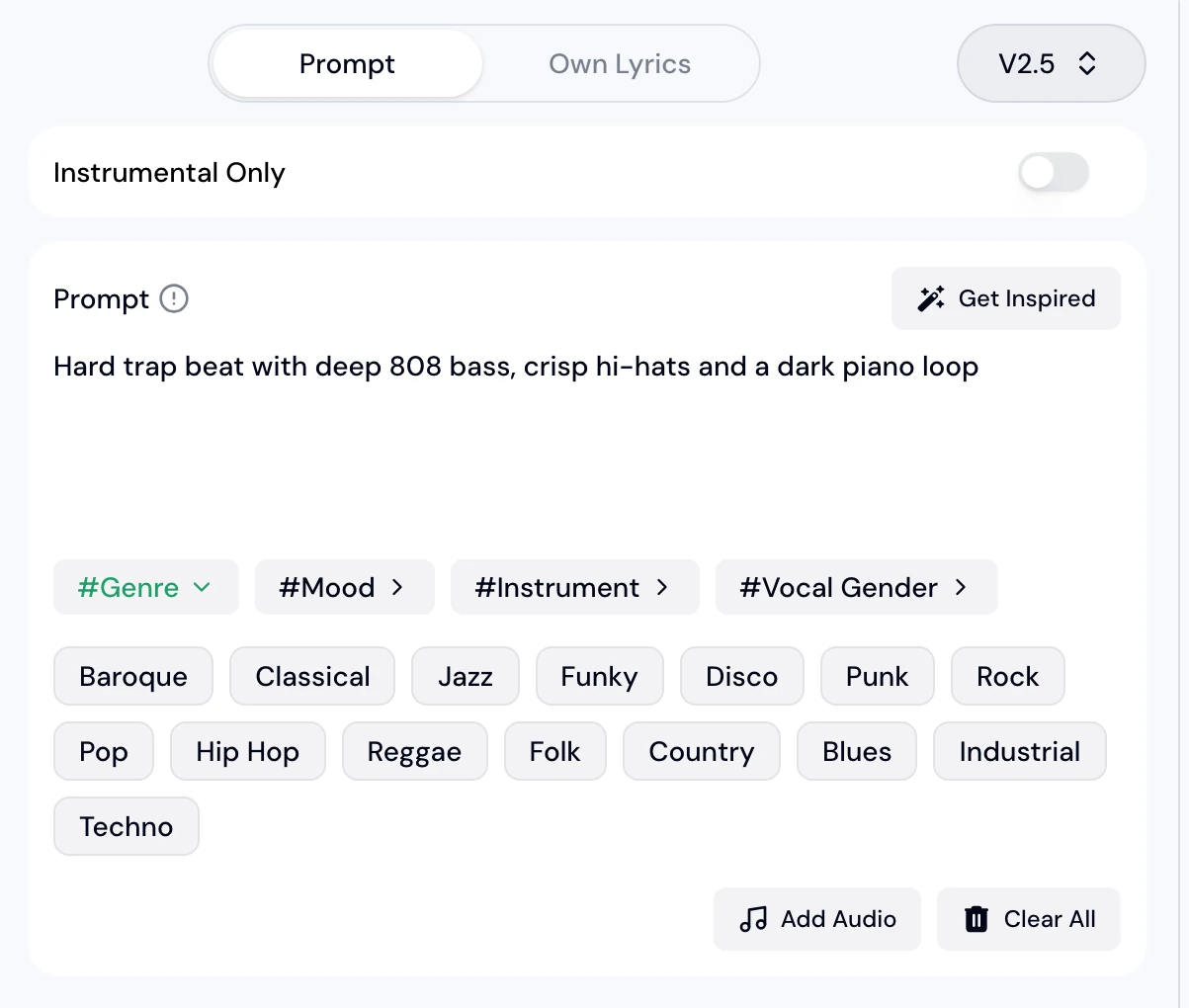
AI Beat Generator turns a short description into an instrumental beat, with genre chips such as Hip Hop and Techno to start from.
Example Dusty boom bap drums with a soft piano loop.
ResultAn instrumental beat in that style.
Rap beats for a verse
Rap Beat Maker builds hard drums and a deep bass line for a rapper to write over.
Example Hard boom bap battle beat with punchy drums and gritty piano.
ResultA beat that suits a rap verse.
Drill beats with heavy bass
Drill Music Generator creates dark drill instrumentals from a prompt.
Example Dark drill beat with sliding 808 bass and sparse piano.
ResultA heavy drill instrumental.
Browser Steps on the Beat Maker for PC
Using the best beat making software for PC on MusicArt needs four steps, and every step runs in the browser.
| 1 | Open the beat maker in your browser | Open AI Beat Generator, one of the best apps to make beats on PC, on a Windows computer, a Mac or a Chromebook. No download or install is needed. |
|---|---|---|
| 2 | Describe the beat in the Prompt box | Write the genre, the drums and the mood, or start from a genre chip such as Hip Hop. |
| 3 | Switch on Instrumental Only and generate | Instrumental Only removes the vocal, so the result is a beat ready for a rapper or a singer. |
| 4 | Download the beat or split it into stems | Save the beat as MP3, WAV or FLAC, or open AI Stem Splitter from My Workspace to separate the drums and the bass. |
Beat Maker for PC Runs on Windows, Mac and Chromebook
The best beat making software for PC is the one that opens on the computer you already have, and the best beat making software for Mac and Windows runs the same way on MusicArt, in a browser tab.
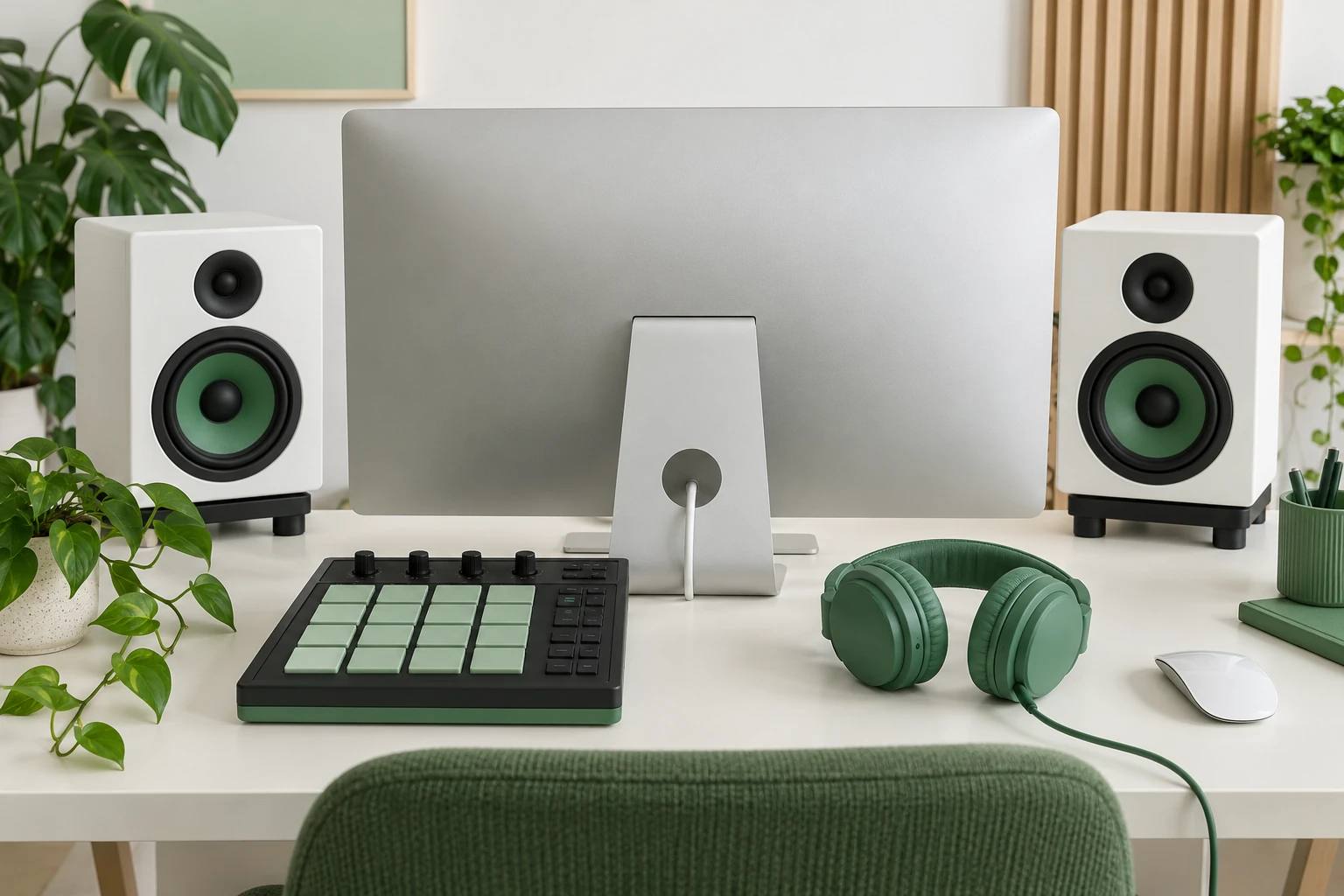
| Best beat making software for Windows | Open the page in a Windows browser and the best beat making software for Windows is ready, with no installer to run. |
|---|---|
| Best beat maker for Mac | A Mac needs no extra software either, so the best beat maker for Mac is simply a browser tab on the same page, and the best beat making software for Mac works the same way. |
| Best beat making software for Chromebook | A Chromebook only runs web pages, and the best beat making software for Chromebook is one that needs nothing beyond the browser. |
Beat Maker for PC Prompts From Battle to Study Beats
These prompts show how the best beat maker for PC handles different moods, from a hard battle beat to a quiet study beat.
Hard boom bap battle beat, dusty punchy drums, deep bass line, gritty piano.
Sad piano beat, slow hip hop drums, deep soft 808 bass, melancholy piano melody.
Lofi hip hop instrumental, dusty boom bap drums, soft felt piano chords, warm vinyl crackle.
Who Uses a Browser Beat Maker for PC
The best apps to make beats on PC are the ones that fit how a creator works, and a beat maker app for PC that runs in the browser fits most of them.
Rappers who need a beat today
Describe the mood in a sentence and write over the result, with no beat making apps for PC to learn first.
Producers looking for a starting point
Generate several ideas, then split the best one into stems with AI Stem Splitter.
Video makers who need background music
Create an instrumental that matches the scene, then download it as MP3 or WAV.
Beginners who have never made a beat
Choose a genre chip and read the prompt examples to see how a beat is described.
Frequently Asked Questions
What is the best beat maker for PC?
The best beat maker for PC is the one that gets an idea to a finished beat without a setup. MusicArt works in the browser, and AI Beat Generator creates an instrumental beat from a written description.
Is there beat making software for PC that needs no download?
Yes. MusicArt is beat making software for PC that runs in the browser, so there is nothing to download or install.
Does the beat maker work on Windows and Mac?
Yes. It runs in the browser on Windows and on Mac, and the best beat maker for Mac and the best beat making software for Mac use the same page as the best beat making software for Windows.
Can a Chromebook be used to make beats?
Yes. The best beat making software for Chromebook is a web page, and MusicArt opens in the Chromebook browser.
Which file formats can be downloaded?
Finished beats can be downloaded as MP3, WAV or FLAC.
Can a beat be made without vocals?
Yes. Switch on Instrumental Only in the AI Beat Generator panel, and the beat is made without a singer.
Can the drums be separated from a beat?
Yes. Open AI Stem Splitter from My Workspace and choose a 4-stem split to get the drums, the bass, the vocals and the other parts as separate tracks.
Open the Beat Maker for PC and Describe a Beat
Describe your beat, listen to the result and download it when it sounds right.