Find the Best AI Singing Voice Generator by Listening First
Hear a song you made sung by a different voice, or teach the AI your own. The best AI singing voice generator for writers who hate recording themselves gives you both: a library of voice models for covers, and training from your own clean vocals, all in the browser.
Try a Voice Model
What the Best AI Singing Voice Generator Should Sound Like
Before you pick the best AI singing voice generator, listen closely. The song below is an AI vocal sung from typed lyrics; no person sang it. Play it and check it against the list beside it.
Open Sky
Paper planes along the rooftop line
Every one of them a wish of mine
Sing it out, sing it high
There's a voice inside the open sky
Words you can follow
Every line should be clear without reading the lyrics.
Held notes that stay put
Long notes at the end of a phrase should not wobble or drift.
Breath between lines
Small pauses and breaths are what make a vocal sound sung, not pasted.
Harmonies behind the lead
Backing voices should support the main line, never fight it.
One voice, start to finish
The singer in the first verse should still be the singer in the last chorus.
Two Ways to Use an AI Singing Voice Generator
Most people come here with one of two goals, and the best AI singing voice generator should handle both: hear a finished song sung by someone else, or keep their own voice on songs they no longer want to record by hand.
Cover with a voice model
- Upload a song as MP3, WAV, OGG, M4A, AAC, FLAC or WMA, or pick one from My Music
- Choose a voice from the Voice Model list
- Set Main vocals volume, Instrumental volume and Reverb level
- Generate and hear the full song in the new voice
Train your own voice
- Give the voice a name
- Upload up to 5 clean vocal recordings, or record in the browser
- Aim for 10 to 30 minutes of voice-only audio in total
- Use the trained model under My Voice for any cover
Train the Best AI Singing Voice Generator on You
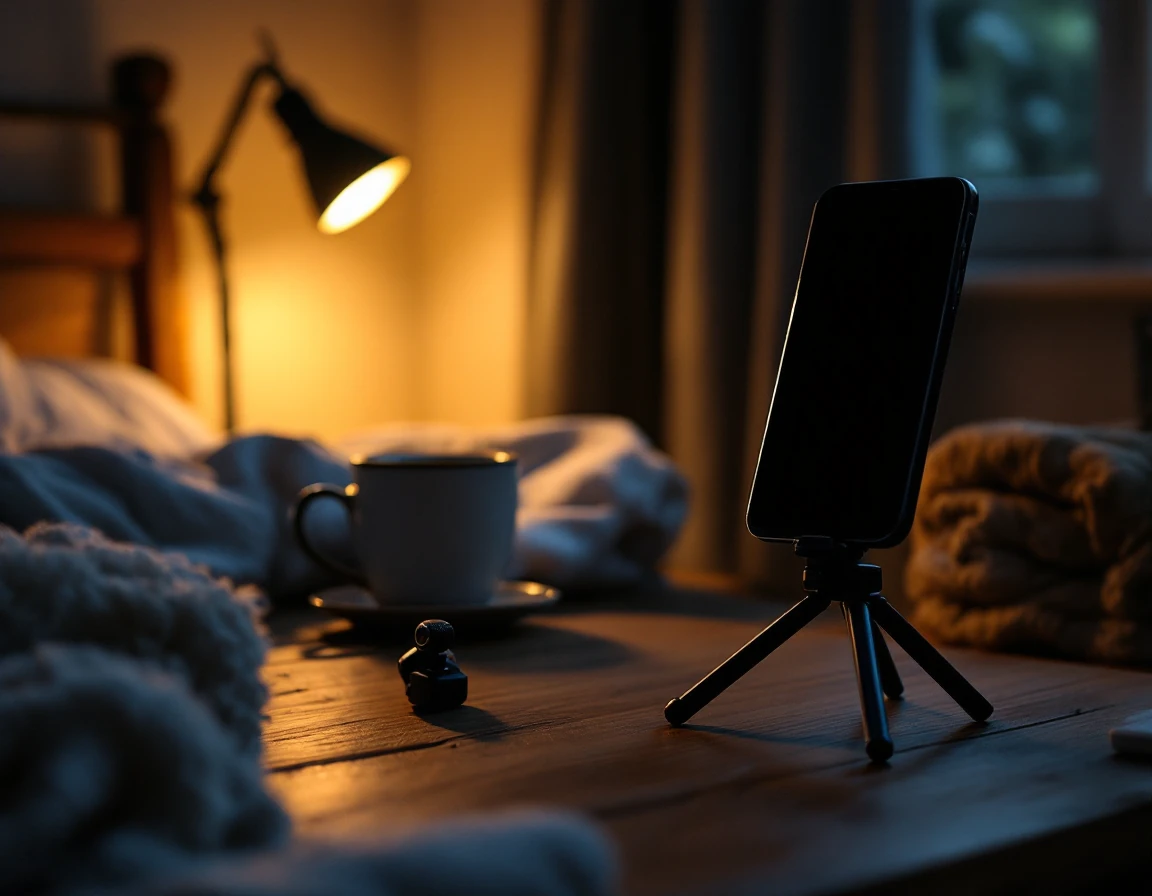
If you write songs but dislike your recorded voice, or cannot sing the way you used to, a model trained on your own clean vocals keeps the songs yours. The better the recordings, the better the voice.
- Record in the quietest room you have; soft furnishings help
- Sing with no backing track, so only your voice is on the file
- Keep the same distance from the microphone the whole time
- Cover your low notes and your high notes, not one comfortable range
- Use several songs rather than one song over and over
Set the AI Singing Voice Inside Your Mix
A great voice can still sound pasted on. Three controls on the cover panel decide how the new vocal sits in the song, so the result plays as one finished track.
Main vocals volume
How loud the new voice sits in the song.
Instrumental volume
How much of the backing comes through around it.
Reverb level
How dry and close, or wide and roomy, the voice feels.
How We Measure the Best AI Singing Voice Generator
There is no single winner for everyone. These are the things that matter when the songs are yours, and what this tool does for each.
Voice choice
A library of voice models, plus voices you train yourself
What you can sing
Songs you upload or songs already in My Music
Your own voice
Training from 10 to 30 minutes of clean vocal-only audio
Fitting the mix
Vocal, instrumental and reverb levels set before you generate
Setup
Runs in the browser after you sign in; nothing to install
What it will not do
Clean up noisy recordings, or copy a real singer for you
Frequently Asked Questions
What should the best AI singing voice generator do for my own songs?
Sing your words clearly, keep one steady voice through the whole song, and let you choose that voice. Here you can pick a library voice model for a cover or train a model on your own vocals.
How much audio do I need to train my own singing voice?
Plan on 10 to 30 minutes of clean, voice-only audio. You can upload up to 5 files or record straight in the browser, then name the voice and train it.
Can it remove background noise from my recordings?
No. There is no noise reduction. Training isolates the vocals from the recording, but a clean, quiet take still gives you a better voice model.
Whose voice am I allowed to train?
Your own, or a voice you have clear permission to use. Do not train on recordings of real artists.
Which files can I use for a cover?
MP3, WAV, OGG, M4A, AAC, FLAC and WMA uploads, or any song already in My Music.
Can I get an AI vocal without uploading a song?
Yes. Type your lyrics into the AI Music Generator and it writes and sings a full song, like the song at the top of this page.
Hear Your Song in a New AI Singing Voice
Upload a song, choose a voice, set the levels and listen. Then decide for yourself whether this is the best AI singing voice generator for your songs.
Try a Voice Model