Night Bus Trap
Prompt + Instrumental Only
Dark trap beat, 140 BPM, booming 808 bass, crisp hi-hat rolls, eerie bell melody, hard snare, instrumental.
0:00 / 2:10
No install and no small grid of pads. This best beat making app for Android lives in your phone browser. Describe the beat in one sentence, switch on Instrumental Only, and the AI Beat Generator returns two beats to play, save and download.
Make a Beat on Your PhoneBoth came from the best beat making app for Android, typed on a phone as one sentence with Instrumental Only on. Here is the prompt behind each beat.
Prompt + Instrumental Only
Dark trap beat, 140 BPM, booming 808 bass, crisp hi-hat rolls, eerie bell melody, hard snare, instrumental.
Prompt + Instrumental Only
Classic boom bap hip hop beat, 90 BPM, dusty kick and snare, vinyl crackle, jazzy piano chops, upright bass, instrumental.
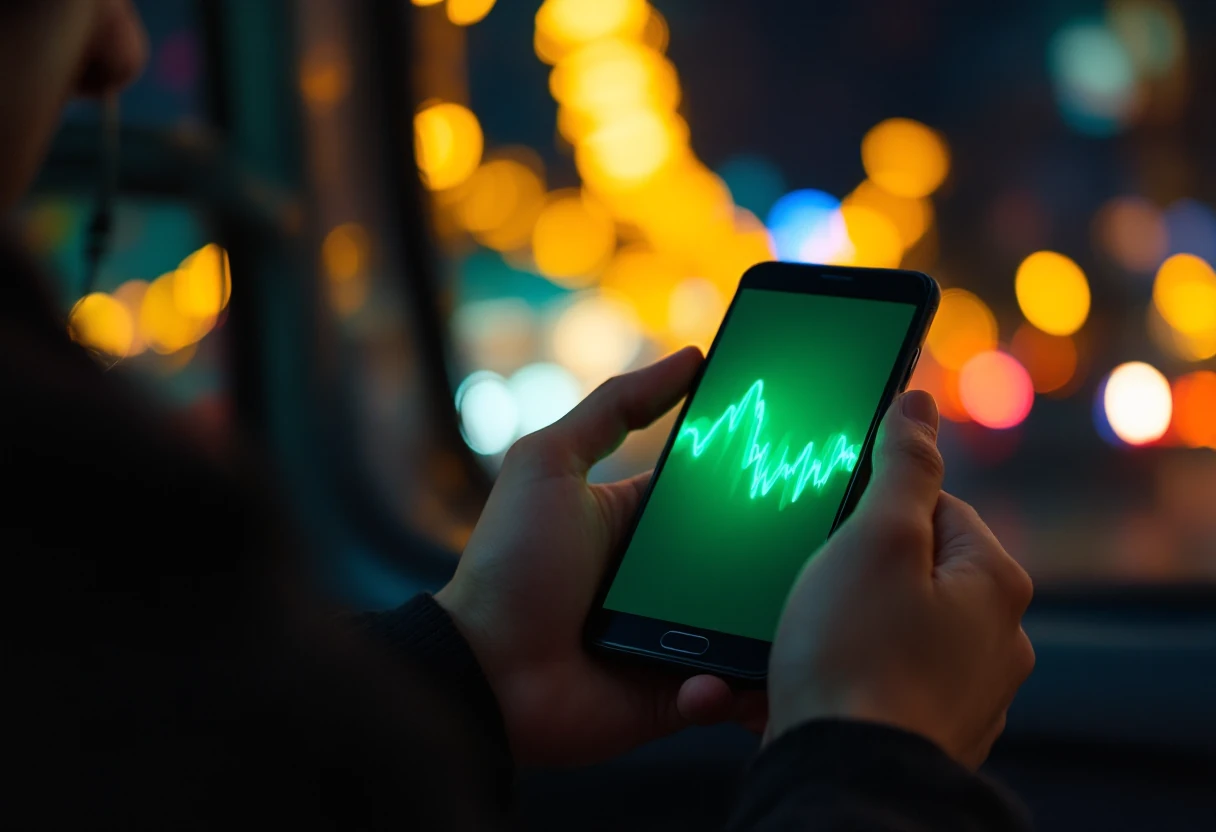
Android users often find that a music app on the phone is a weaker copy of the website. One AI music user called an Android app extremely limited compared to the website version.
Here there is no separate phone build. The best beat making app for Android is simply the AI Beat Generator in your mobile browser, the same tool you would open on a laptop, so an idea on the bus becomes a beat before you forget it.
Mobile DAWs can feel confusing on a small screen. With the best beat making app for Android you describe the result instead of building it.
Pick a kit, then program kicks and snares step by step
Write classic boom bap, dusty kick and snare
Draw an 808 line note by note in a piano roll
Add booming 808 bass to the sentence
Set tempo and swing in separate menus
Type 90 BPM in the same line
Export, rename and find the file
Download it from My Workspace
Many Android producers do not want to buy one more app or sit through pop-up ads. The best beat making app for Android can simply be a browser tab.
Nothing to buy in the Play Store and no extra storage on a full phone.
Start a beat on the phone, finish listening on a laptop with a speaker.
Genre, BPM and instruments in one line, with wired earbuds or a speaker to check it.
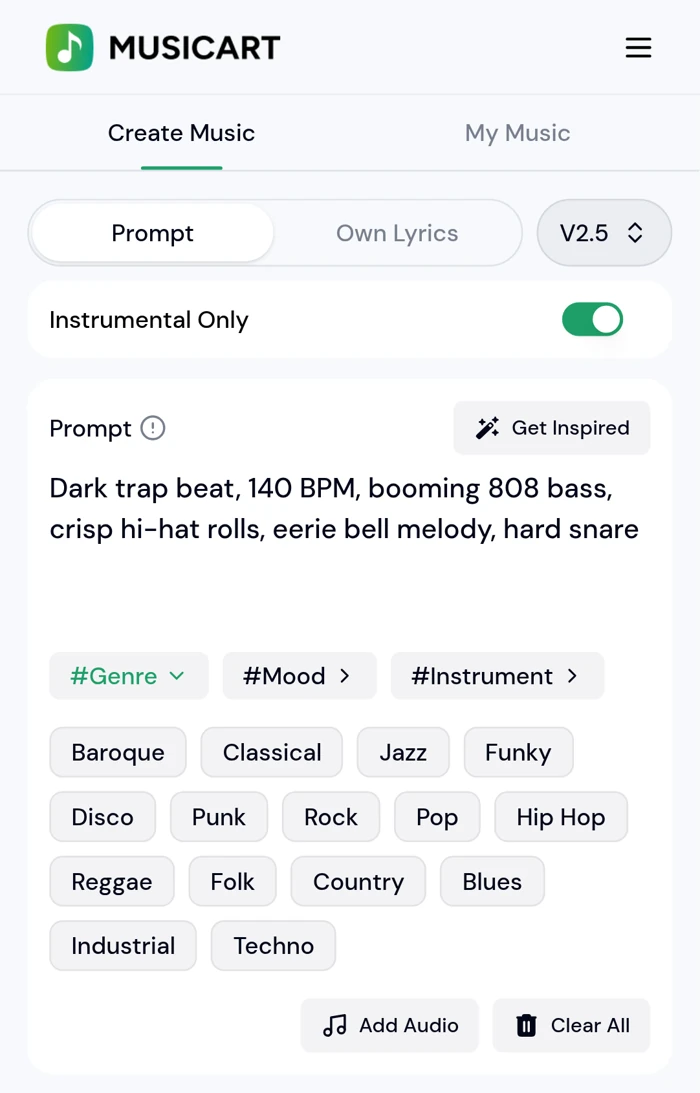
No. The best beat making app for Android here is the AI Beat Generator, which runs in Chrome or any modern browser on Android. Open the page, sign in, and the same account works on your laptop.
Type the genre, tempo and instruments in the prompt box, switch on Instrumental Only and tap Generate. Each run gives two beats.
Yes. Finished beats are saved in My Workspace, where you can play them and download the file to your phone.
Not inside the generator. Download the beat, then record in a mobile recording app with wired headphones so the beat does not bleed into the mic.
No. It generates new beats from text. For chopping your own samples you still need a sampler app.
Genre, BPM, drums, bass and one or two lead sounds, for example dark trap, 140 BPM, 808 bass, hi-hat rolls, bell melody.
Open the best beat making app for Android, type one sentence, and get two beats back with nothing to install.
Make a Beat on Your Phone