Define Audio Synthesis
Understand The Midi To Mp3 Process
MusicArt AI translates raw note data into rich stereo sound. Use this Midi To Mp3 tool to render digital arrangements into playable audio files.
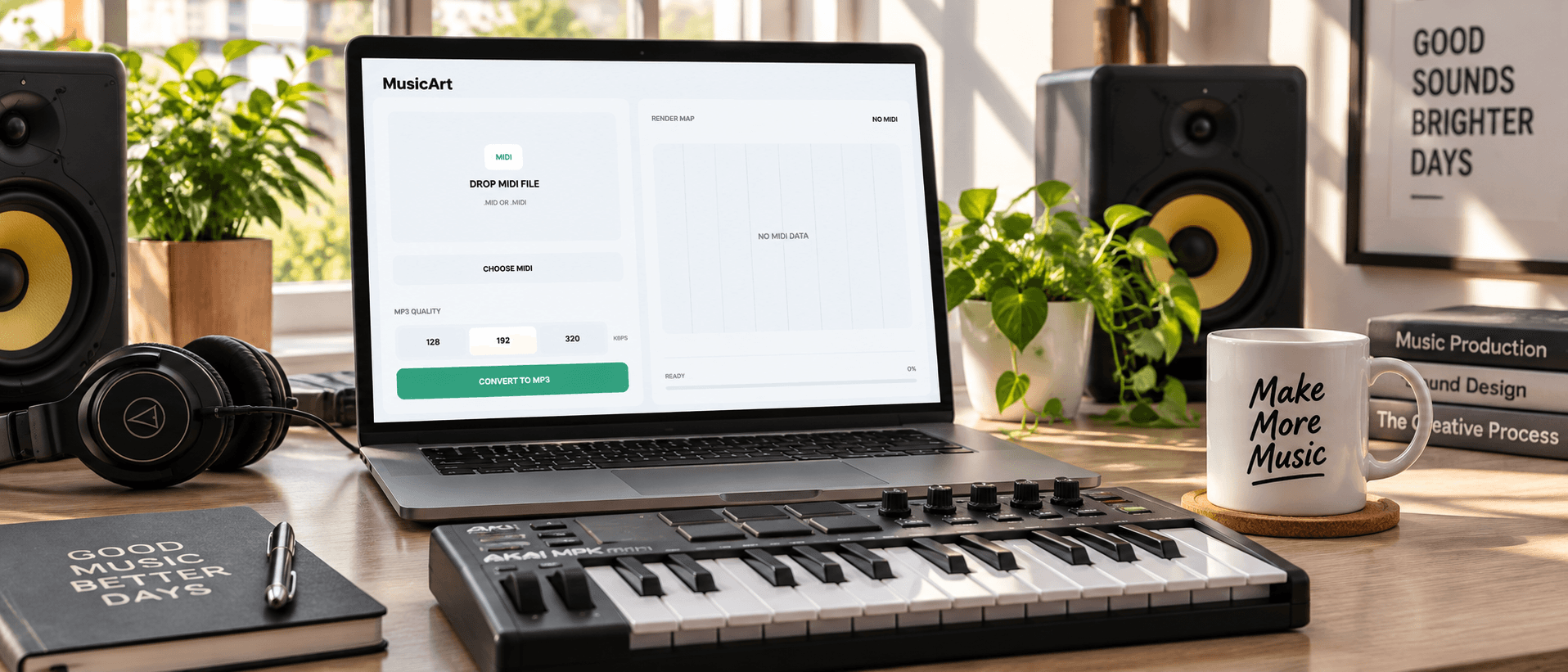
Simple Conversion Steps
How To Render Audio Files
Upload your sequence and let the system process the notes. You can easily Transfer Midi To Mp3 without installing any complex desktop software.
Upload File
Drag and drop your standard sequence file directly into the browser window. The interface instantly reads your musical data and prepares the internal synthesizer for the upcoming audio rendering process.
Select Quality
Choose your preferred bitrate from options like 128 192 or 320 kbps. Higher bitrates preserve subtle harmonic details while lower settings create smaller files perfect for quick web sharing.
Download Audio
Preview the synthesized stereo track through the built in player. Once you are satisfied with the instrumentation balance simply save the final output directly to your local storage drive.
Core Audio Capabilities
Explore Midi To Mp3 Features
Every function focuses on audio fidelity and speed. Convert sequence files directly in your browser while maintaining the original musical dynamics perfectly.
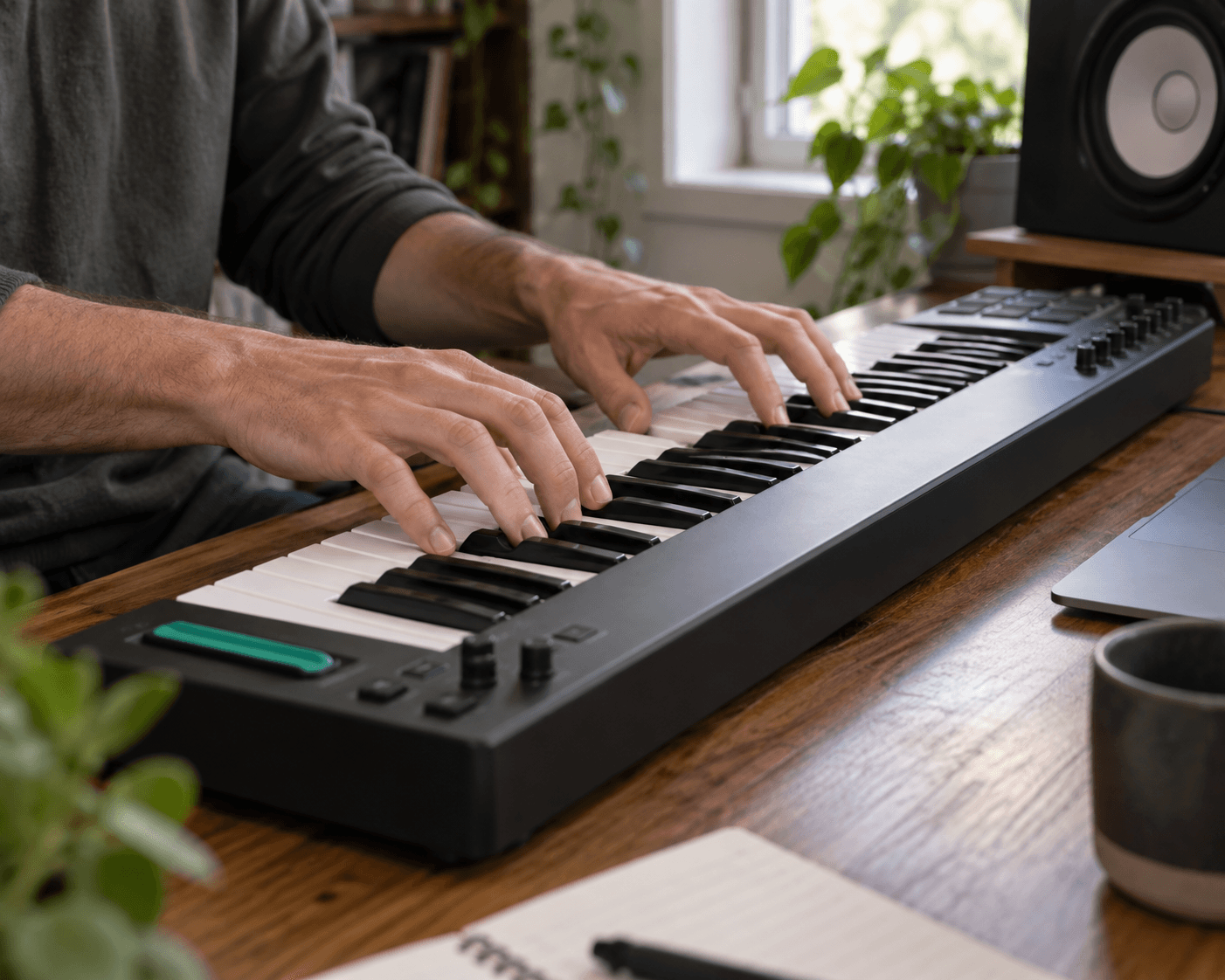
Browser Based Synthesis
Process files entirely within your active web browser. No external plugins or heavy software installations are required to render your tracks. The engine utilizes modern web audio technology to generate sound locally.
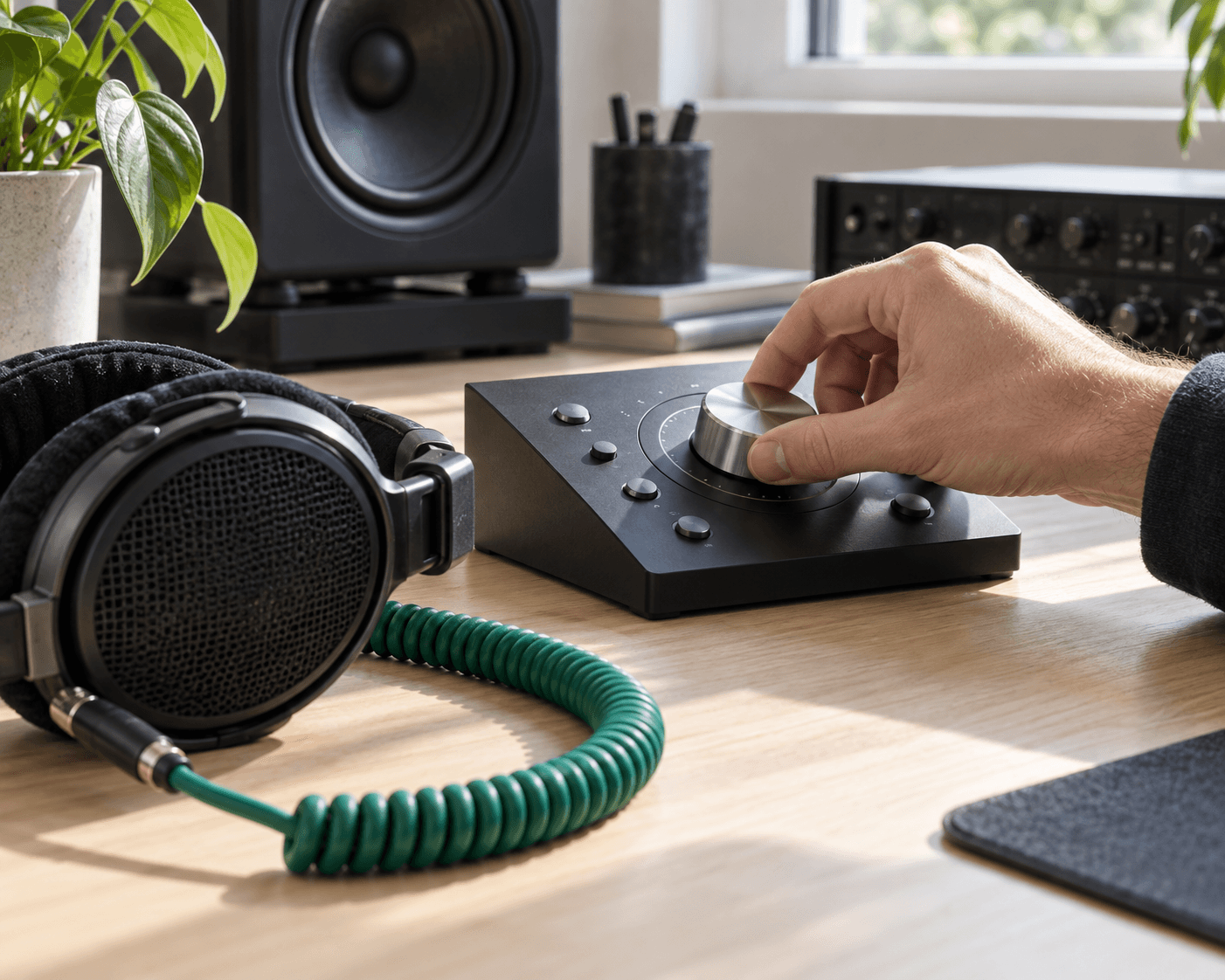
Variable Bitrate Control
Select the exact audio quality you need for your specific project. Export at 320 kbps for pristine studio listening or choose lower bitrates to optimize storage space on mobile devices.
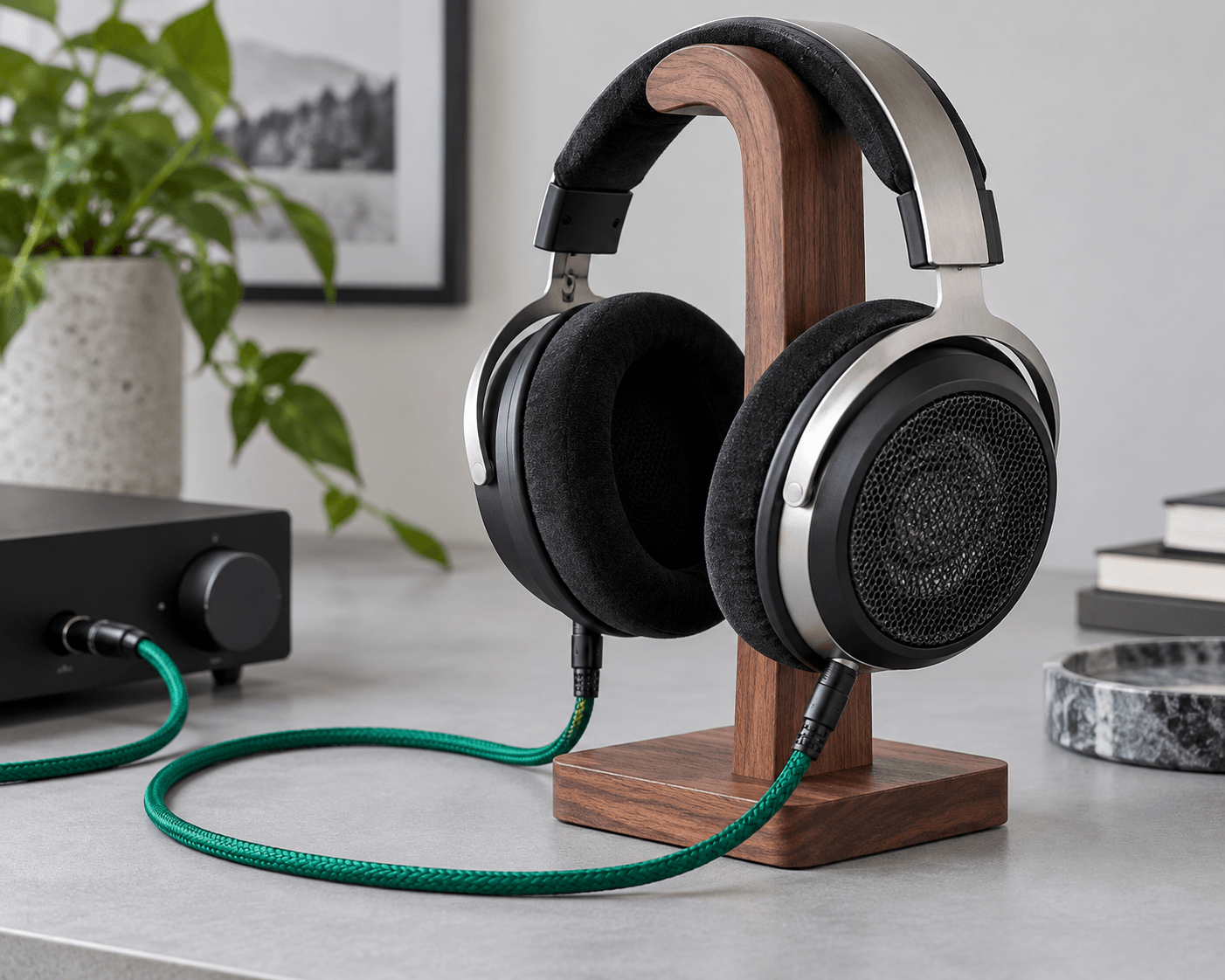
Instant Stereo Playback
Listen to the generated audio before committing to a download. The integrated player lets you verify the instrumentation and mix balance immediately ensuring your composition sounds exactly as intended.
Secure Local Processing
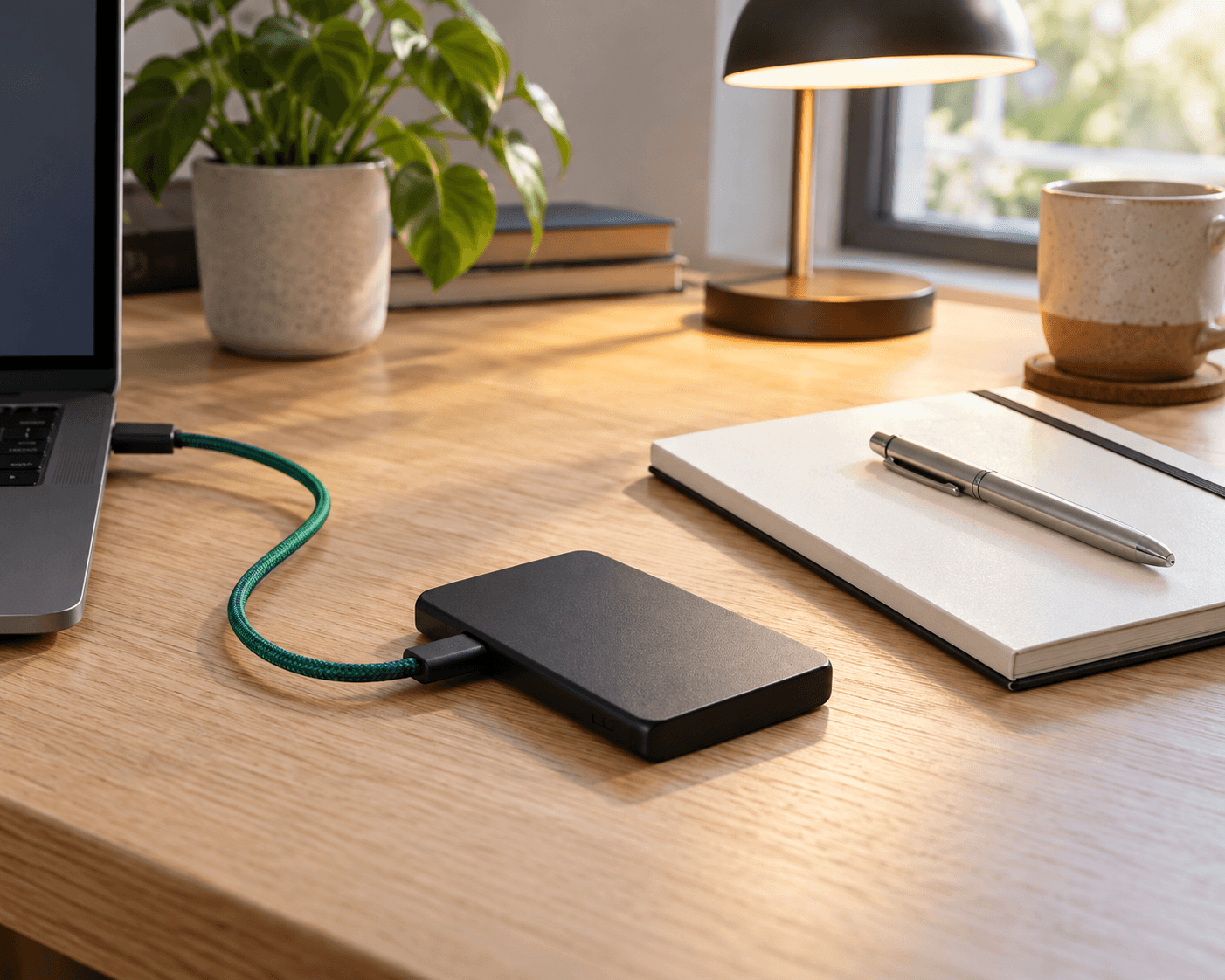
Your original compositions remain private during the entire session. The system handles the conversion efficiently without requiring user accounts logins or uploading your sensitive musical data to external cloud servers.
Designed For Creators
Who Needs This Audio Tool
Producers and hobbyists alike require reliable rendering. Transform sequences to share your digital compositions with listeners across any standard media player.

Digital Composers
Turn complex notation into accessible formats. Share your latest orchestral mockups or electronic beats with clients and collaborators who lack specialized digital audio workstations on their personal computers.
Game Developers
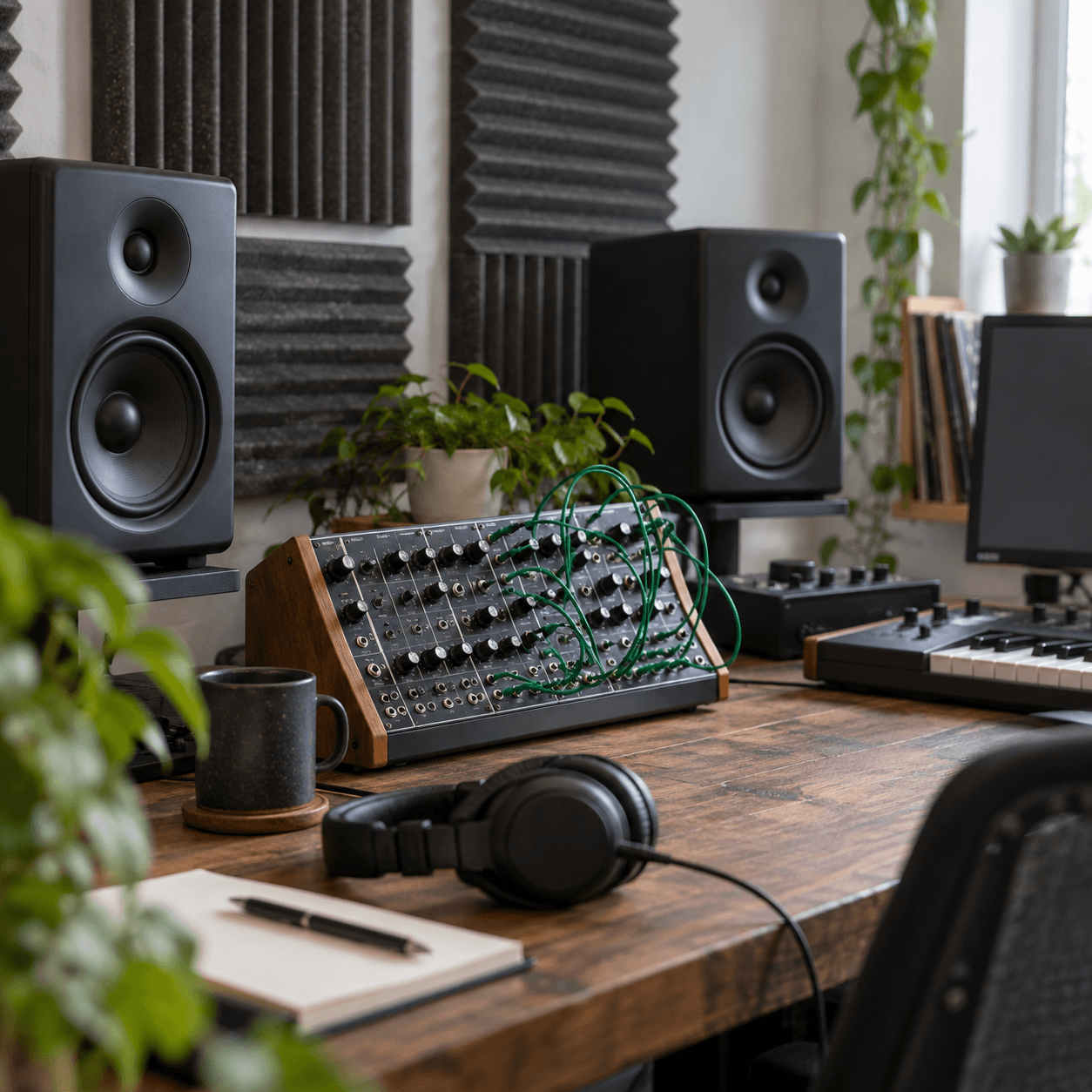
Render background music and sound effects quickly. Transform lightweight sequences into high fidelity tracks ready for immediate game engine integration without interrupting your core programming workflow.
Music Students
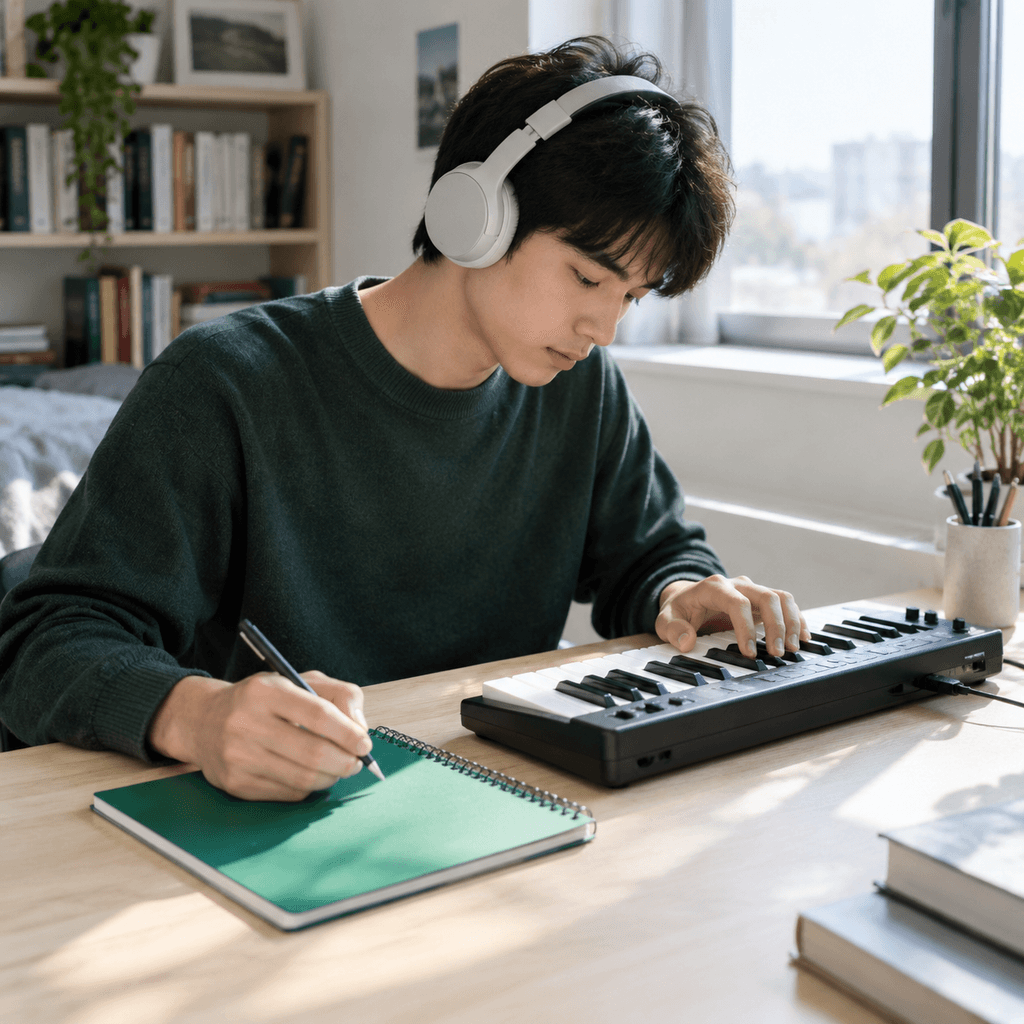
Listen to your homework assignments in real time. Evaluate your harmonic choices by hearing the written notes played back as actual sound helping you refine your theoretical understanding.
The Clear Advantage
Why Use Our Rendering Engine
MusicArt AI prioritizes workflow efficiency and sonic clarity. A dedicated synthesis engine ensures your musical ideas translate beautifully into finished tracks.
Zero Friction Access
Skip the tedious registration screens entirely. Open the page and immediately begin transforming your files without handing over personal email addresses or navigating through complex account verification steps.

Accurate Note Translation
Preserve the exact timing and velocity of your original performance. The engine respects every subtle dynamic shift in your sequence ensuring the final audio reflects your true artistic intent.

Completely Free Usage
Render as many tracks as your project demands. We provide professional grade synthesis without hidden paywalls restrictive subscription tiers or annoying watermarks on your final exported audio files.

Frequently Asked Questions
What are the costs associated with using this Convert Midi To Mp3 tool?
The platform operates without any subscription fees or hidden charges. You can process your files entirely at no cost.
How does the system secure my files during the audio rendering process?
All processing happens securely within your active browser session. We do not store your original sequences on external servers.
Can I select the output quality before generating the final stereo track?
Yes you can choose between multiple bitrate options before rendering. Available selections include standard and high definition audio formats.
What devices are compatible with this browser based audio rendering platform?
Any modern device with a standard web browser can access the platform. You can generate audio seamlessly on desktops laptops or mobile phones.
How long does it typically take to process a standard sequence file?
Most standard arrangements render into playable audio within a few seconds. Complex orchestral pieces might require slightly more processing time depending on your device hardware.

Start Your Midi To Mp3 Conversion
Bring your sequences to life instantly. Transform your files and download high fidelity audio today.