Create Music Visualizer
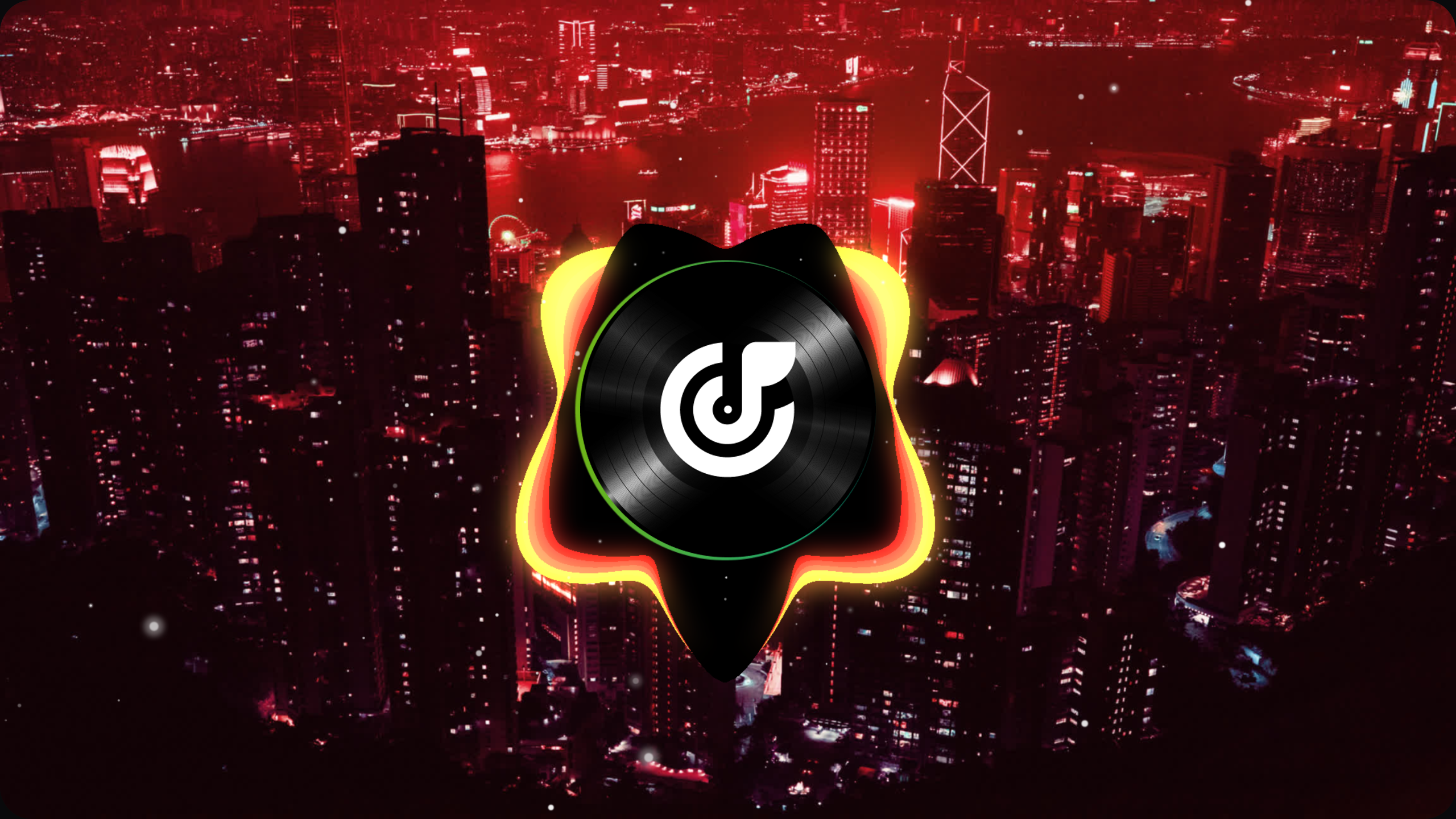
Magma
circle solid visualizer
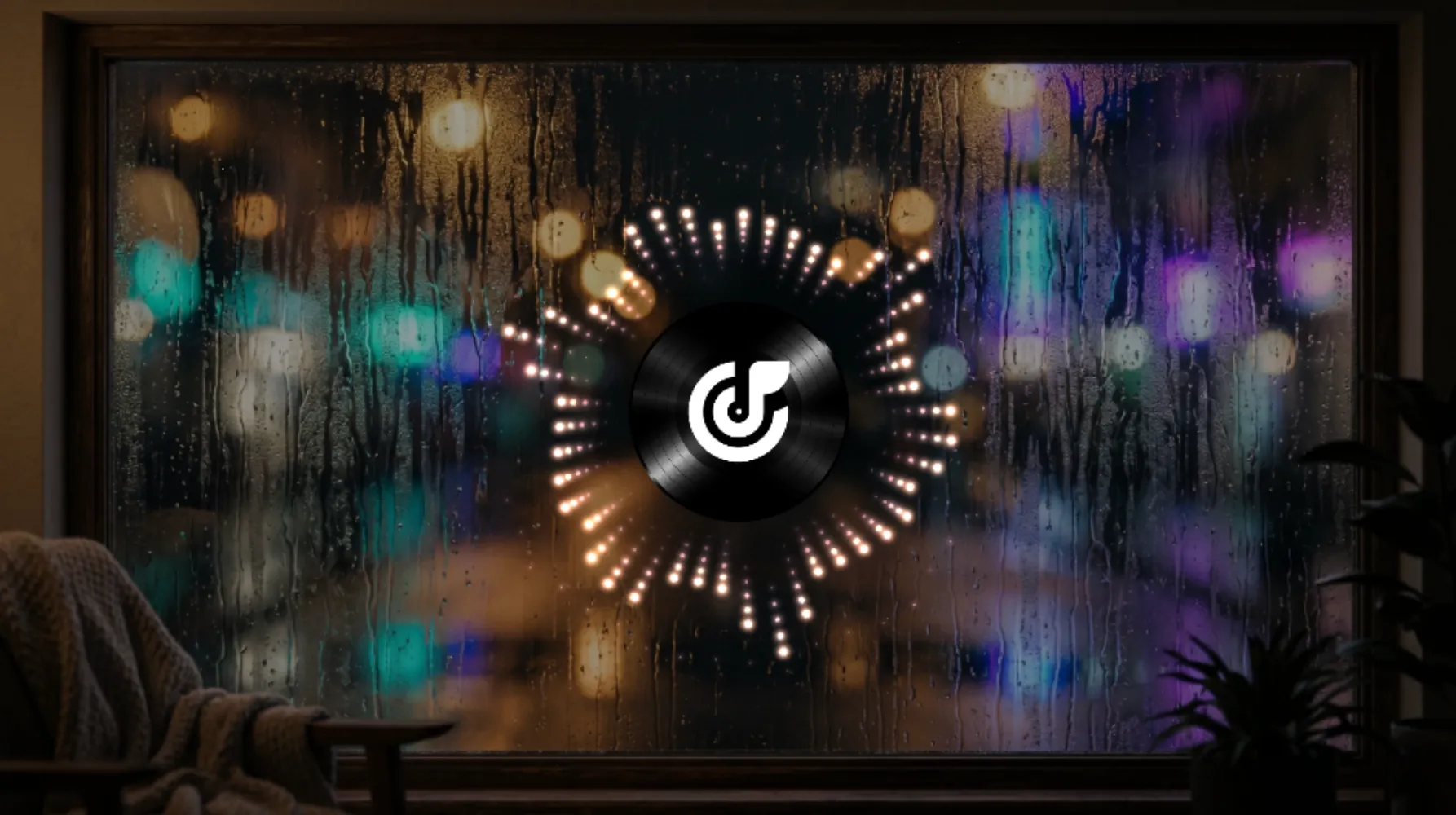
Counting Stars
circle point visualizer

Datascape
flat solid visualizer
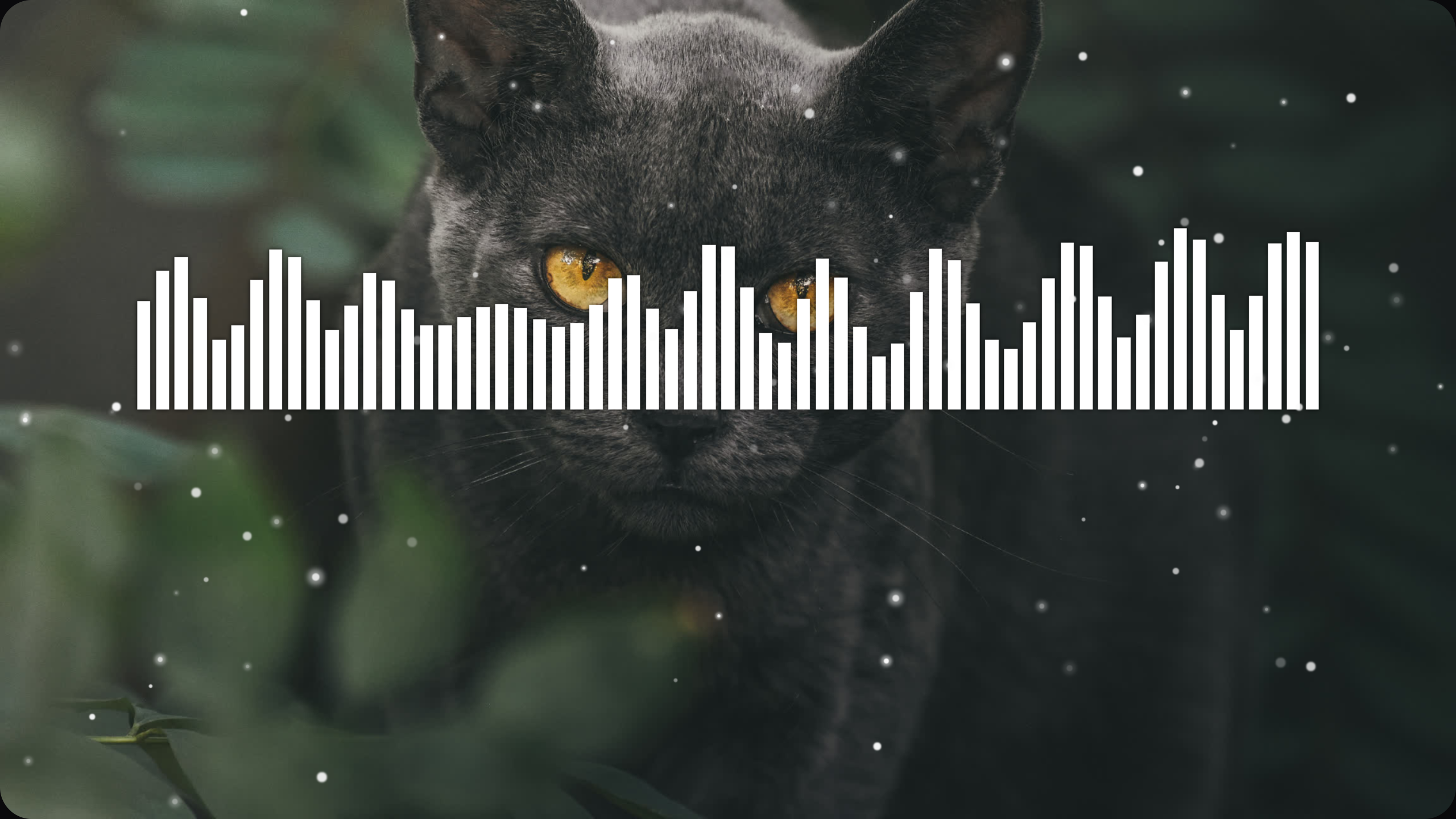
Jungle Cat
flat bar visualizer
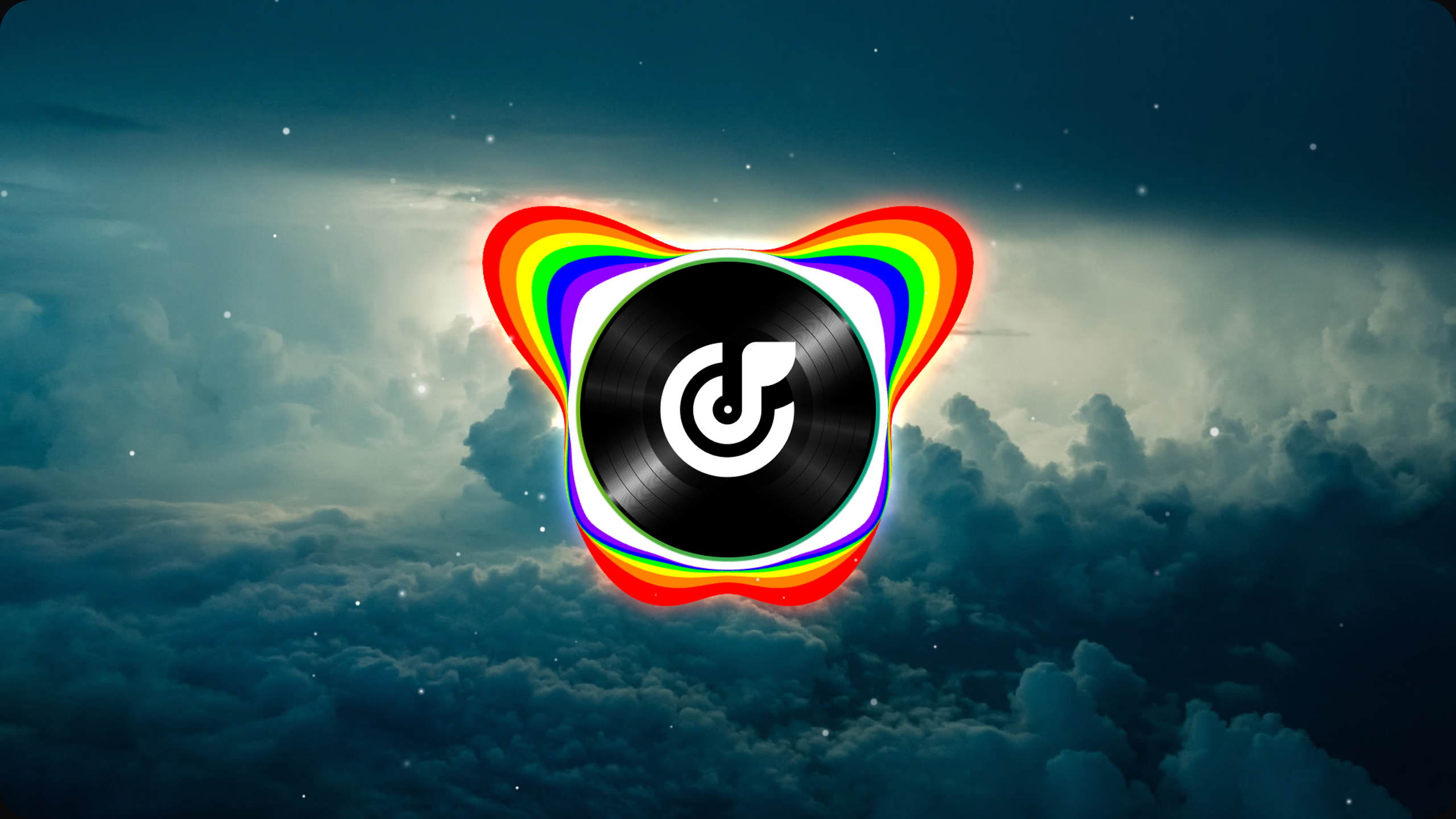
Chromatic
circle solid visualizer

Snowflake
circle solid visualizer
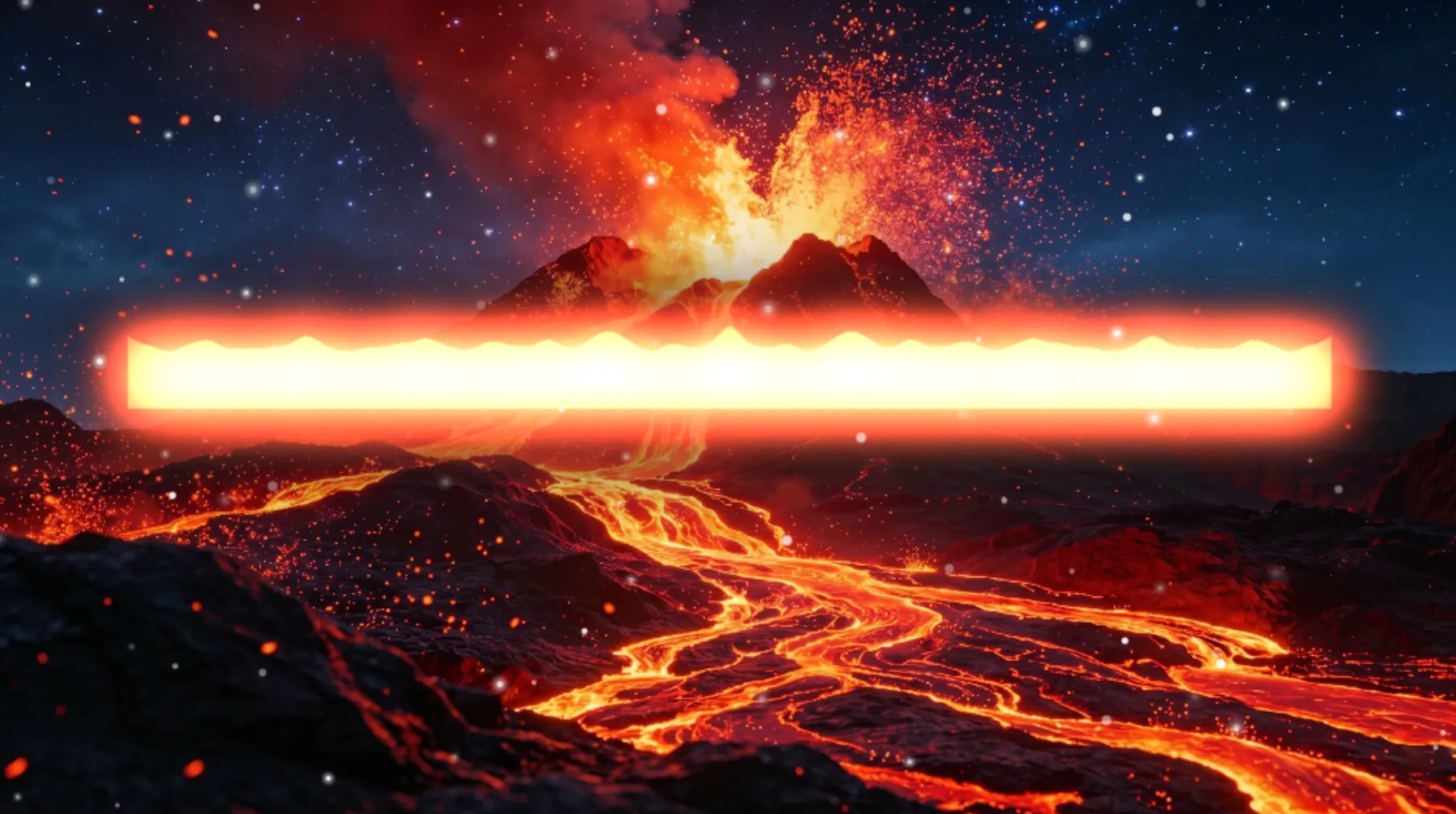
Range of Fire
flat solid visualizer
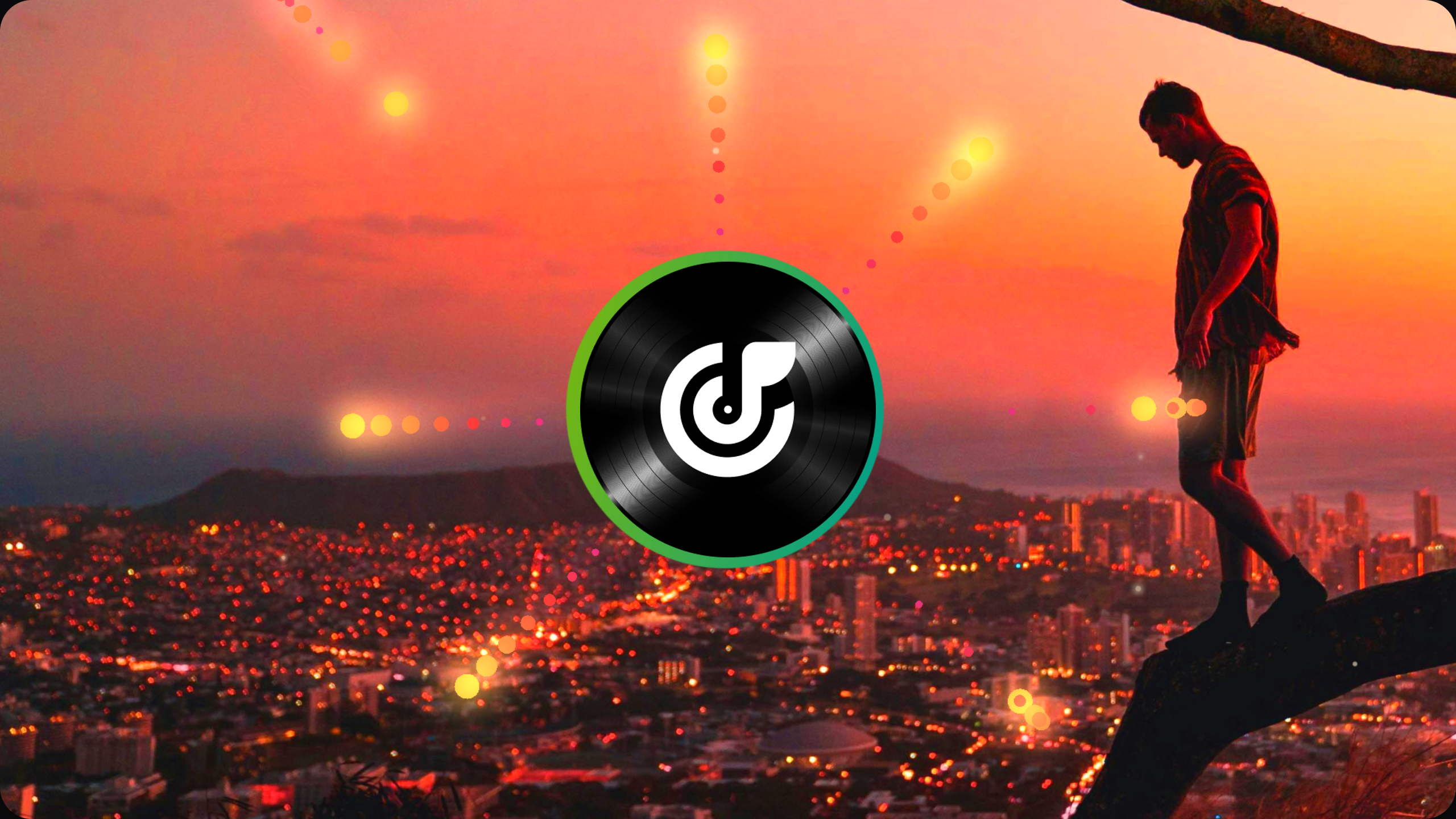
Seven Suns
circle point visualizer
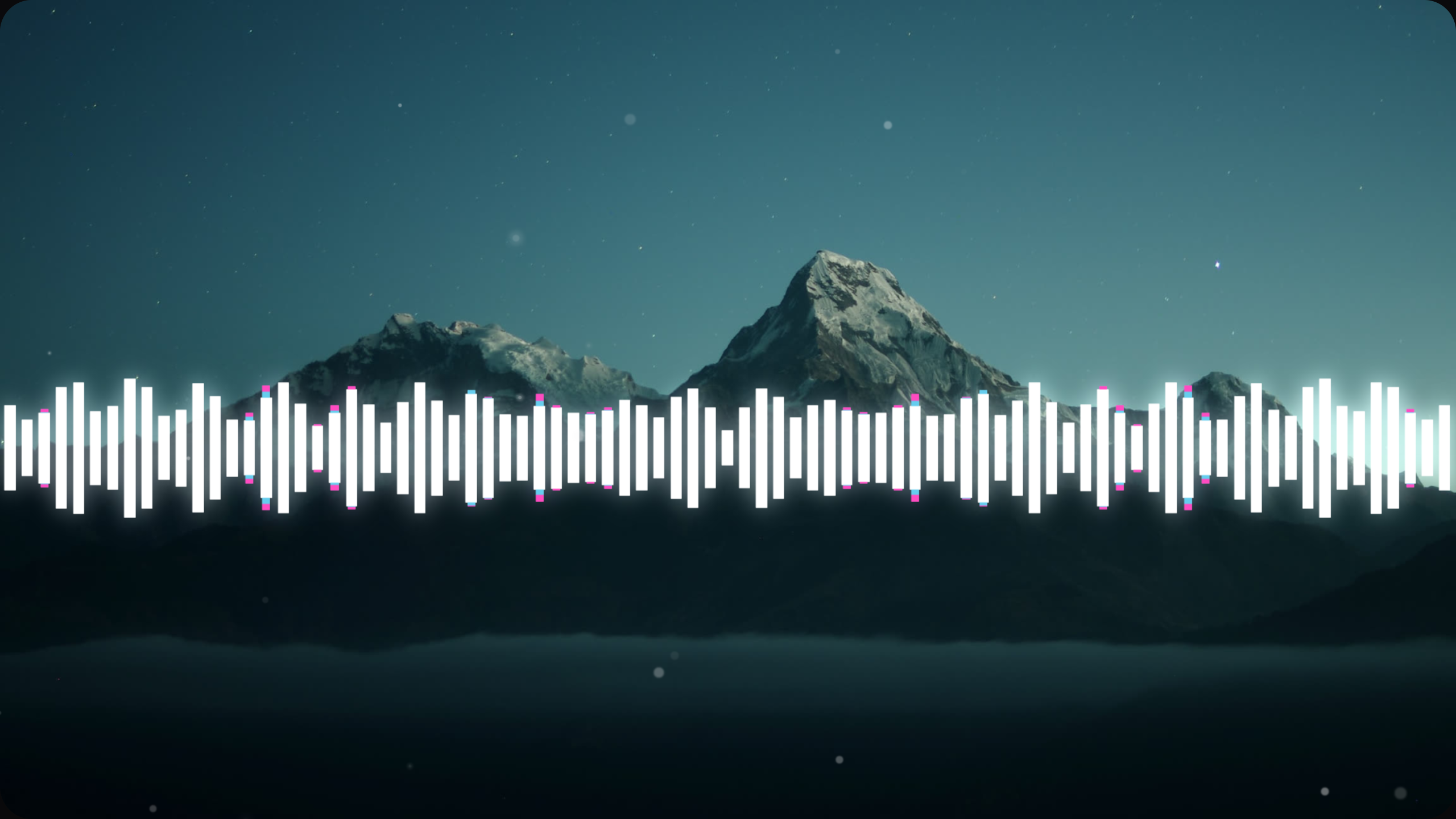
Prismatic Shard
flat bar visualizer
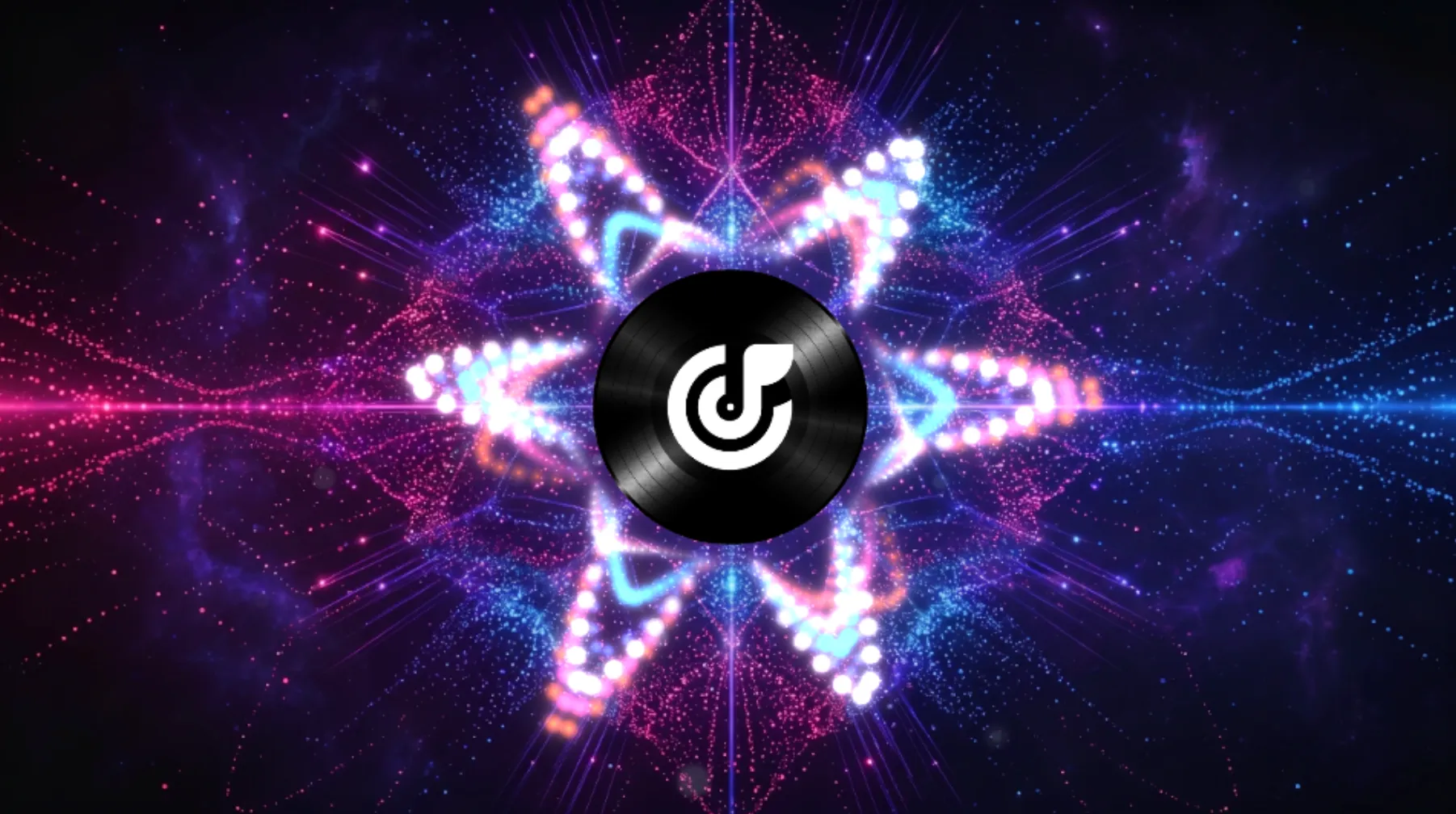
Pinky Pop
circle point visualizer
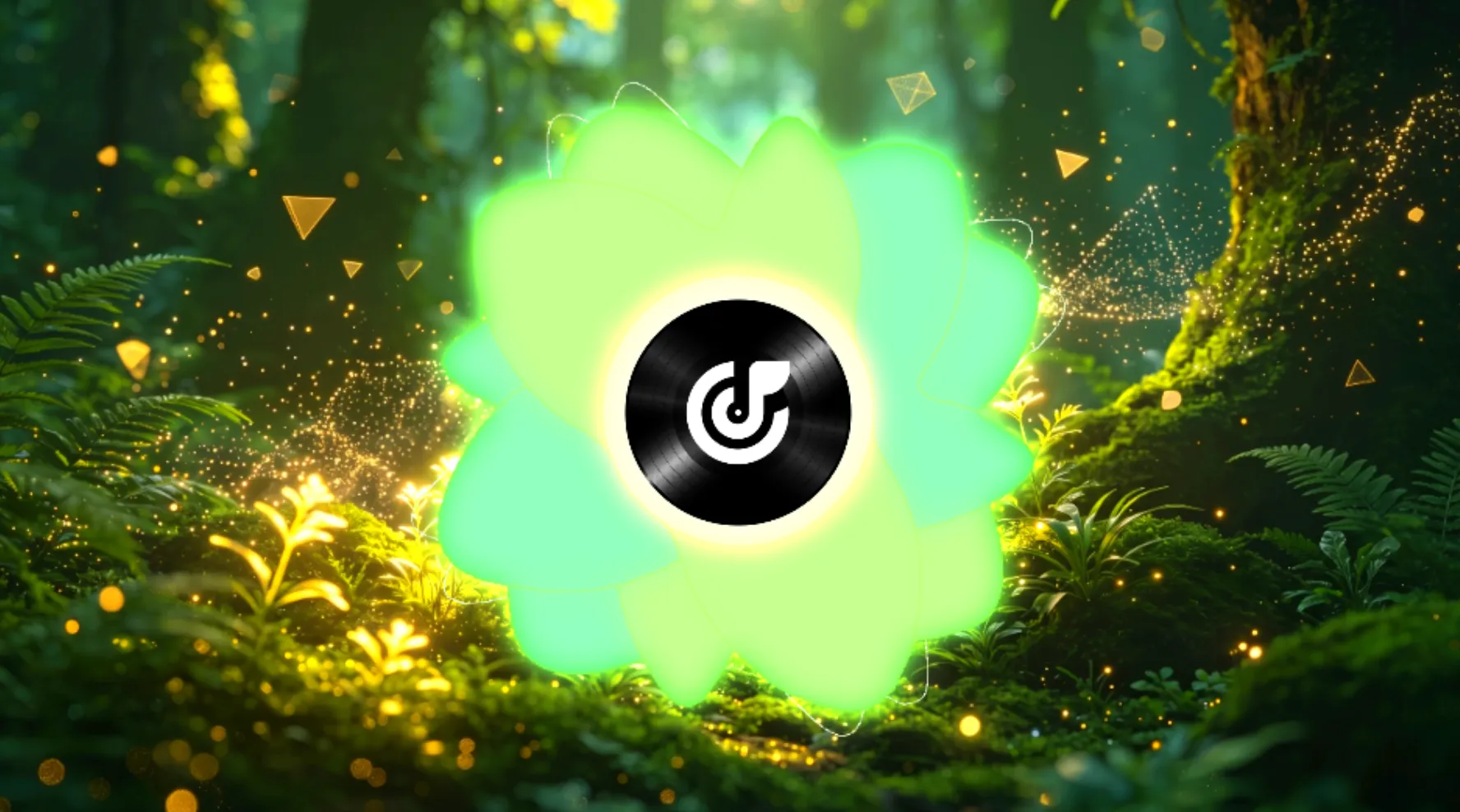
Lucky Clover
circle solid visualizer
Visualize Music Easily
Shape Audio Into Visual Art With AI Music Visualizer
Turn a track into moving visuals with tools for color, motion, lyrics, and wave design. MusicArt AI helps creators build videos that feel more expressive and more personal.
Upload Your Audio
Choose a track from your library or upload a local file to start your project. The system reads the rhythm and flow of your audio first so the visuals can follow the sound more closely.
Customize The Look
Adjust wave colors, lyric text, and motion styles to match the tone of your track. You can shape the video around your style without making the process feel heavy.
Generate And Download
Render the final video when your design is ready, then download it for YouTube, social posts, podcasts, or live DJ sets. The workflow stays simple while giving you more room to shape the final look.
Advanced Visual Tools
Elevate Your Art with AI Music Visualizers
MusicArt AI empowers creators to design expressive music videos with precise aesthetic control, responsive motion, and a streamlined creation workflow.

Intelligent Audio Analysis
The system reads beats, timing, and frequency changes to build visuals around the flow of your track. This helps the final video feel more connected to the sound without extra manual work.
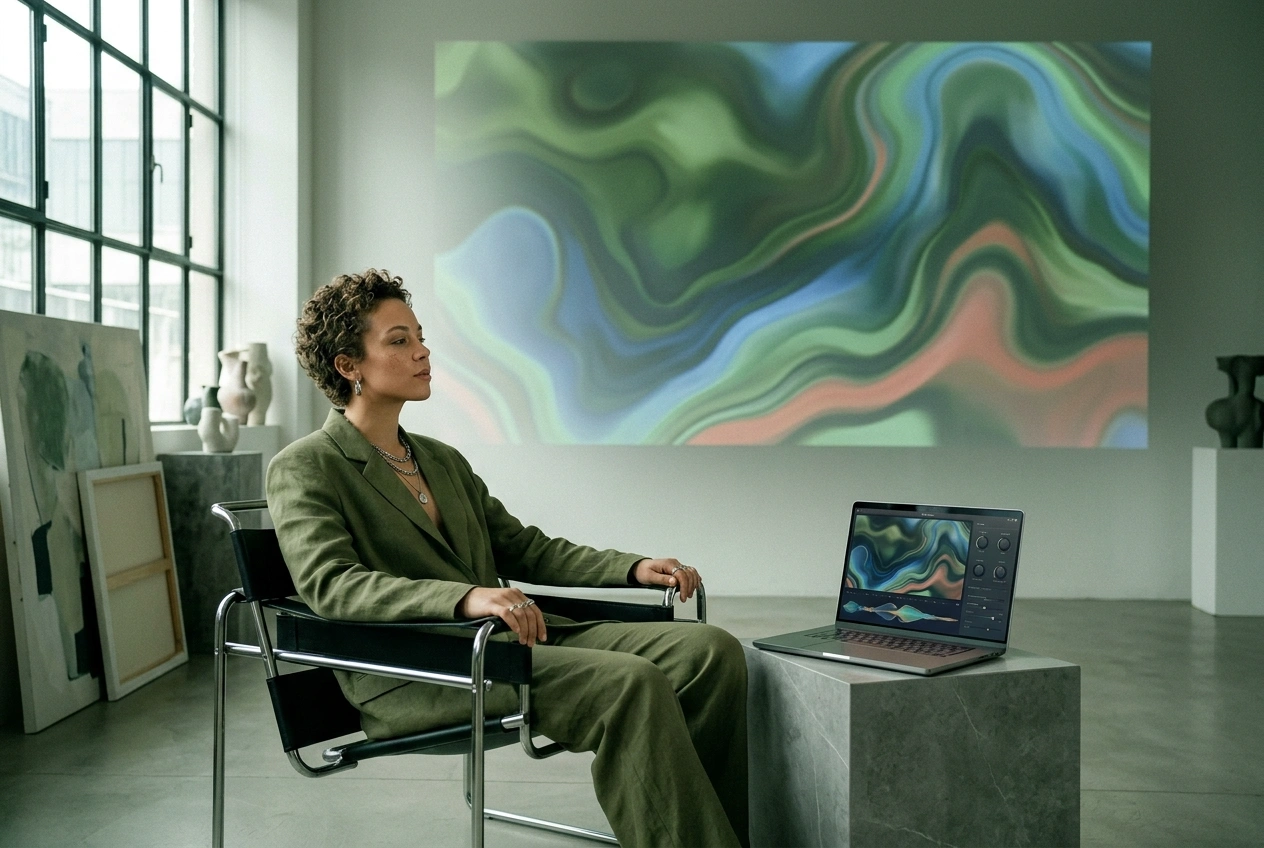
Diverse Visual Styles
Discover a range of color palettes, typography styles, and motion effects tailored for everything from acoustic sets to high-energy DJ performances.
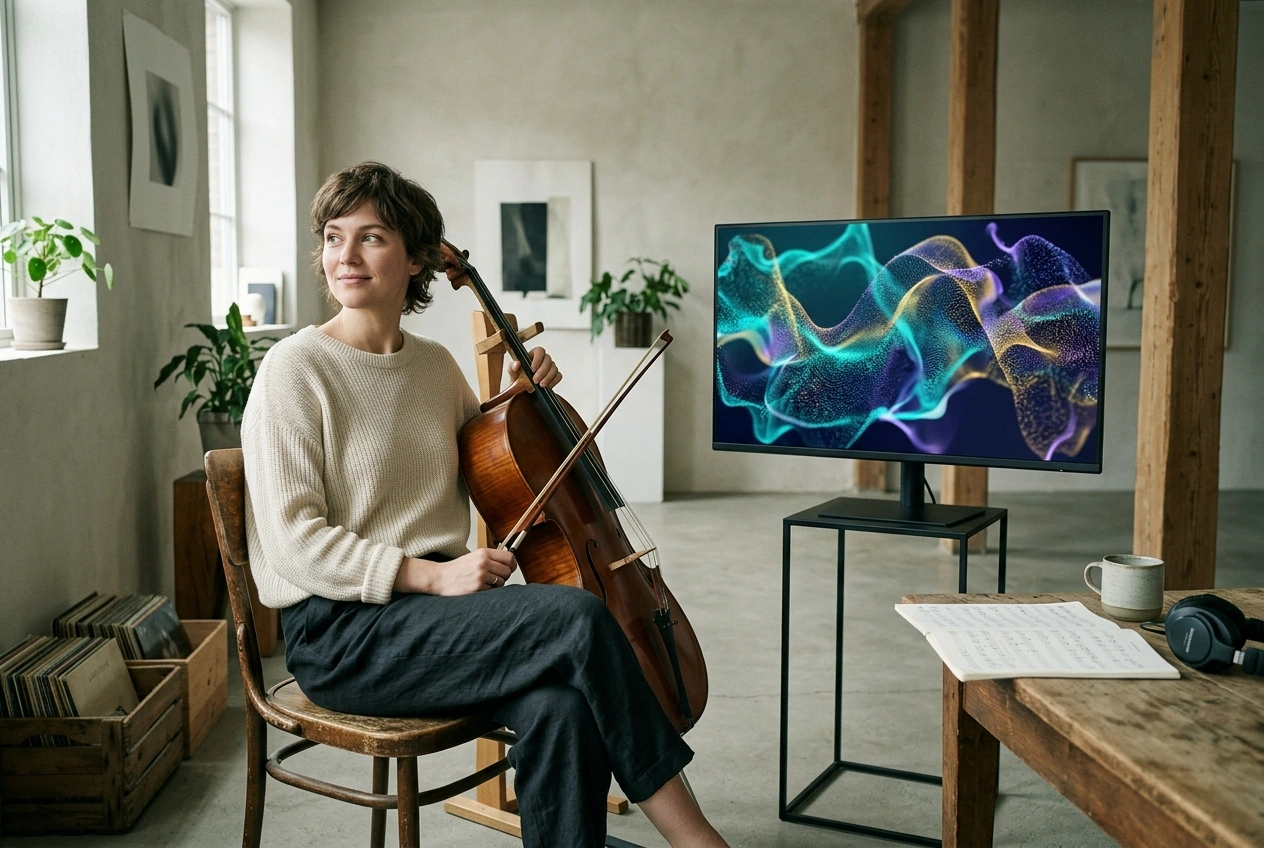
Versatile Output Formats
Create videos for YouTube, live sets, artist posts, and other digital formats from one workflow. This gives you more ways to use the same track across different projects.
Advanced Visual Expression
Explore Features of Our AI Music Visualizer
MusicArt AI empowers artists with professional tools to shape visual rhythm, lyric typography, spatial depth, and high-quality video exports.
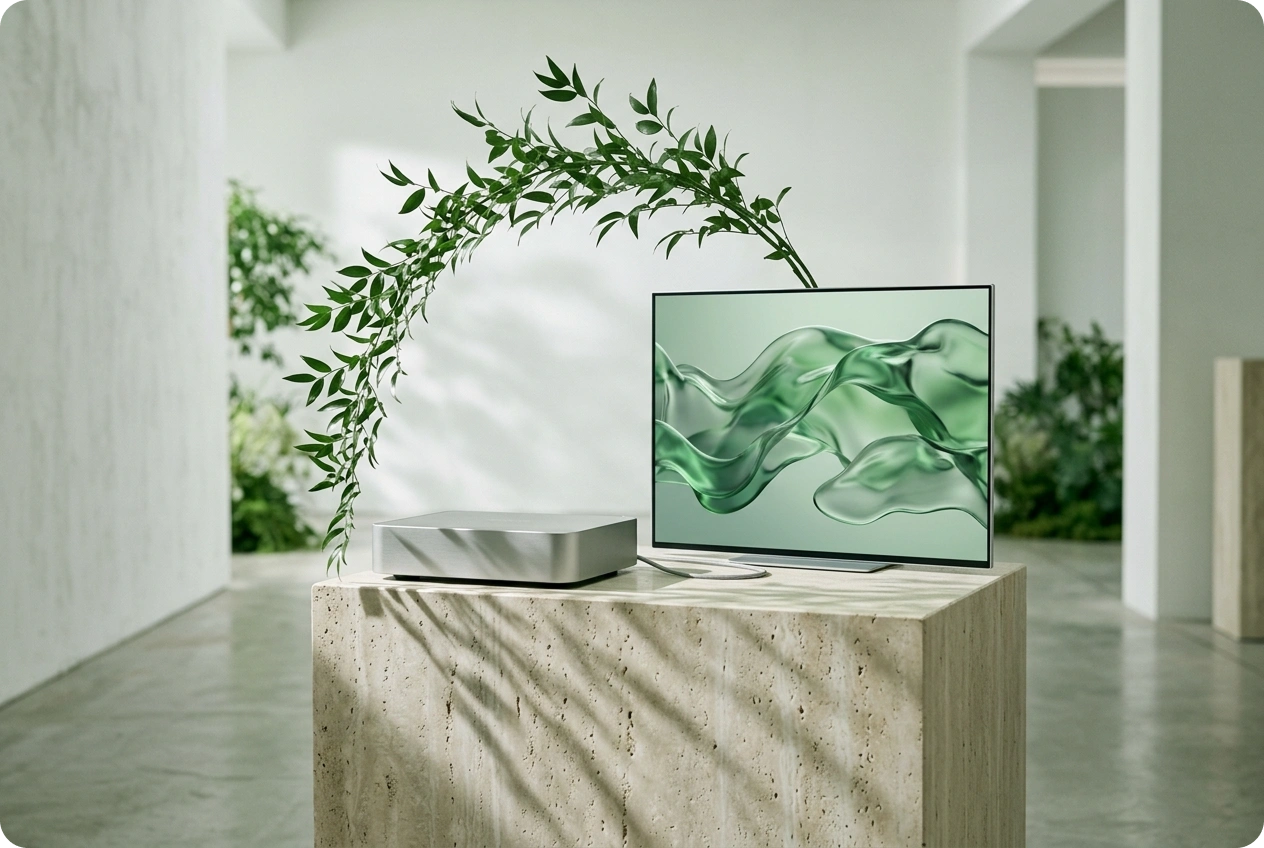
Dynamic Audio Reactivity
The system analyzes beat changes, bass, and melody to build visual motion synced to your track, creating a more immersive connection between audio and video.
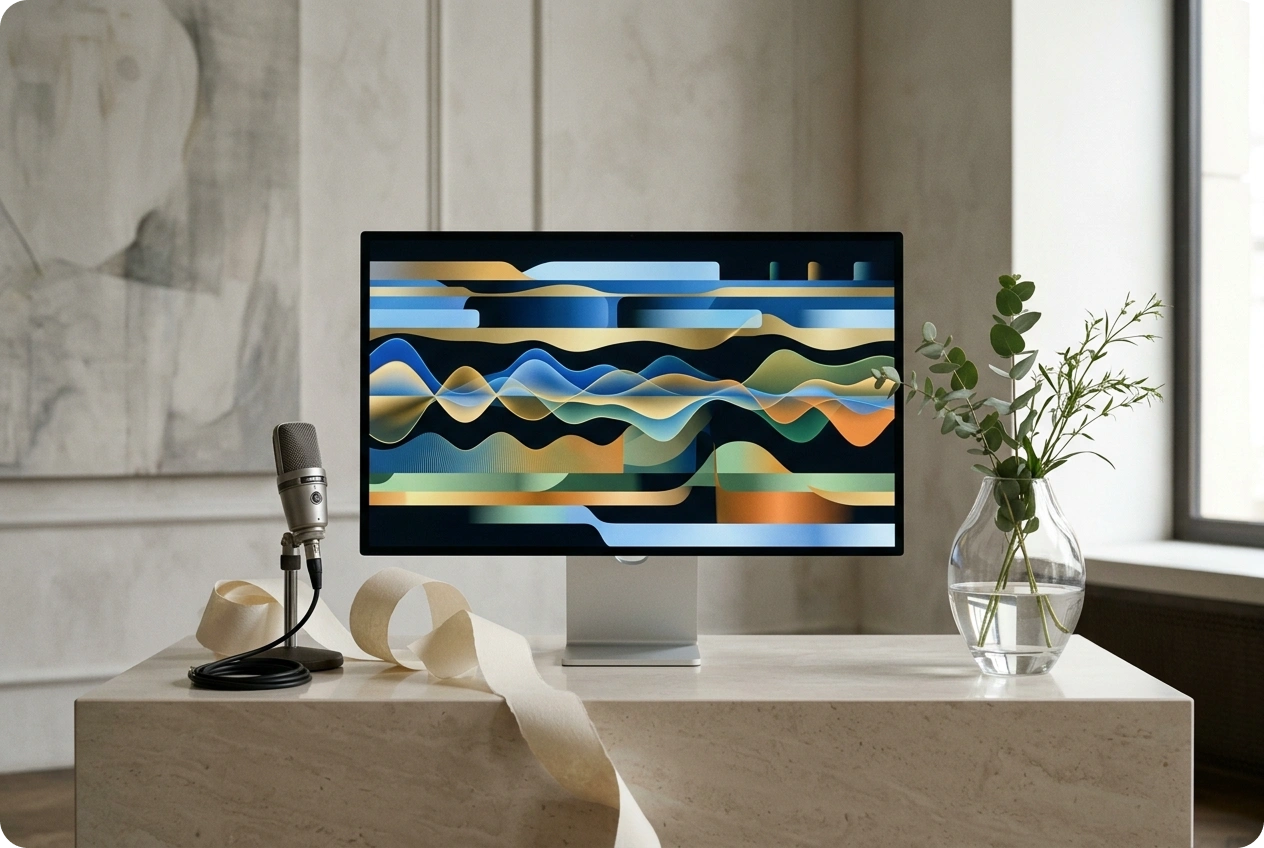
Custom Lyric Typography
Design stunning lyric videos with font options that match your musical tone and brand style, making it easier to create story-driven music content.
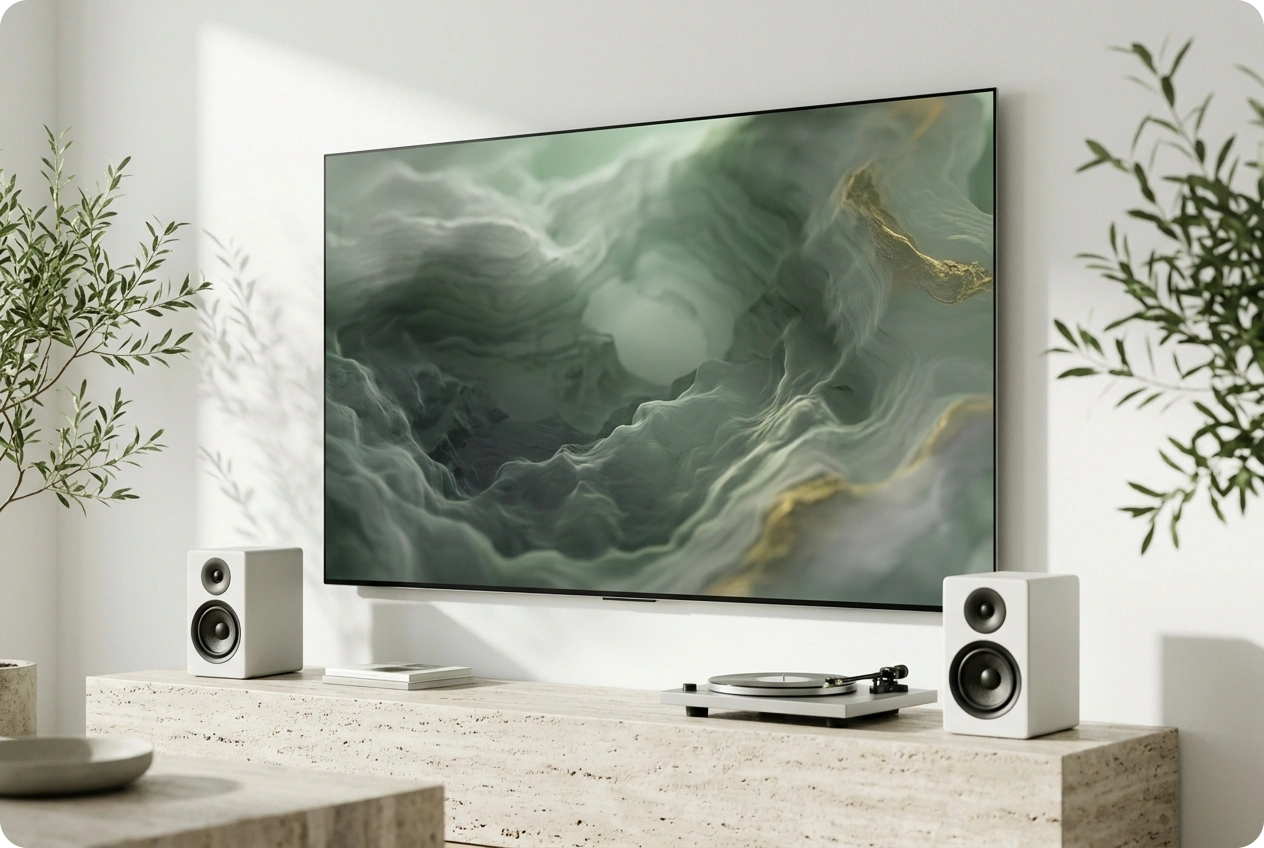
Immersive Waveform Design
Adjust wave colors and motion styles to visualize the rhythm of your track. Create a professional look that perfectly fits the mood of your audio.
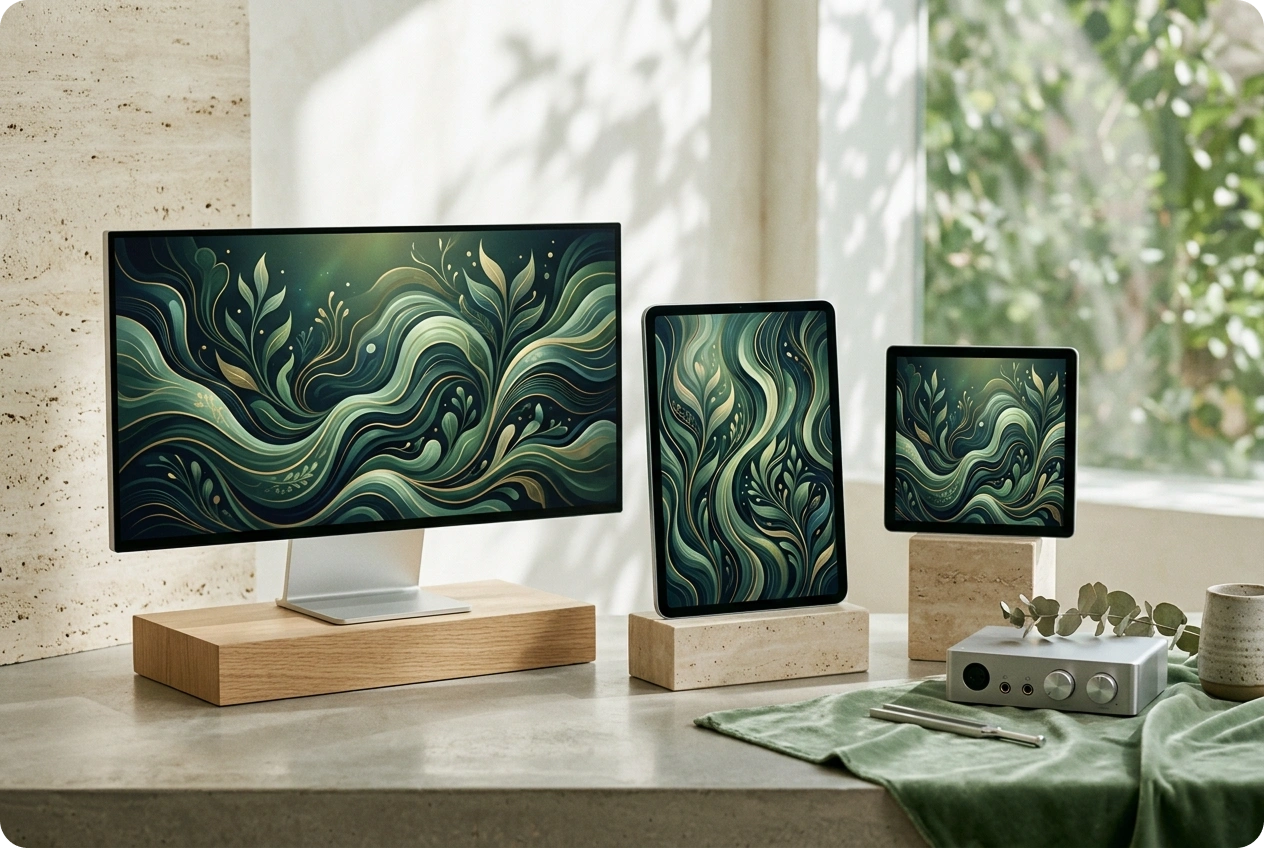
Multi-Platform Export
Export optimized visualizer videos for YouTube, social media, podcasts, and professional artist portfolios.

Frequently Asked Questions
What makes this one of the best music visualizers for artistic audio projects?
AI Music Visualizer helps creators turn sound into expressive visual output through responsive motion, lyric styling, spatial depth, and flexible export options.
What is a music visualizer and how does an AI music visualizer enhance audio?
A music visualizer turns sound into animated imagery, helping audiences connect more easily with music, podcasts, DJ sets, and other audio-led content.
Can I use this music visualizer on mobile devices or tablets?
The platform runs through a web-based workflow, which makes it accessible across different devices without requiring a heavy local install.
Does the music visualization software support different audio file formats?
Yes. The platform supports common audio upload formats so you can begin creating visuals from your own tracks.
How are uploaded tracks handled in the music visualization workflow?
Uploaded tracks are processed as part of the normal creation workflow so you can generate, refine, and export your visual project.

Bring Your Sound to Life with AI Music Visualizer
Turn sound into visual art in seconds.