
Want to make music without a studio, expensive gear, or years of practice? Whether you’re a content creator looking for royalty-free background music or a songwriter turning lyrics into a full track, AI music generators now offer an instant way to bring your vision to life.
But not all tools deliver the same results. Some create robotic melodies that trigger YouTube copyright issues, while others lack the customization needed for real creative work.
We dug deep into the official feature pages of the most popular platforms on the market, evaluating them on audio quality, input flexibility, licensing transparency, and ease of use. Here is the definitive list of the top 10 AI music generators you need in your workflow right now.
Musicart – Best AI Music Generator Overall
Website: https://www.musicart.ai
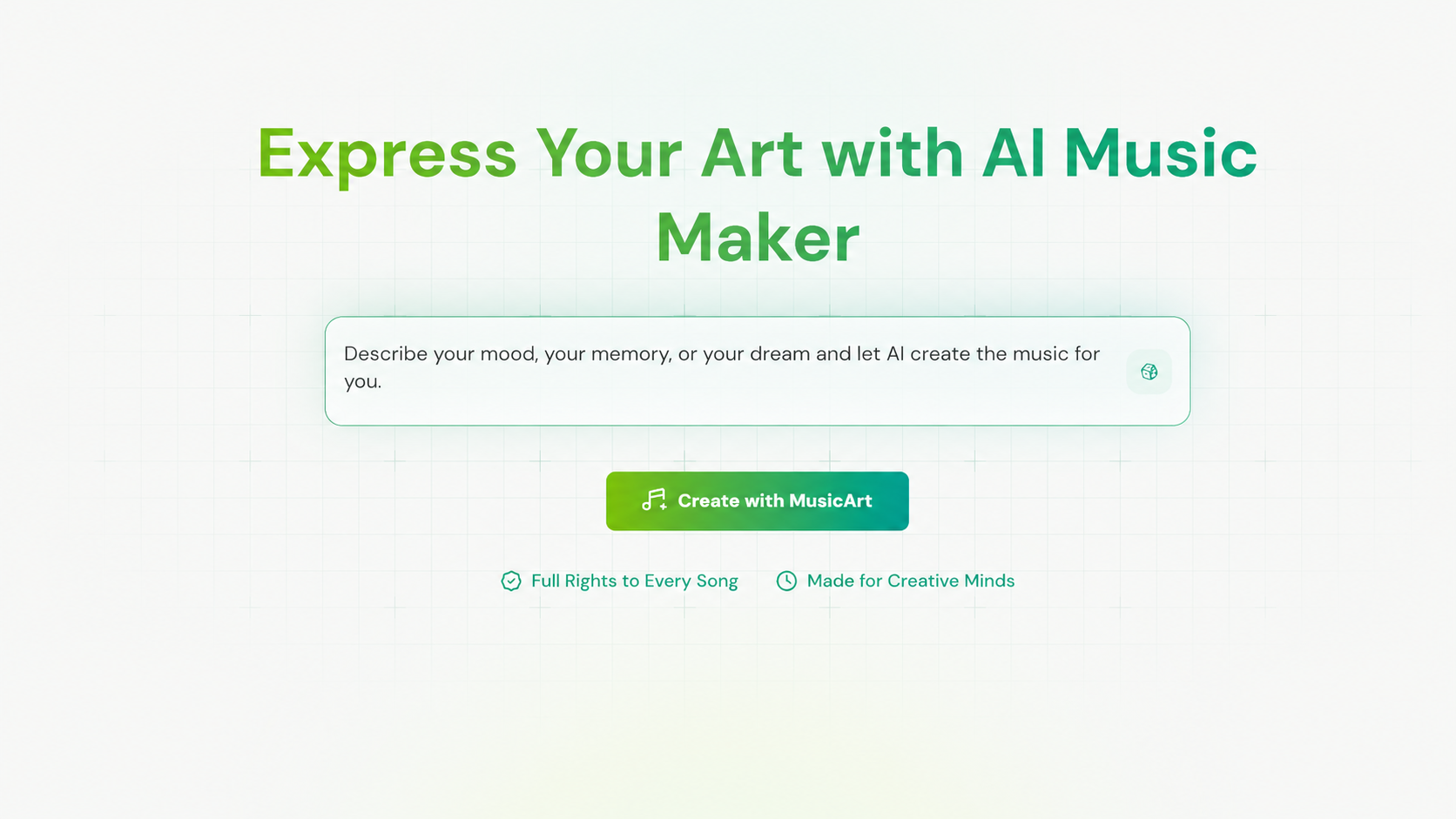
Musicart is built around emotional storytelling, letting you generate music from Text, Lyrics, or even a Photo. It positions itself less like a "generic tool" and more like a personal creative studio, where every track feels like it was composed specifically for your mood.
Beyond generation, it includes smart AI MIDI and audio tools that let you remix layers or craft new harmonies. Every song comes with a digital certificate of ownership, confirming you have full commercial rights to publish on Spotify, YouTube, or TikTok.
-
Pros: Flexible inputs (Text, Lyrics, Photo). Includes built-in MIDI/audio editing tools for refining tracks. 100% royalty-free with a legal ownership certificate for full protection.
-
Cons: As a purely web-based platform, it focuses on guided editing rather than a complex, professional multi-track timeline.
Suno – Best for Realistic Vocal Expressions
Website: https://suno.com
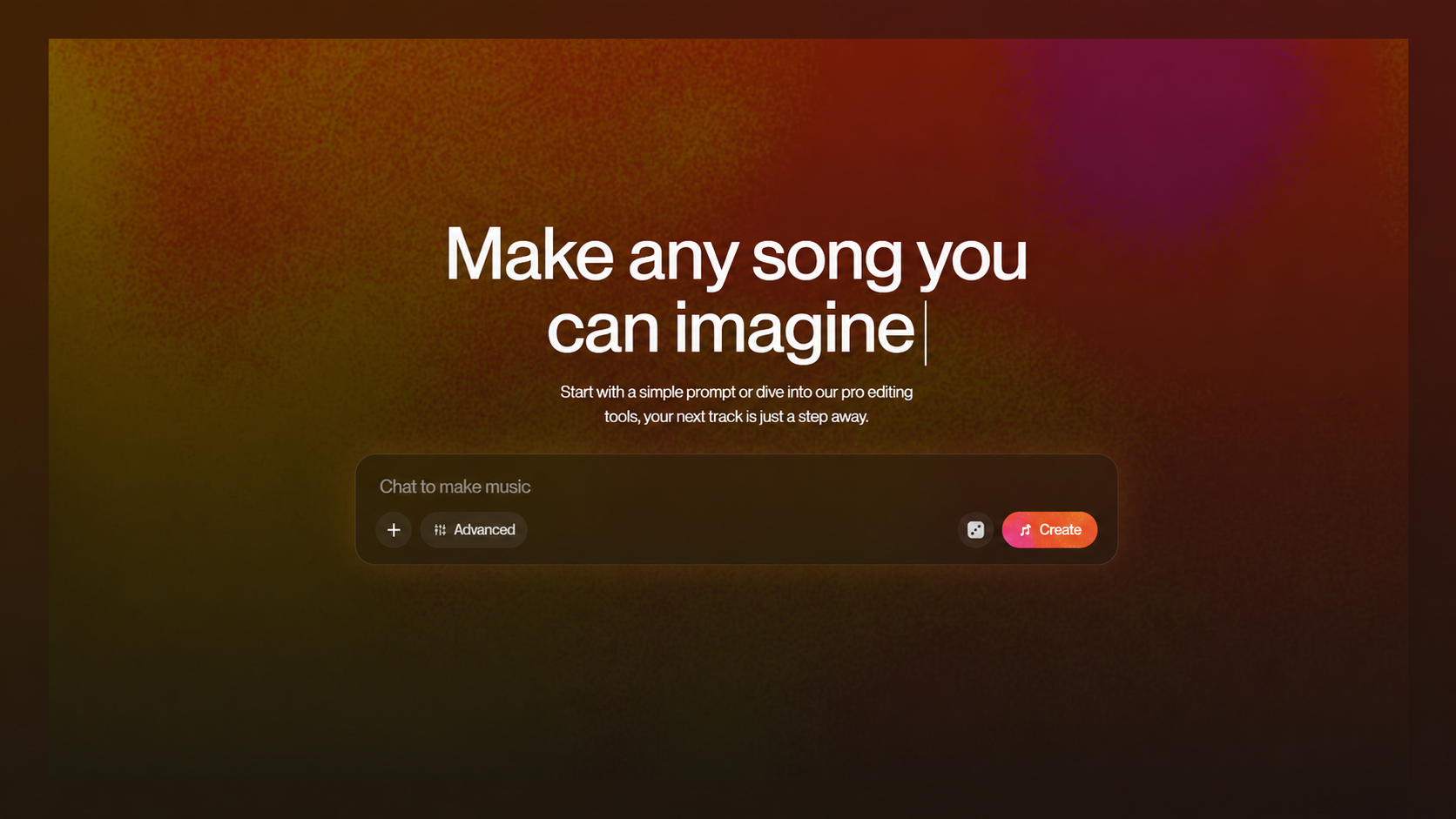
Suno remains one of the most famous heavyweights in the AI audio space. It’s a powerhouse for generating full, radio-quality tracks with startlingly realistic vocals, structure, and emotion.
-
Pros: Highly expressive, human-like vocals with impressive fidelity. The "Studio" feature allows deep lyric and structural editing.
-
Cons: Commercial rights require a paid plan, and there are ongoing industry debates regarding training data that make some brands hesitant for large campaigns.
MusicCreator – Best for Deep Manual Editing
Website: https://www.musiccreator.ai
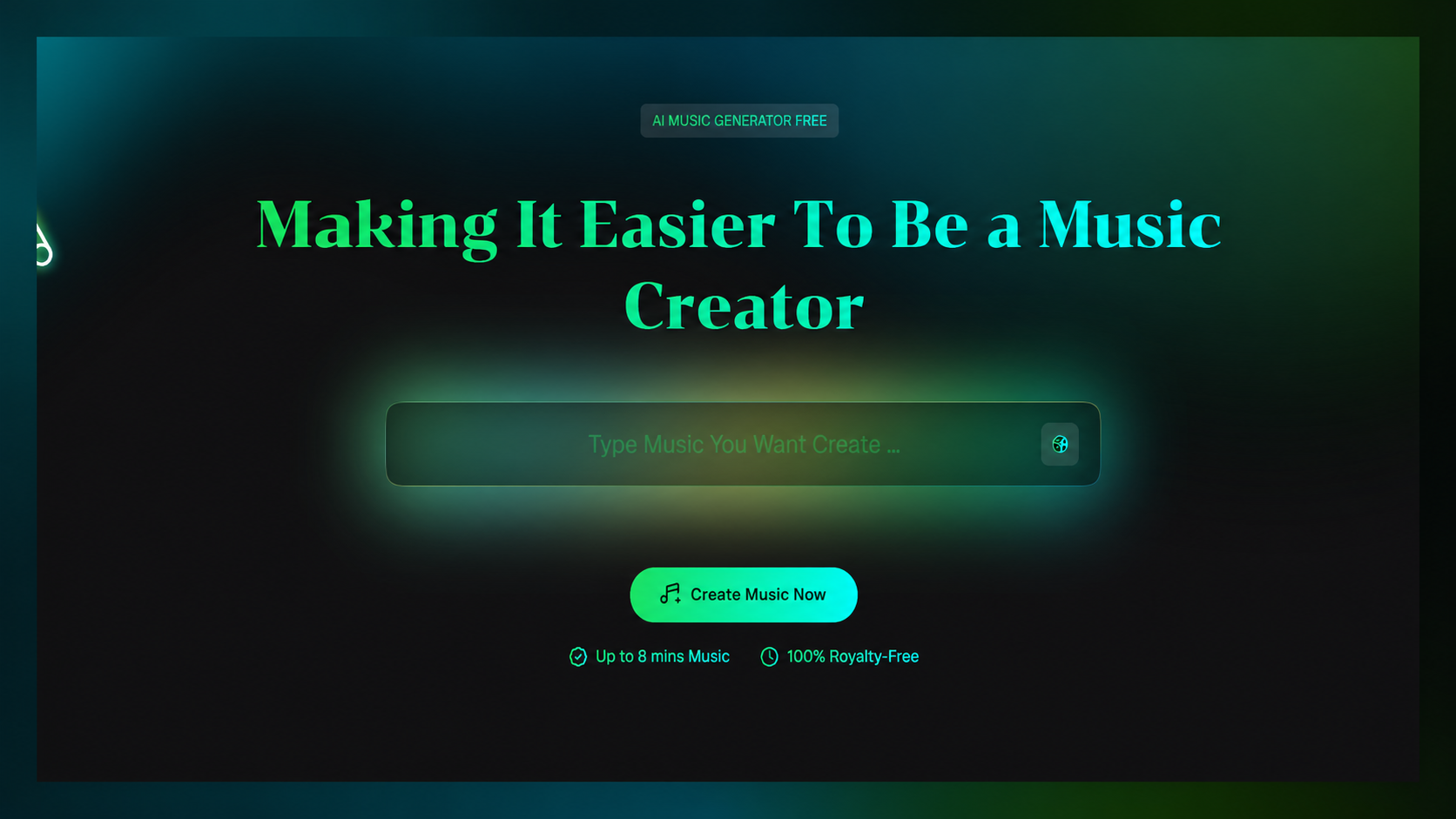
If you want more hands-on control than a simple "generate and download" tool, MusicCreator stands out. In addition to Text, Lyrics, and Photo-to-Music generation, it features a genuine Online MIDI Editor where you can manually draw notes and change instruments step-by-step.
It also includes a dedicated AI Song Cover Generator, an AI Stem Splitter, and even a Text-to-Rap generator for hip-hop artists.
-
Pros: The manual MIDI drawing tool offers real creative control missing from most competitors. Extremely versatile toolset (Rap, Covers, Stem Splitting).
-
Cons: With so many distinct tools spread across the dashboard, first-time users might need a moment to find the specific feature they need.
SongGPT – Best for Post-Generation Editing
Website: https://www.songgpt.ai
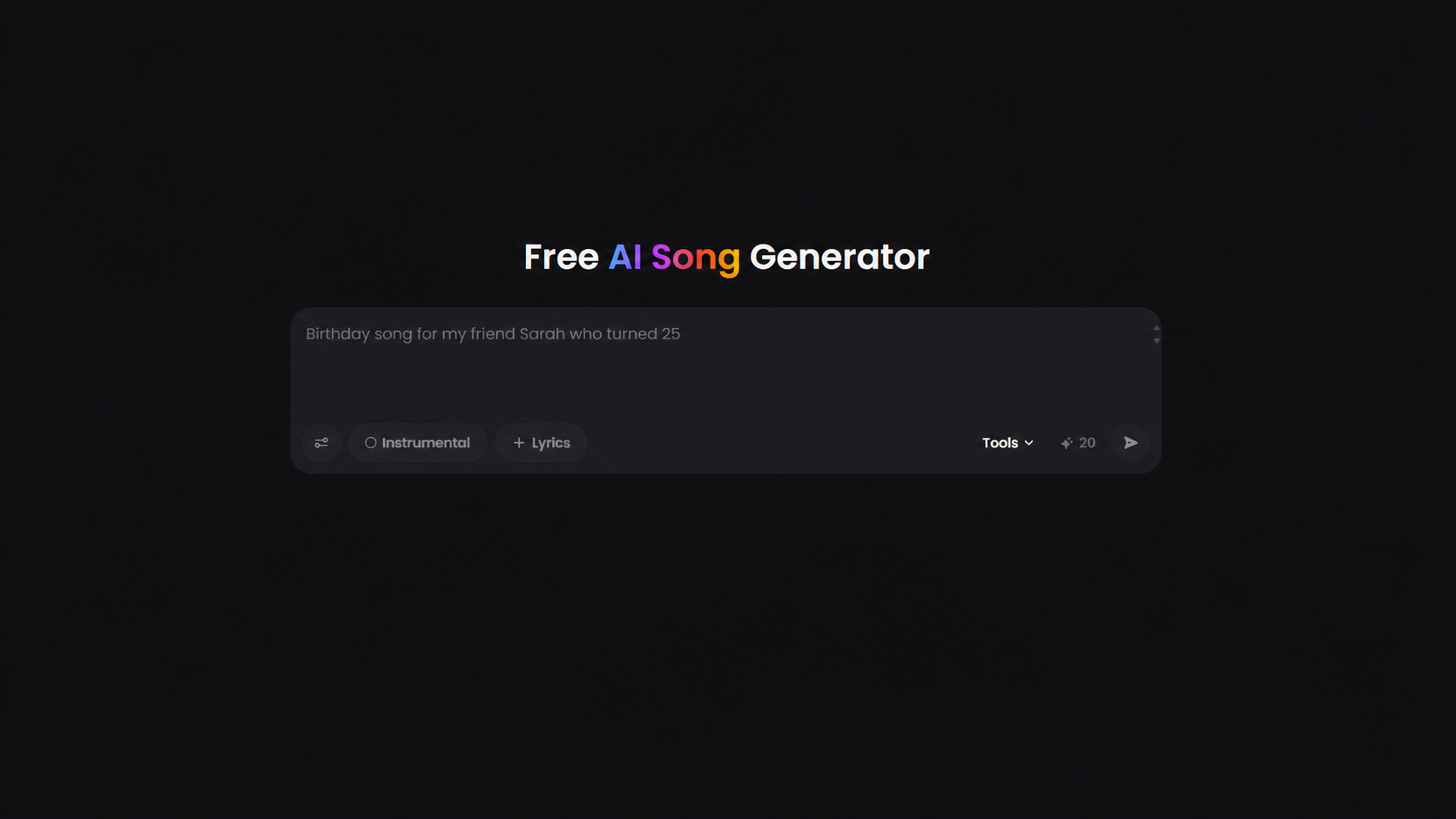
SongGPT focuses on speed and refinement. It can convert text into a full song in under 60 seconds, but its real strength lies in what happens after generation.
Its "Music Extender" can turn a short 30-second hook into a full 3-minute arrangement, while the "AI Remixer" allows you to transform the genre and mood of an existing track entirely.
-
Pros: Excellent tools for extending short clips into full songs. High-quality, lossless WAV downloads.
-
Cons: Getting the most out of its editing suite requires a bit of exploration compared to a simple one-click generator.
OpenMusic – Best All-in-One Production Suite
Website: https://www.openmusic.ai
OpenMusic offers one of the most complete toolkits on this list. Beyond generating songs from text or lyrics, it includes a professional-grade AI Vocal Remover, an AI Stem Splitter, and AI Mastering to polish your final mix.
It also supports a Photo to Music Generator and an AI Music Video Generator, allowing you to go from a single image to a fully mastered song with a matching visual, all within one platform.
-
Pros: Incredibly comprehensive suite (Mastering, Stem Splitting, Vocal Removal, Photo-to-Music). Tracks can run up to 8 minutes long.
-
Cons: The sheer number of tools means the interface prioritizes function over a minimalist design.
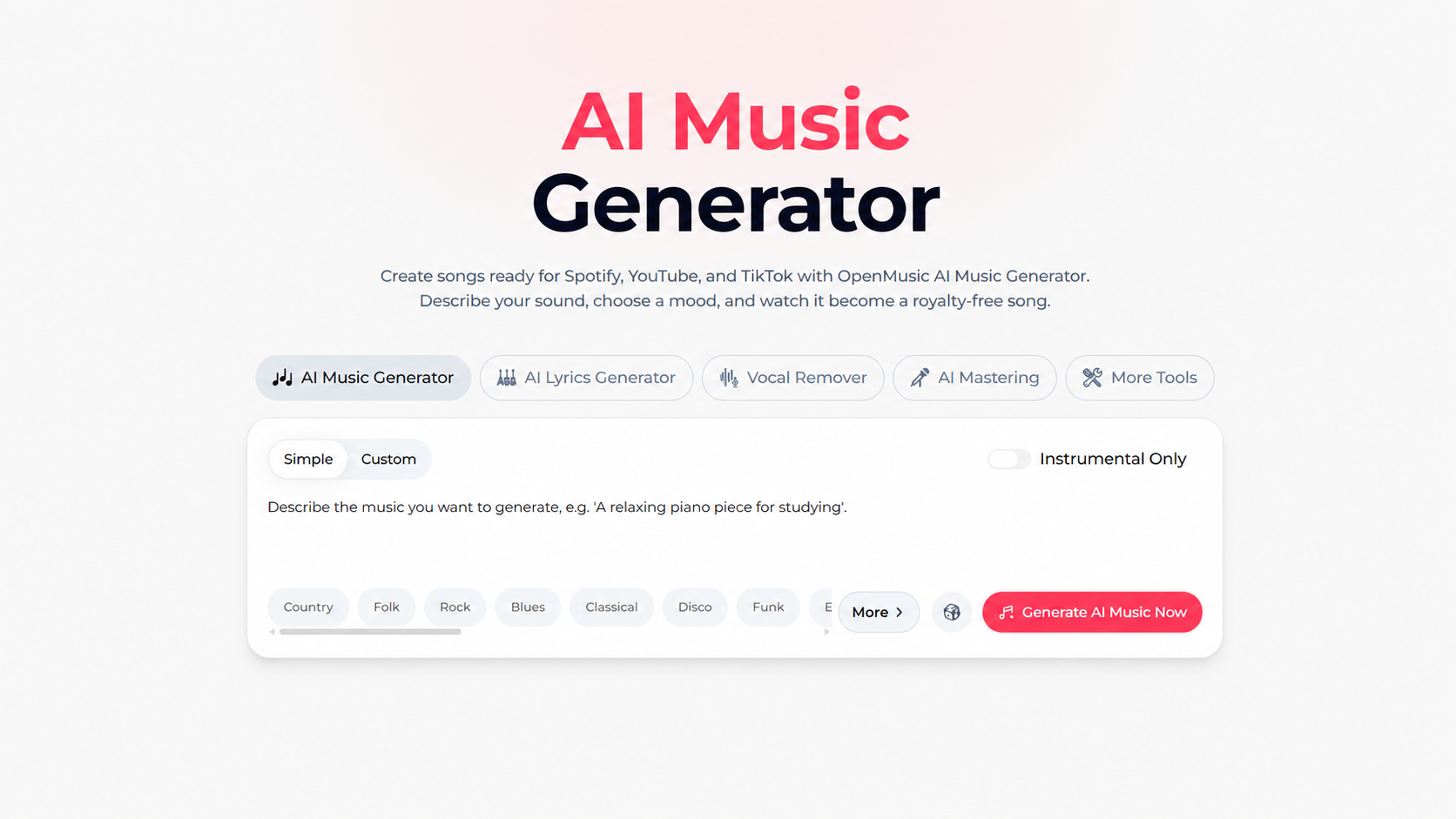
MusicAI – Best for Fast, Guided Creation
Website: https://www.musicai.ai
MusicAI focuses on a clean, guided workflow that turns text or lyrics into polished music, supported by an AI MIDI editor for fine-tuning melodies and a Lofi effect converter for quick style changes.
It also bundles in an AI Music Video Generator, making it easy to pair your new track with matching visuals for social media without leaving the platform.
-
Pros: Very straightforward prompt-to-song interface. Tracks can run up to 8 minutes with full commercial licensing.
-
Cons: The free tier offers limited generations per year, so frequent creators will need to upgrade quickly.
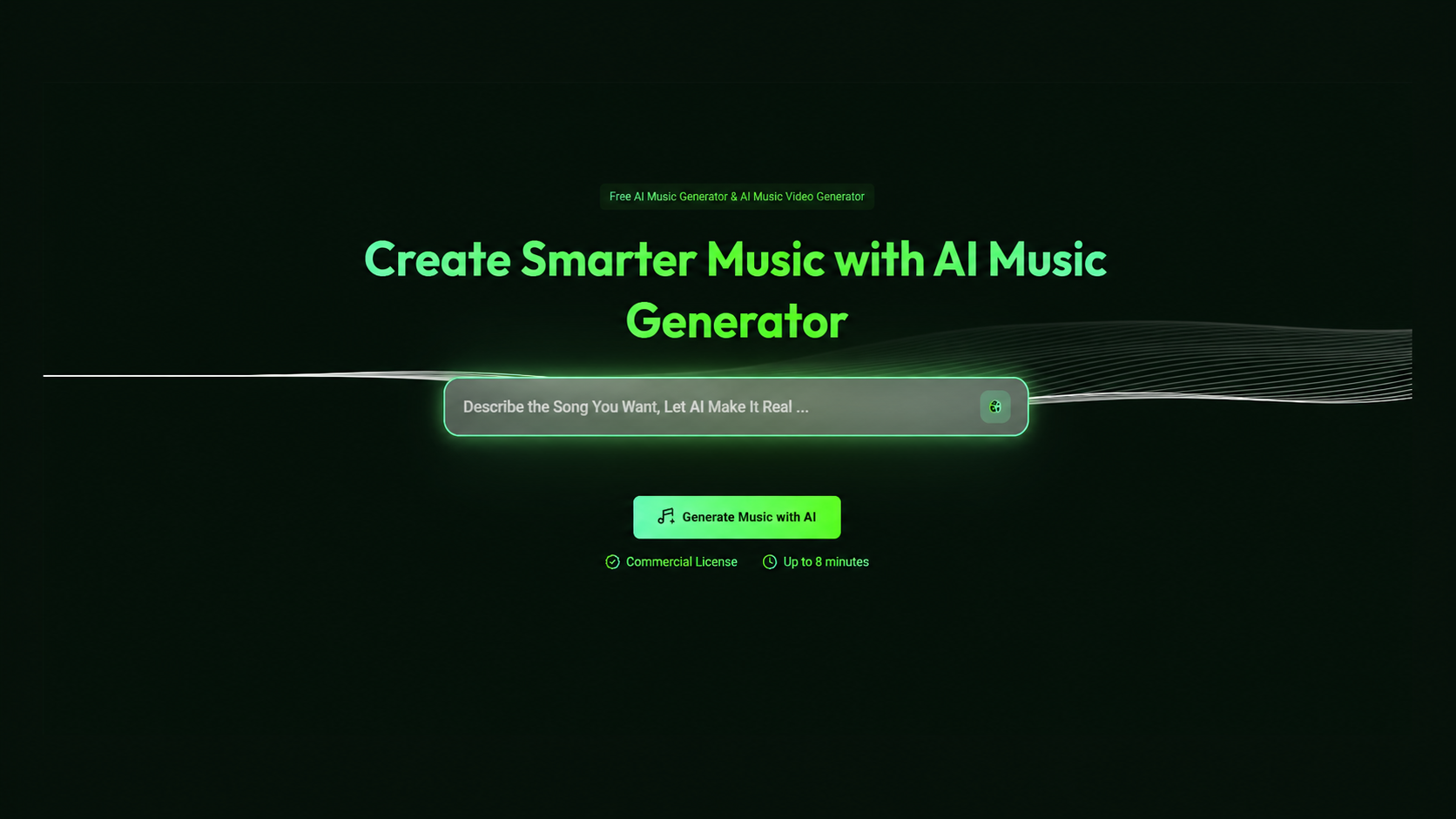
FreeMusic – Best for Budget-Friendly Basics
Website: https://www.freemusic.ai
FreeMusic focuses on getting you a royalty-free track fast, without a complicated dashboard. It’s a great entry point for casual creators, and it includes a handy Spotify Music Visualizer and BPM Finder to speed up your video editing workflow.
-
Pros: Extremely accessible and beginner-friendly. Useful bonus tools for social media visuals.
-
Cons: Focuses on core generation rather than the deep editing suites found in MusicCreator or OpenMusic.
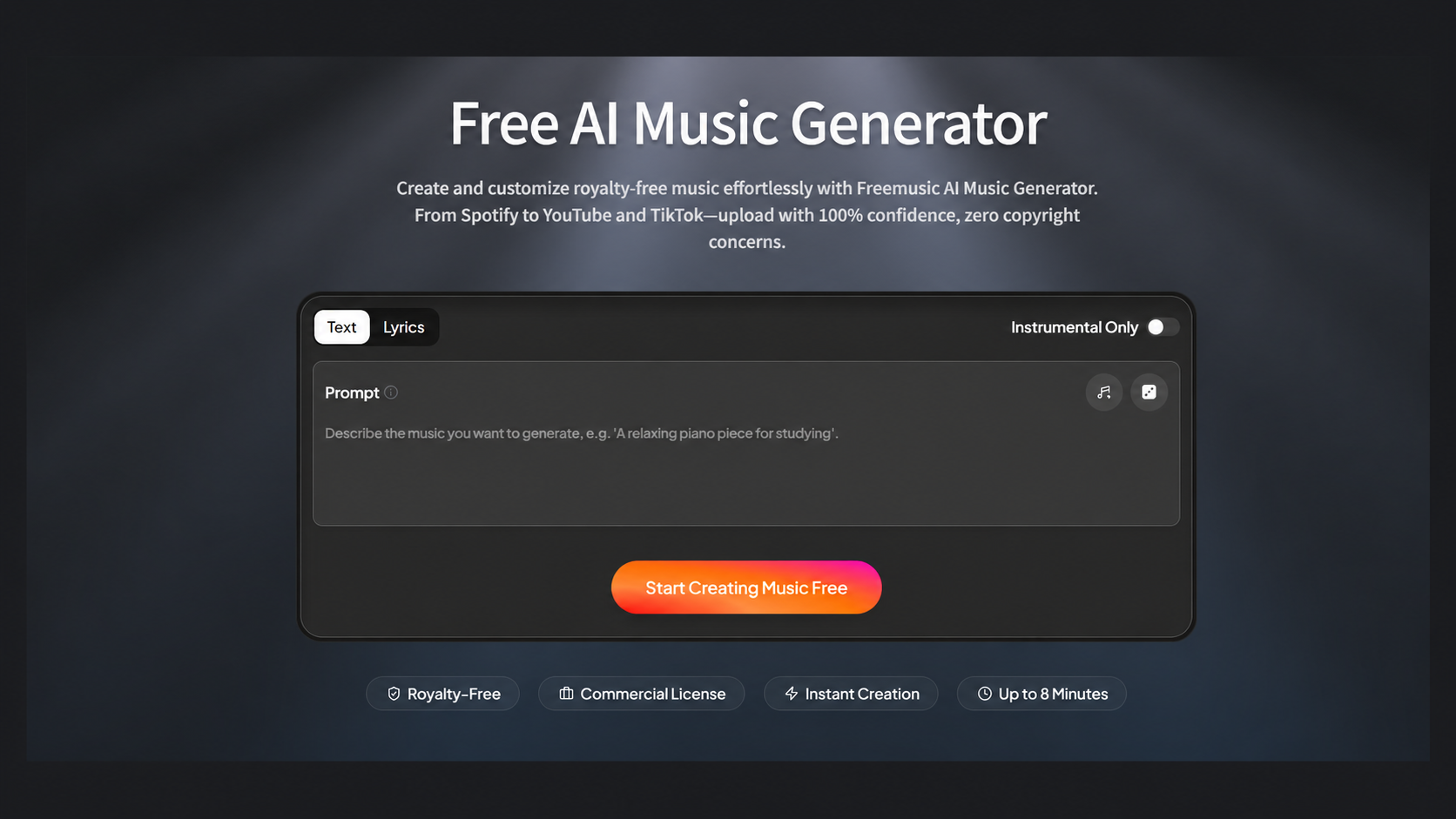
Freesong – Best for Lyric-to-Song Generation
Website: https://freesong.ai
Freesong specializes in turning written words into full songs. You paste your custom lyrics or a rough idea, pick a genre, and the AI builds a track around it—perfect for songwriters who have words but no melody.
-
Pros: Turns raw lyrics into complete compositions effortlessly. Great for overcoming writer's block.
-
Cons: The AI can occasionally mismatch the emotional tone of highly nuanced or complex lyrics.
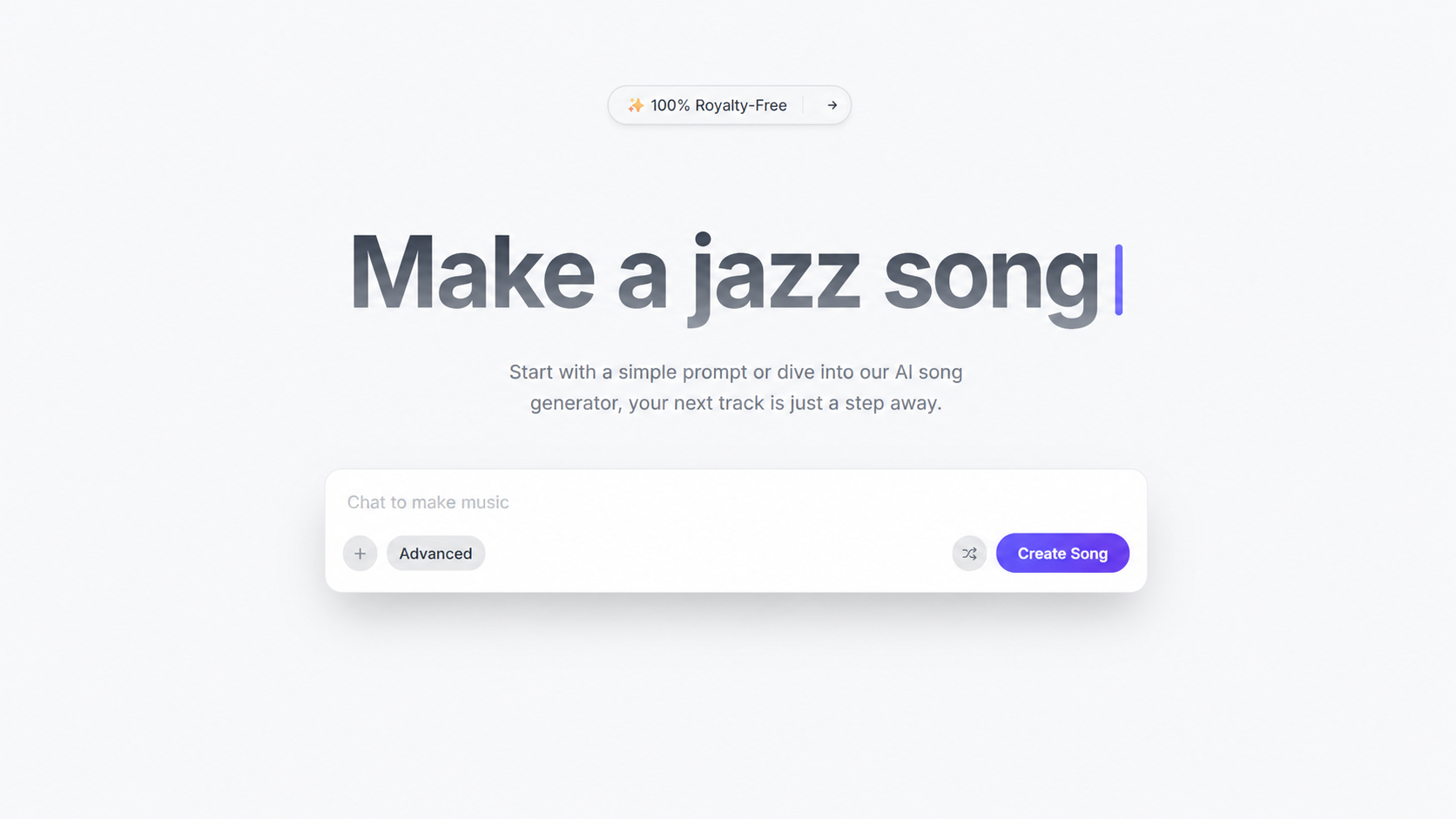
NotaGen – Best for Classical Sheet Music
Website: https://notagen.ai
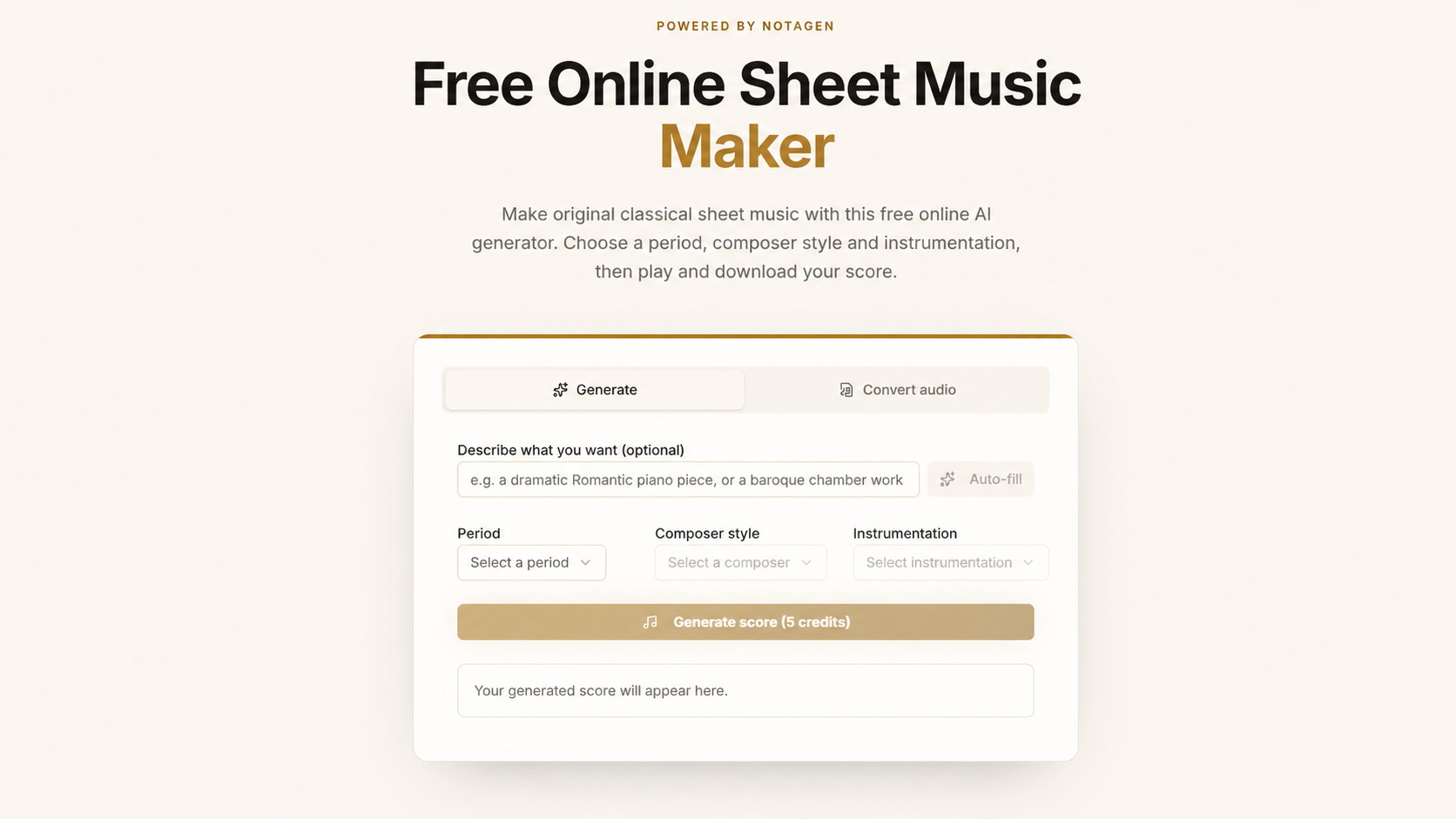
Unlike every other tool on this list, NotaGen doesn't generate an MP3. It’s a free online sheet music maker where you choose a historical period and composer style (like Chopin or Mozart), and it generates original classical notation.
You can play the score online and download it in ABC, MusicXML, or MIDI format to import into notation software.
-
Pros: Unmatched for musicians who want to read, edit, and play actual notes. No technical setup needed—it runs entirely in the browser.
-
Cons: It is built exclusively for classical notation output, not mixed vocal or pop production.
Udio – Best for Deep Audio Refinement
Website: https://udio.com
Udio allows you to generate songs using detailed text prompts describing genre, mood, and lyrical direction. Its "Remix" and "Extend" tools let you replace specific sections of a song without touching the rest.
-
Pros: Extremely high audio quality. Advanced tools for extending and remixing specific parts of a track.
-
Cons: Advanced settings and tagging systems may be slightly confusing for casual users just looking for a quick beat.
Conclusion: Which Is the Best AI Music Generator for You?
If you want deep manual MIDI control, MusicCreator offers genuine note-by-note editing. If you need a full production suite with mastering and vocal removal, OpenMusic is incredibly comprehensive. If you're a classical musician, NotaGen is unmatched for editable sheet music.
However, if you want the best balance of emotional, studio-quality output, flexible inputs (text, lyrics, or photo), and 100% royalty-free commercial rights with a digital ownership certificate, Musicart remains our top recommendation for turning any idea into a polished, ready-to-share track.