Mixing Engineers
Eliminate muddy low-end frequencies and harsh treble peaks. Visualizing the spectrum ensures every instrument occupies its proper space within the final mix.
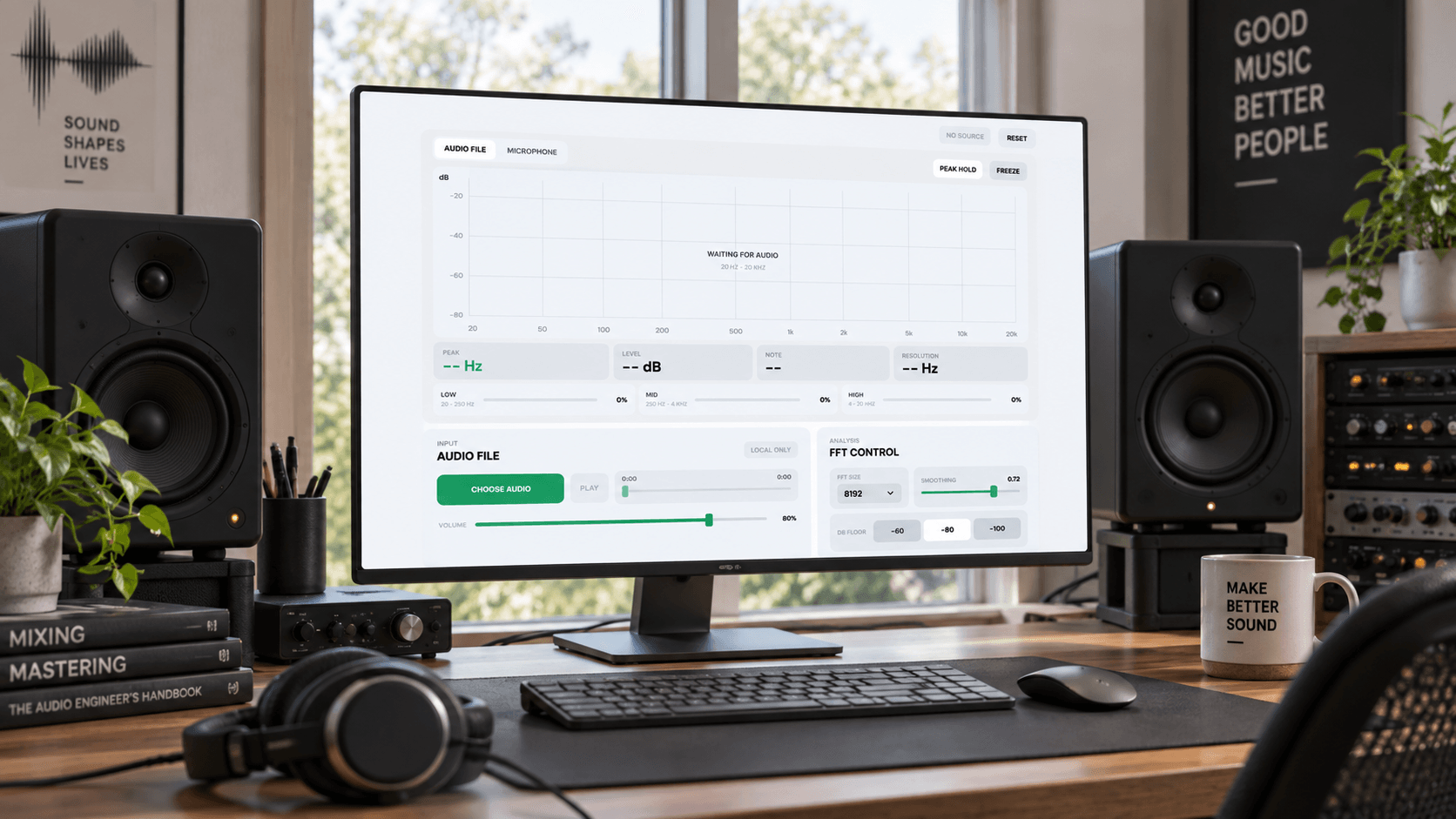
MusicArt AI provides a browser environment to observe the exact logarithmic spectrum of any sound. It translates raw audio signals into a clear visual map spanning from 20 Hz to 20 kHz.
This real-time audio analysis tool highlights peak frequencies and musical notes instantly. Producers and sound designers use it to diagnose frequency distribution issues and achieve perfect sonic balance.
Begin your real-time audio analysis by feeding sound into the engine. Observe the frequency distribution tool map every subtle sonic detail instantly.
Upload a local track or grant microphone access to capture live sound. The system processes the incoming signal without requiring external plugins.
Watch the audio spectrum analyzer generate a live logarithmic graph. Identify low mid and high frequency bands as they shift in real time.
Pinpoint exact peak frequencies and corresponding musical notes. Use these precise visual readouts to adjust your mix and refine the overall sound texture.
Examine the intricate layers of your mix with our best online sound frequency visualizer. Pinpoint exact tonal imbalances and correct them with absolute visual certainty.
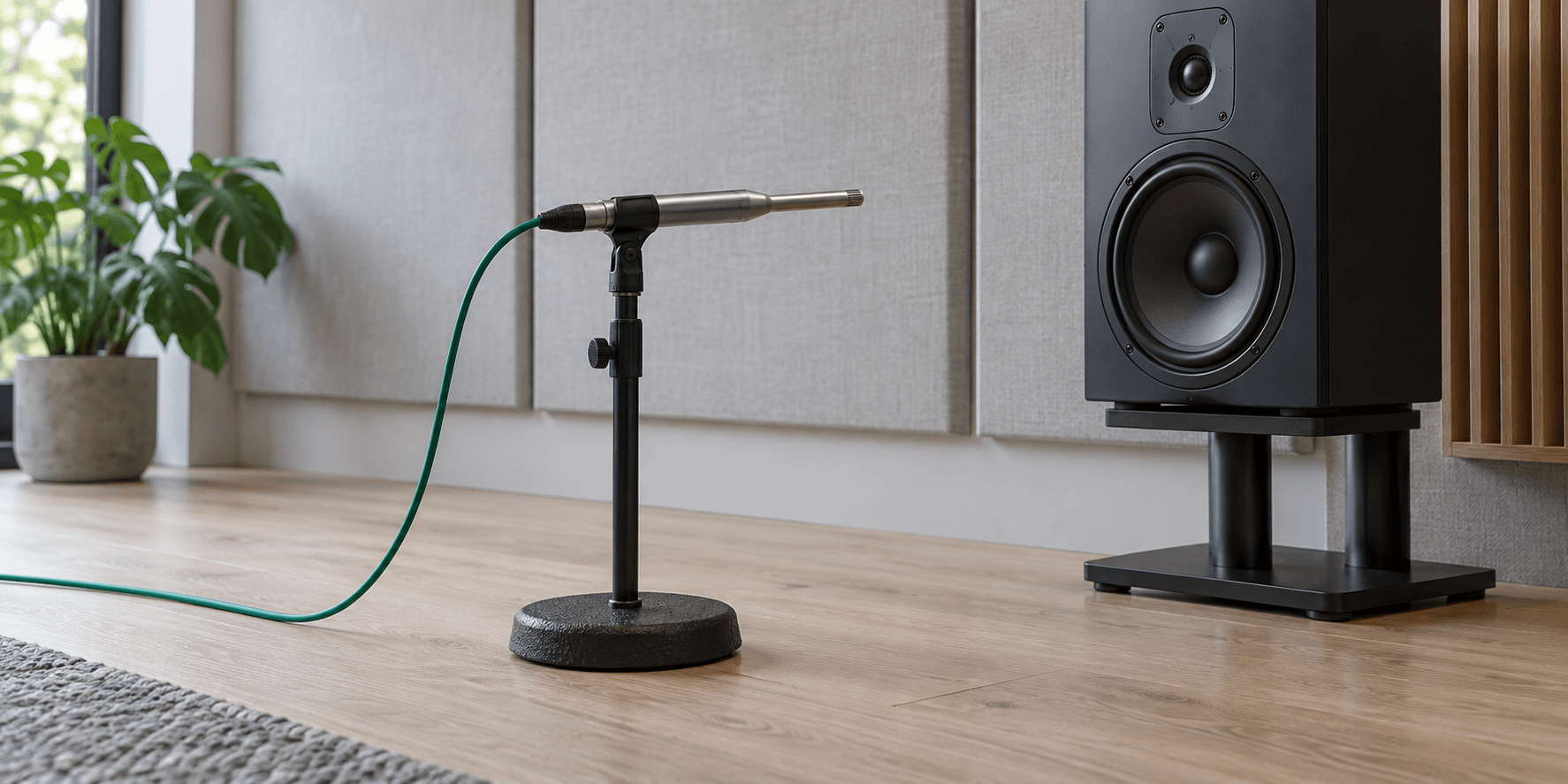
View the entire human hearing range from 20 Hz to 20 kHz. The logarithmic scale mirrors natural human perception for accurate sound frequency visualizer readings.
Instantly identify the loudest elements within your mix. The engine highlights dominant peaks and displays their exact musical notes for precise tuning adjustments.
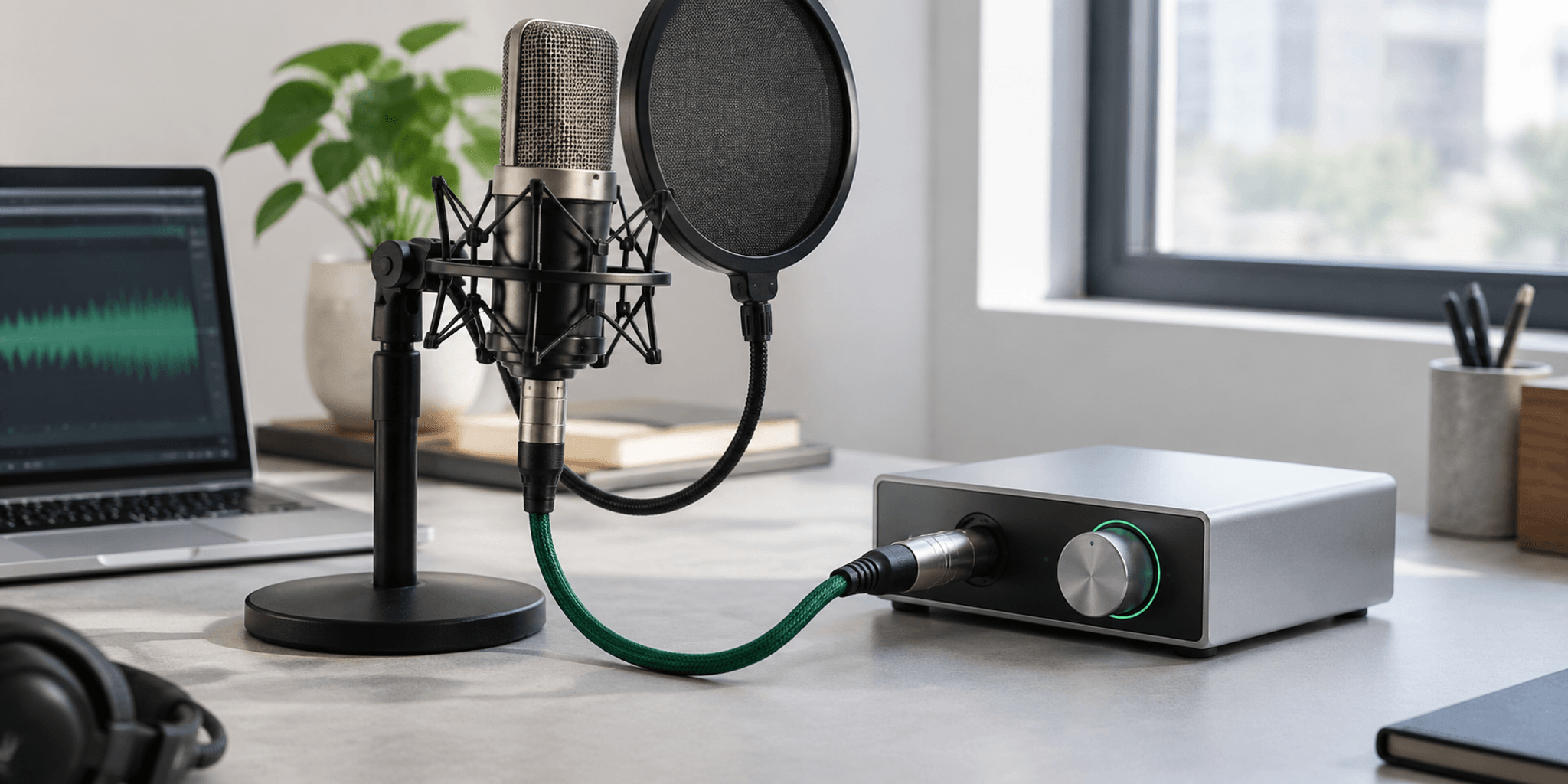
Route live instruments or vocals directly into the browser. This real-time audio analysis ensures immediate visual feedback during recording sessions or live sound checks.
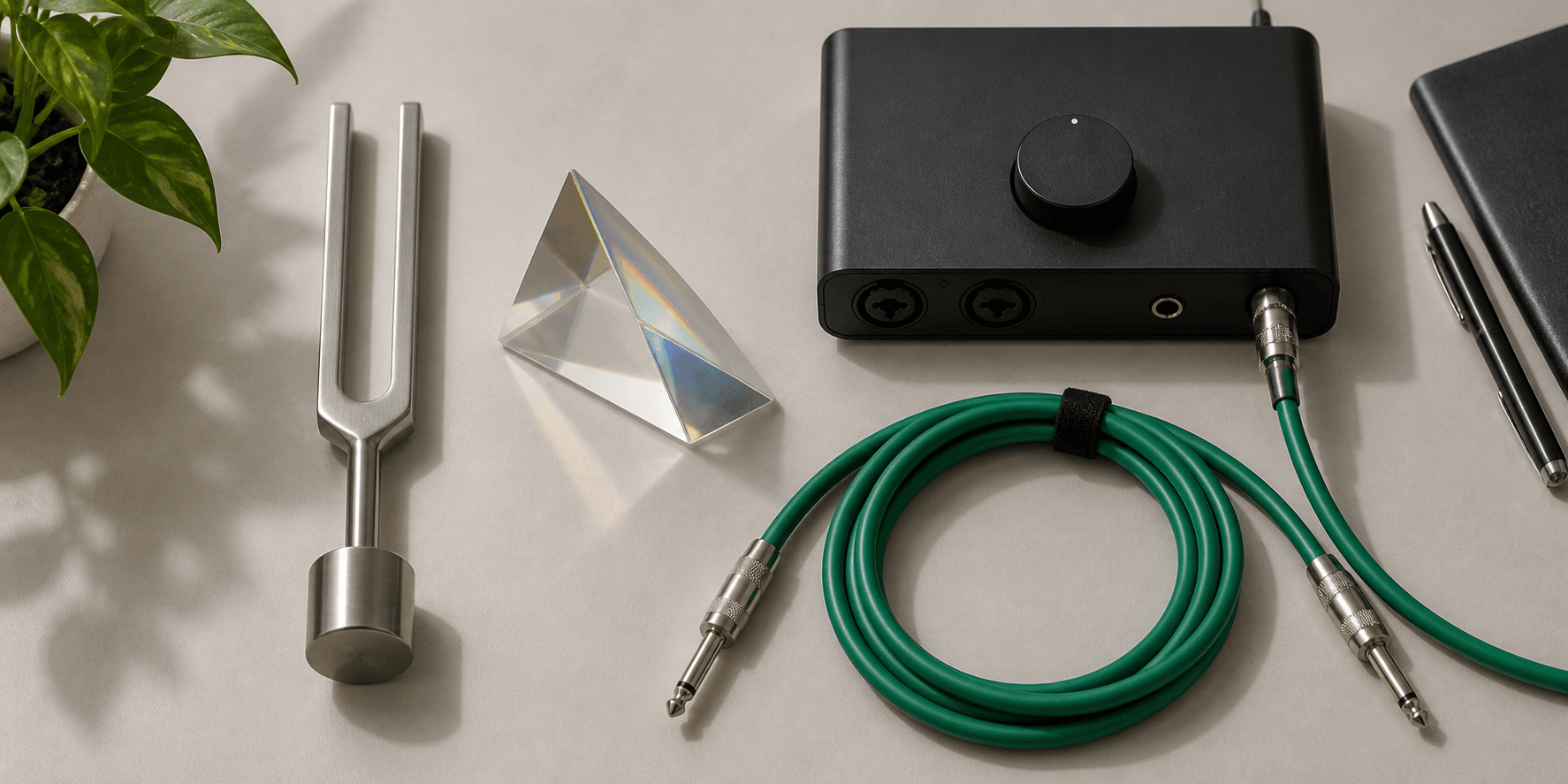
Monitor the exact ratio of low mid and high frequencies. This frequency distribution tool helps maintain a balanced texture across complex musical arrangements.
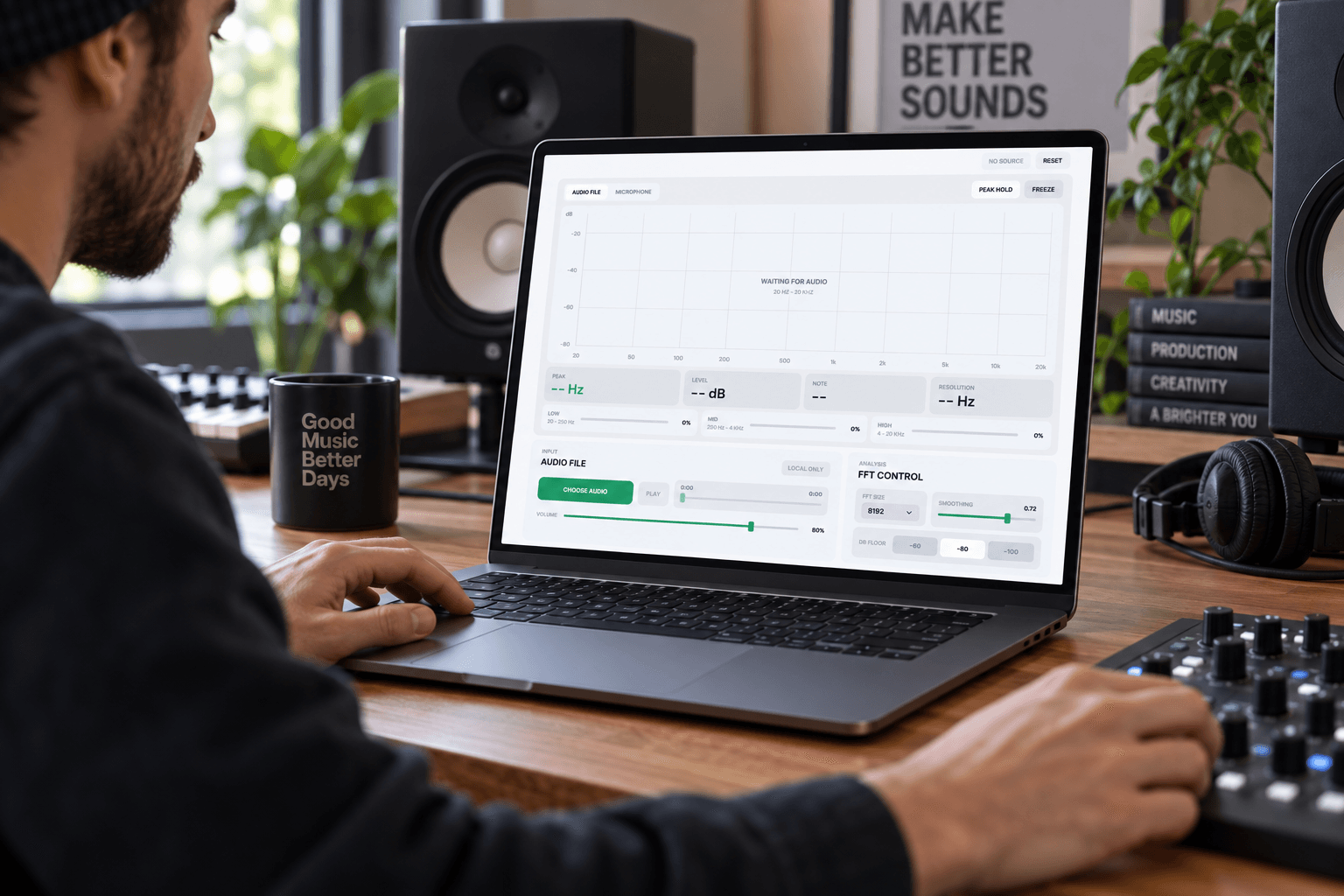
Eliminate muddy low-end frequencies and harsh treble peaks. Visualizing the spectrum ensures every instrument occupies its proper space within the final mix.
Sculpt unique textures by observing how synthesized frequencies interact. The real-time audio analysis reveals harmonic structures that ears alone might miss.
Identify resonant frequencies and sibilance in vocal takes instantly. Pinpointing these problem areas allows for surgical equalization and a smoother vocal presence.
Test room acoustics and microphone feedback loops before the show. The frequency distribution tool provides immediate data to tune the PA system effectively.
Skip the complex plugin installations and heavy software loads. Our free online platform delivers immediate high fidelity insights into your sound frequency visualizer needs.

Access professional diagnostic tools directly through your web browser. MusicArt AI processes complex audio signals locally without compromising your system performance or workflow speed.
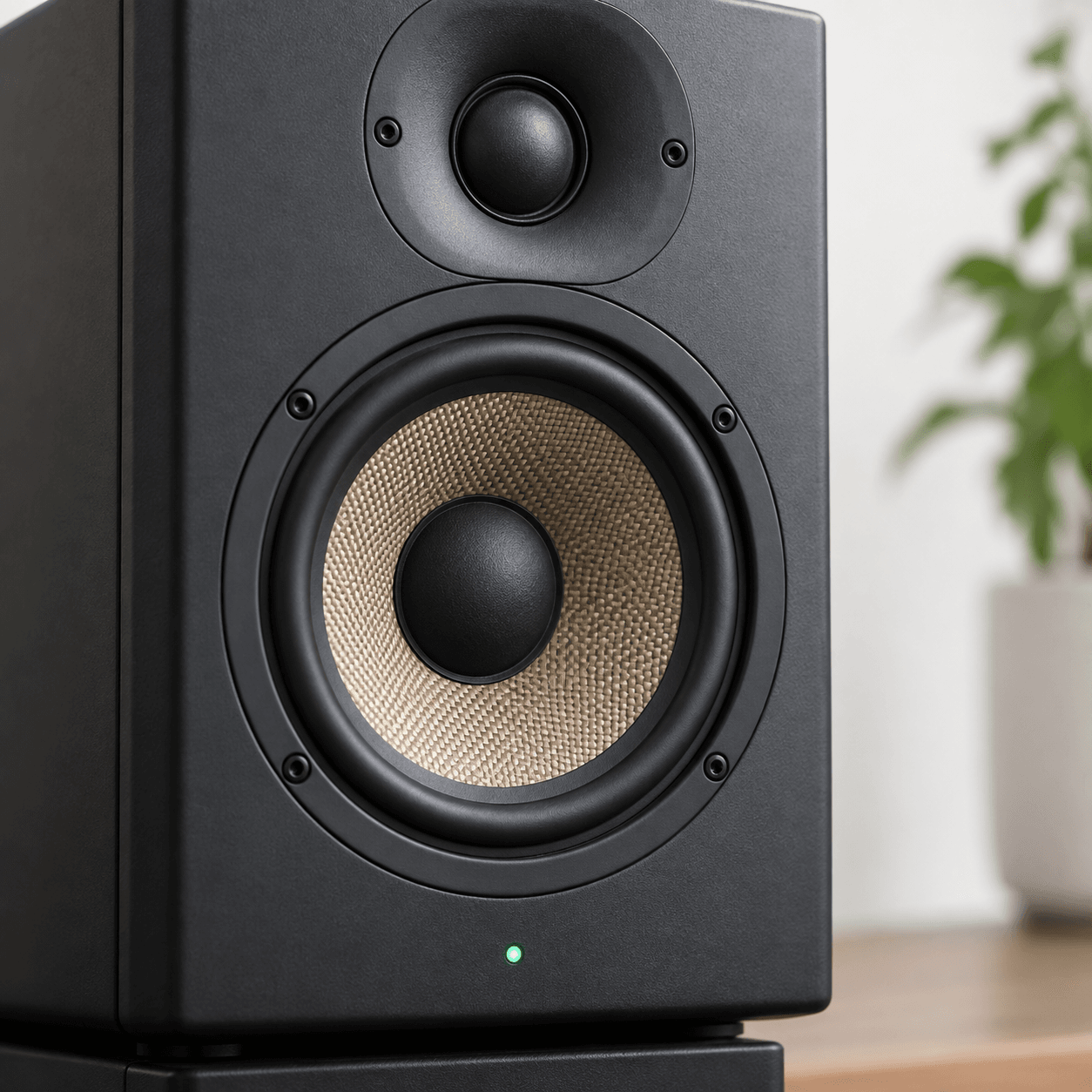
Interpret your sound through a clean minimalist interface designed for readability. The audio spectrum analyzer removes visual clutter to focus entirely on essential frequency data.
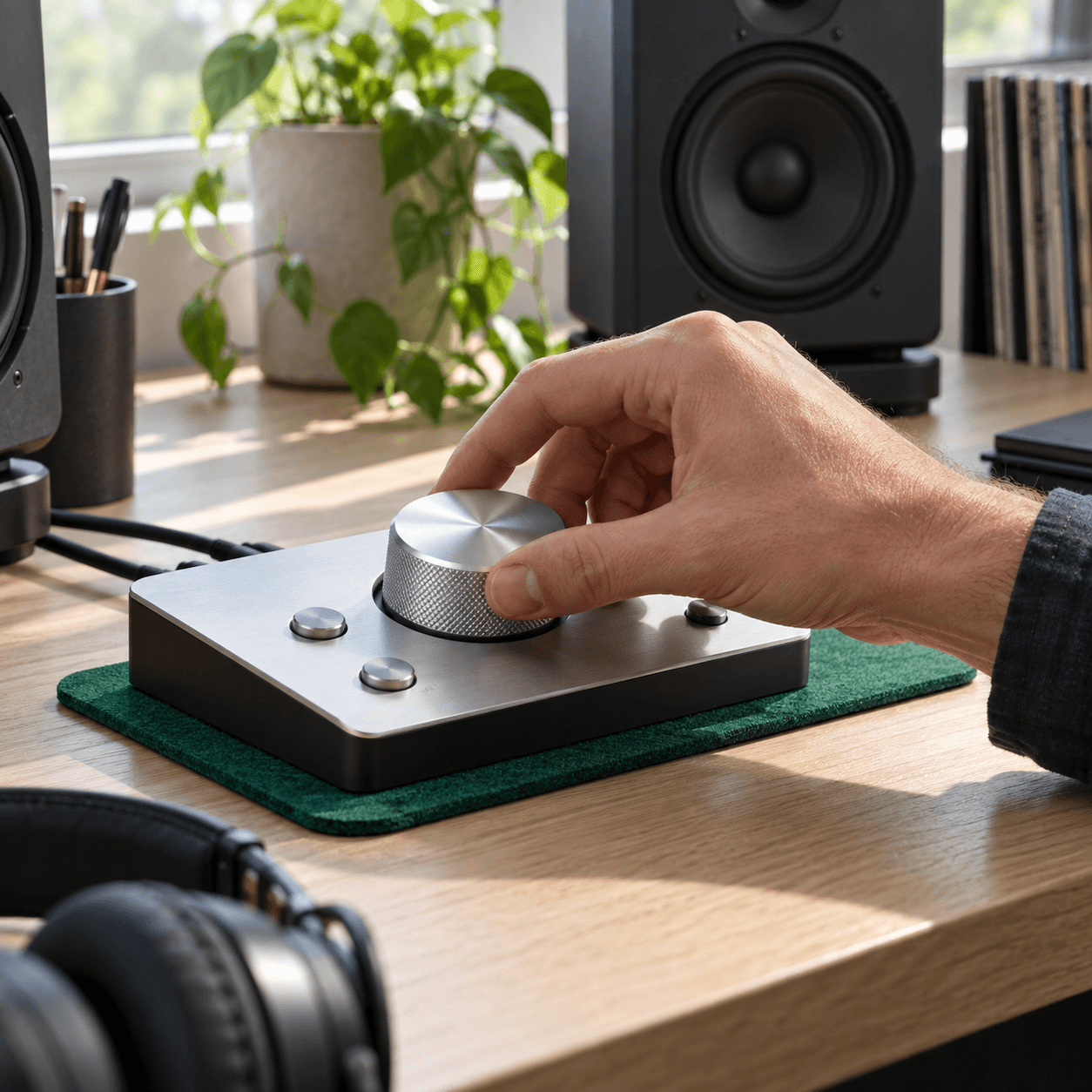
Experience zero latency between the audio playback and the visual graph. This immediate feedback loop is crucial for making rapid accurate mixing decisions.

MusicArt AI reads your local files directly within the browser environment. The data remains on your device ensuring complete privacy while generating the visual graph.
Yes you can route your microphone input straight into the platform. It instantly displays the peak notes allowing you to tune instruments with pinpoint accuracy.
The visual graph spans the entire human hearing spectrum from 20 Hz to 20 kHz. It uses a logarithmic scale to represent how we naturally perceive pitch.
No external installations are necessary to operate the visualizer. It utilizes standard web audio APIs to deliver high performance metrics directly through your current browser.
The engine calculates peaks with extreme mathematical precision based on the incoming signal. It maps these peaks to standard pitch frequencies to display the exact musical note.

Stop guessing your mix decisions and start seeing your sound. Experience precise frequency mapping today.