
MusicArt Vocal Tools
Experience How AI Vocal Remover Cleans Your Audio
See how the MusicArt AI Vocal Remover separates a song into clean vocals and clear instrumentals. Great for karaoke tracks, remixes, school projects, or practice recordings.

For Every Creator
Isolate Voices With Precision For Your Next Project
Our vocal extractor empowers creators to separate audio tracks effortlessly. Experience the best vocal extractor designed for clean, reliable results in any creative workflow.

Music Producers
Sample rare tracks without the original vocals bleeding into your mix. Isolate clean acapellas to build fresh remixes and intricate beat structures.

Content Creators
Remove background voices from your video audio or extract dialogue for crisp voiceovers. Maintain audio clarity without complex editing software.

Karaoke Enthusiasts
Strip the lead vocals from your favorite songs to create custom backing tracks. Sing along to high-quality instrumentals tailored to your practice sessions.
Advanced Audio Separation
A Vocal Extractor Built For Clarity And Speed
Explore features that make our AI vocal extractor the ideal choice for audio separation. Achieve pristine vocals and instrumentals without compromising original sound quality.
Instant Track Separation
Upload your audio and let the algorithm divide vocals and instruments in under a minute. Fast processing keeps your creative momentum uninterrupted.
Studio-Grade Fidelity
Preserve the natural tone and depth of the original recording. The extraction process minimizes artifacts, delivering stems ready for professional mixing.
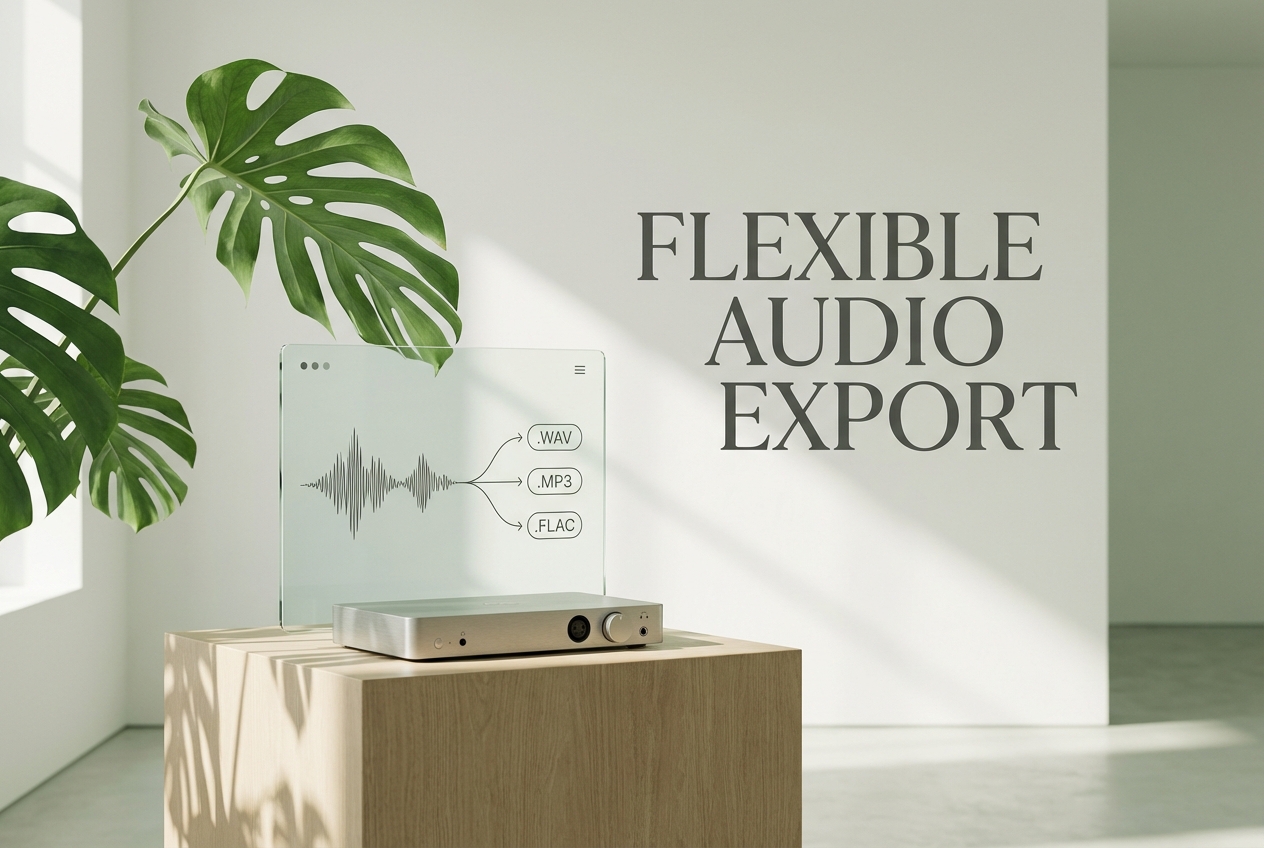
Format Flexibility
Work with common audio files or select from our integrated library. Export your isolated tracks in standard formats compatible with any digital audio workstation.
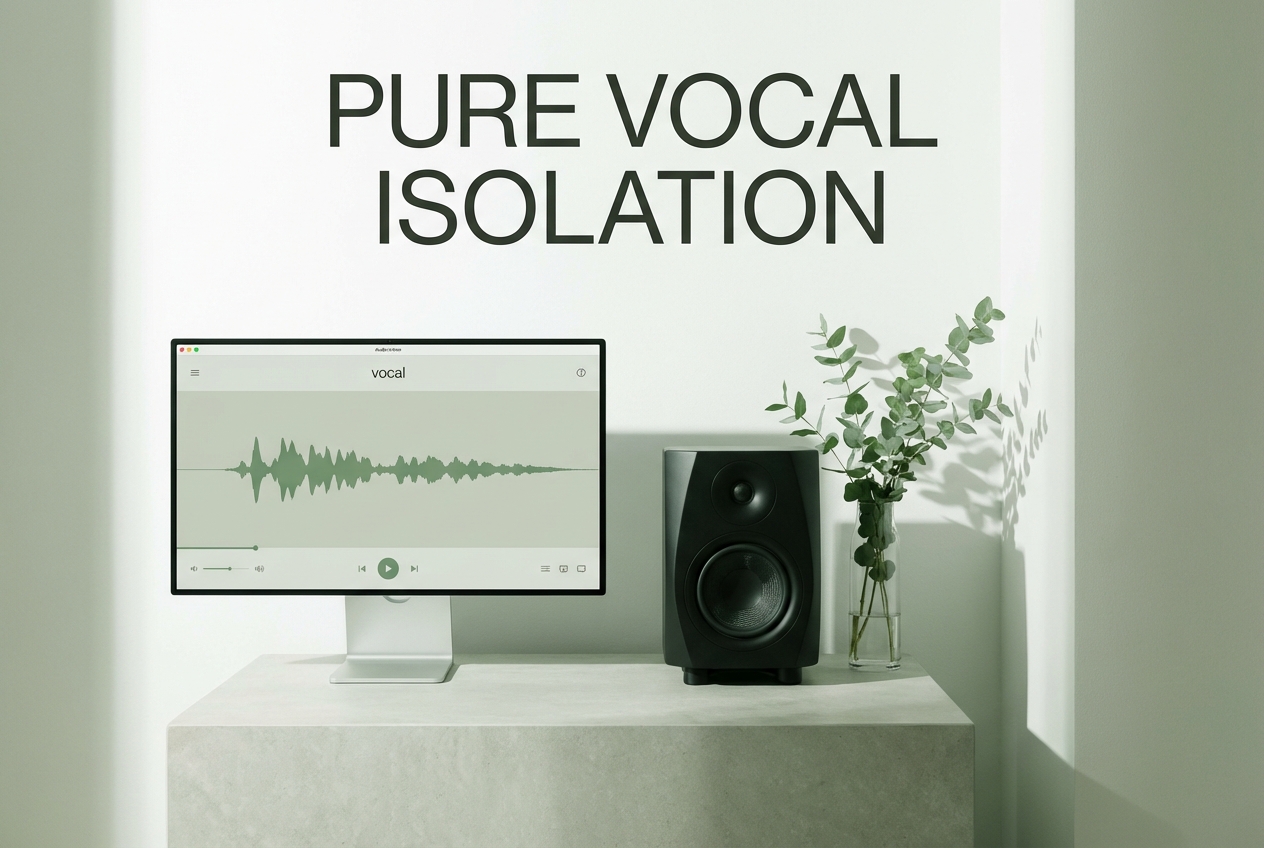
Intuitive Interface
Navigate a clean, distraction-free workspace designed for immediate results. No steep learning curves—just straightforward audio isolation when you need it.
Simple Extraction Process
Separate Audio Tracks In Three Simple Steps
Learn how to use our vocal extractor to isolate voices quickly. This free vocal extractor streamlines your workflow from upload to final download.
Provide Your Audio
Upload your own music file or choose a track from our curated library to begin the separation process.
Initiate Separation
Click to process the file. The system analyzes the frequencies and isolates the voice from the instrumental backing.
Download Stems
Preview the separated tracks. Save the clean acapella or the instrumental directly to your device for immediate use.

What audio formats are supported by the AI vocals extractor?
You can upload standard formats like MP3, WAV, and FLAC. The system processes these files to deliver high-quality separated stems.
How long does it take to isolate tracks online?
Most standard-length songs are processed in under a minute. The advanced algorithms ensure rapid analysis without sacrificing audio clarity.
Is the quality suitable for professional music production?
Yes, the technology is designed to minimize artifacts and preserve original fidelity. The resulting stems are clean enough for remixes and professional mixing.
Can I use the separated instrumentals for commercial projects?
If you upload your own copyrighted music, you must secure the necessary rights from the original owner. We do not grant commercial rights for user-uploaded content.
Are my uploaded files kept secure and private?
Your audio files are processed securely and automatically deleted from our servers shortly after extraction. We prioritize your data privacy.

Experience The Best Vocal Extractor Today
Transform your audio files with our precise AI vocal extractor. Isolate voices and instrumentals effortlessly.