Earbud Session
Dark trap, 140 BPM, for a rap verse
Instrumental dark trap beat, 140 BPM, rolling hi hats, deep 808 bass, sparse bell melody, open space for a rap verse, no vocals, full ending
0:00 / 1:53
The best beat maker for iPhone is the one you can use with your thumbs on a train. Type the beat you hear in your head and get a full instrumental back in Safari.
Make a Beat on iPhoneBoth beats were typed into the AI Beat Generator in an iPhone size Safari window with Instrumental Only on. One version of each, no pads touched.
Dark trap, 140 BPM, for a rap verse
Instrumental dark trap beat, 140 BPM, rolling hi hats, deep 808 bass, sparse bell melody, open space for a rap verse, no vocals, full ending
Jersey club, 140 BPM, for a dance clip
Instrumental jersey club beat, 140 BPM, bouncy triplet kicks, bed squeak style percussion, chopped synth stabs, playful and short video ready, no vocals, full ending
Phone producers complain "I hate that you can only use the drum kits that they provide" and that "Changing BPM and speed of samples is a real hassle". One drummer said preset apps "seem had to tweak to shuffle or swing for jazz rhythms." On the best beat maker for iPhone, those settings are just words in the prompt.

Write 90 BPM or 140 BPM and the drums follow, no tap tempo screen.
Ask for a swung shuffle, a half time groove or bouncy triplet kicks.
Name the 808, the bells, a jazz piano or a choir pad and they show up in the mix.
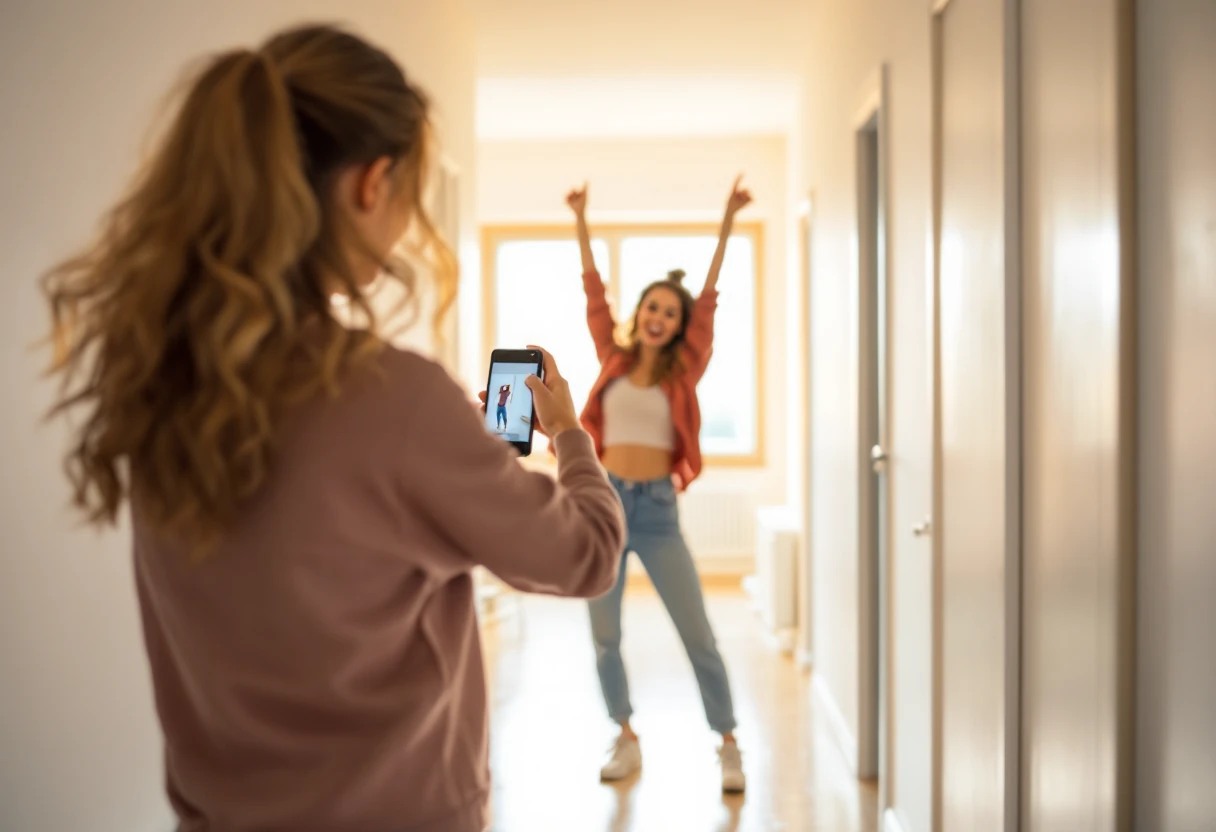
Plenty of songs are made like this one: "The whole song (except the beat) was made on my iPhone". Another writer wanted to record in the car "1 line at a time". The missing piece is usually the beat itself.
Make the instrumental on the best beat maker for iPhone, leave space in the prompt for a verse, and play it while you rap, sing or film a dance. The beat maker does not record your vocal takes, so you still record them in a separate app over the saved beat.
One producer found an app beat was stuck: "The file isn't saved anywhere retrievable otherwise." Here every beat waits in My Music with a download button, which is a big reason this is the best beat maker for iPhone for people who record elsewhere.
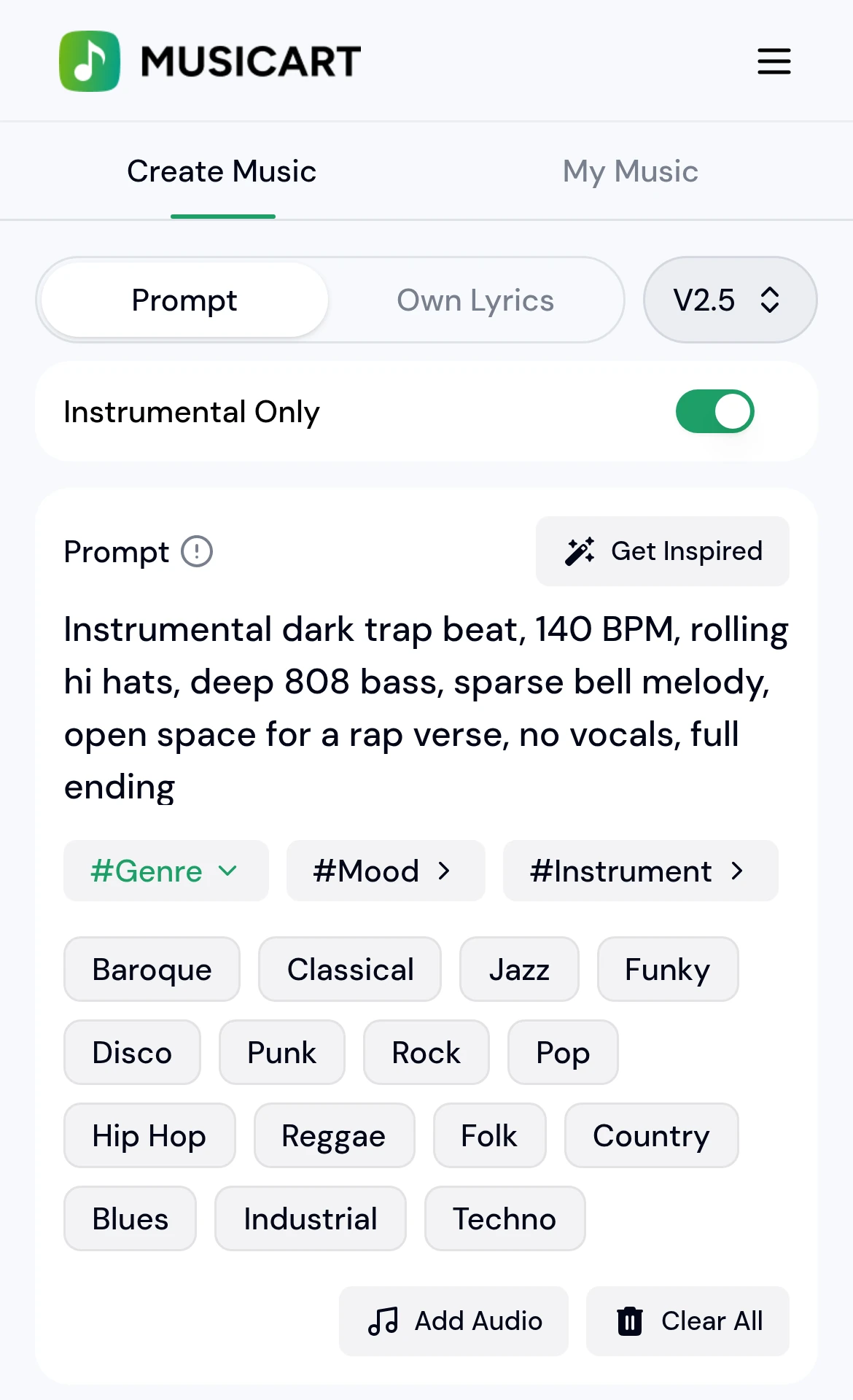
No. The AI Beat Generator opens in Safari on your iPhone, so there is nothing to download from the App Store and nothing to update.
Not into a step sequencer. This beat maker builds the whole instrumental from your prompt, so if you need to program your own samples hit by hit, a pad app is still the better fit.
Download the beat, then record over it in your usual voice or recording app. If you want a sung track instead, write lyrics in the AI Music Generator.
Yes. The best beat maker for iPhone is the same page in Safari on iPad, and the bigger screen just gives the prompt box more room.
Name a genre, a BPM, the drums, the main instrument and the mood, plus "no vocals". If the first take misses, change one detail and generate again.
Put your earbuds in, type the beat you keep humming and let the best beat maker for iPhone play it back before your stop.
Make a Beat on iPhone