




Simple Steps to Remix
How AI Remixer Turns Your Vision Into Sound
Upload, customize, and download your remixed track in minutes. Our AI music remixer handles the heavy lifting while you focus on creative direction.
Upload Your Track
Choose any audio file from your device. Whether it's a vocal recording, instrumental, or full mix, AI Remixer analyzes the structure and musical elements instantly.
Customize Your Remix
Select your desired style, tempo, and instrumentation. The song remixer AI adapts the original in real-time, letting you preview changes before finalizing.
Download Your Creation
Export your remixed version in high quality. Share directly or use it as a foundation for further production work.
POWERFUL REMIXING TOOLS
Everything You Need in an AI Remixer
From style transformation to tempo adjustment, AI music remixer delivers professional-grade features designed for creators at every level.
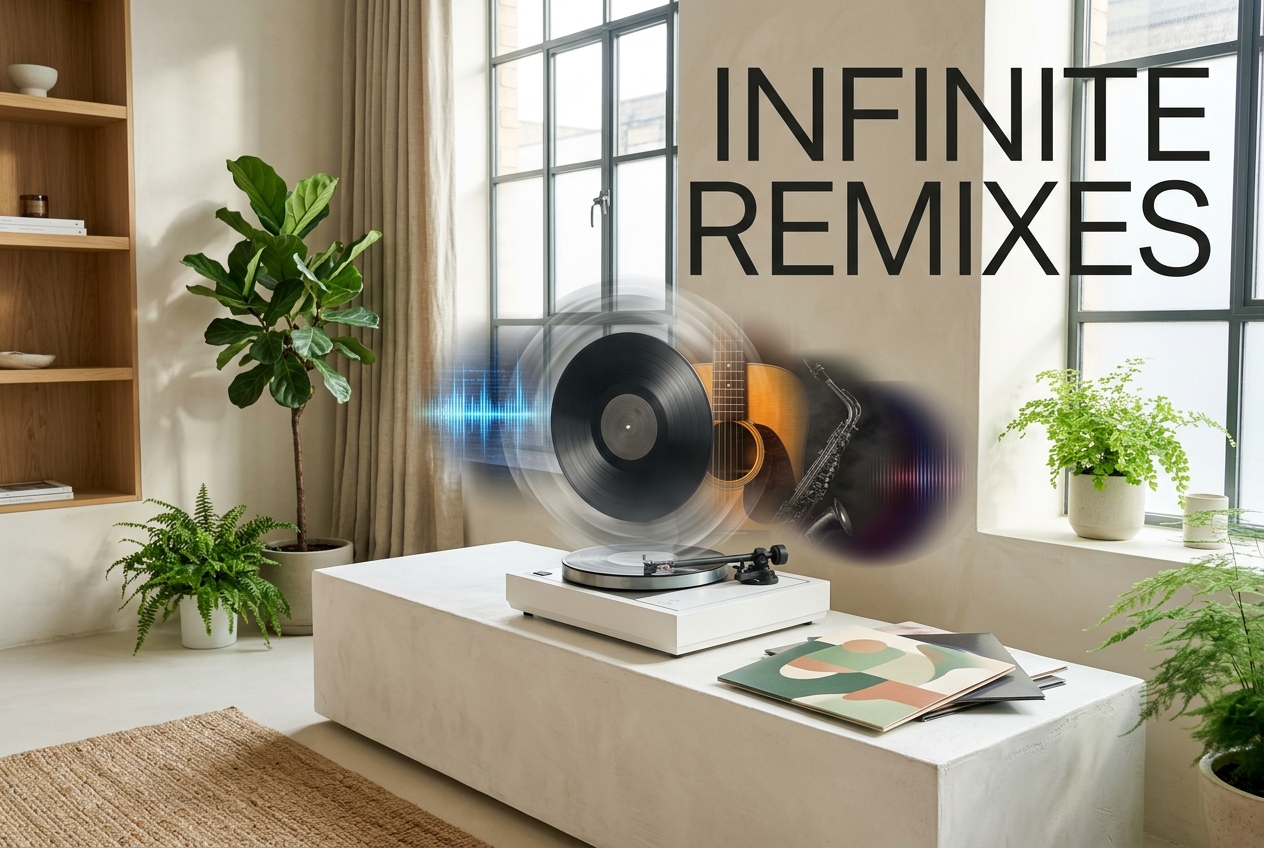
Multi-Style Transformation
Convert your track across genres instantly. The AI remixer recognizes musical patterns and rebuilds them in electronic, acoustic, jazz, or hip-hop styles. Each remix maintains the original's emotional core while shifting its sonic identity.
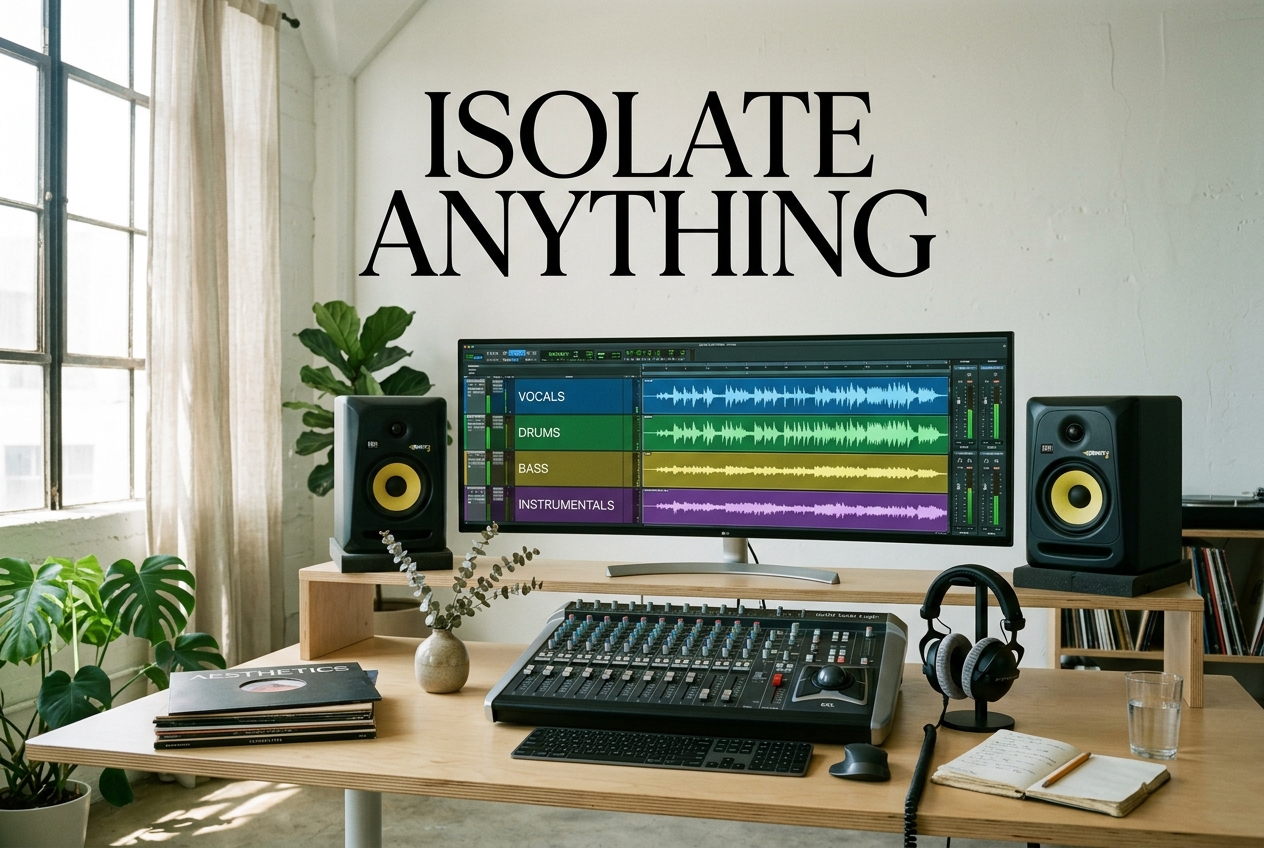
Intelligent Stem Separation
Isolate vocals, drums, bass, and instruments individually. This audio remixer AI feature lets you remix specific elements without affecting the rest, giving you surgical precision over your creative choices.

Adaptive Tempo Control
Adjust speed without losing quality or pitch. The song remixer AI stretches or compresses your track while preserving its natural feel, perfect for matching different BPMs or creative visions.

One-Click Enhancement
Let AI handle the mixing. This music remixer AI automatically balances levels, adds subtle effects, and polishes your remix to broadcast quality with a single click.

Frequently Asked Questions
Can I use any song with the AI music remixer?
Yes, you can upload any audio file. For best results with vocal-heavy tracks, our AI song remixer uses advanced stem separation to isolate and remix individual elements cleanly.
How does the song remixer AI maintain audio quality?
Our remixer AI uses neural networks trained on professional productions. It preserves frequency balance and dynamic range while applying transformations, ensuring your output sounds polished and intentional.
What audio formats does the remixer AI support?
The AI remixer accepts MP3, WAV, FLAC, and AAC files. You can export your remix in any of these formats at various quality levels depending on your needs.
How long does remixing take with the AI music remixer?
Most remixes process within 2-5 minutes depending on track length and complexity. The AI remixer works in the background, so you can start another project while waiting.
Can I customize the remix output from the song remixer AI?
Absolutely. Beyond style selection, you can adjust intensity levels, add effects, control instrumentation balance, and preview changes in real-time before downloading your final remix.

Start Creating with AI Remixer Today
Transform your music instantly. Experience how AI remixer reimagines sound with professional results.