
MusicArt Vocal Tools
Experience How AI Vocal Remover Cleans Your Audio
See how the MusicArt AI Vocal Remover separates a song into clean vocals and clear instrumentals. Great for karaoke tracks, remixes, school projects, or practice recordings.

Audio Separation Made Simple
Who Needs to Remove Background Music
Discover how professionals remove background music from audio to elevate their creative projects. Clean sound extraction is essential for modern digital storytelling.

Video Editors
Clear dialogue is crucial for narrative impact. Isolate spoken words from noisy tracks to ensure your audience hears every subtle emotion without distraction.

Podcasters
Salvage interviews recorded in less-than-ideal environments. Strip away unwanted ambiance to deliver crisp, studio-quality conversations to your listeners.

Music Producers
Sample creation requires pristine audio elements. Separate instruments and vocals to build new compositions from existing tracks with complete creative control.
Streamlined Audio Processing
Extract Vocals and Instruments in Three Steps
Learn the straightforward process to remove background music online. Our ai background music generator technology handles the complex separation quietly in the background.
Upload Your Track
Select your audio or video file. The system accepts various formats, preparing your media for precise acoustic analysis.
Process the Audio
Our algorithms analyze the frequencies. The tool works to separate the human voice from the instrumental layers seamlessly.
Download the Stems
Retrieve your isolated files. You receive distinct vocal and instrumental tracks, ready for your next creative phase.
Precision Audio Control
Advanced Capabilities to Remove Background Music
Explore the technical refinement behind our ability to remove background music from audio. Every feature is designed to preserve the original acoustic texture.

Vocal Isolation
Extract human speech or singing with remarkable clarity. The process retains the natural cadence and tone while eliminating the surrounding instrumental noise.
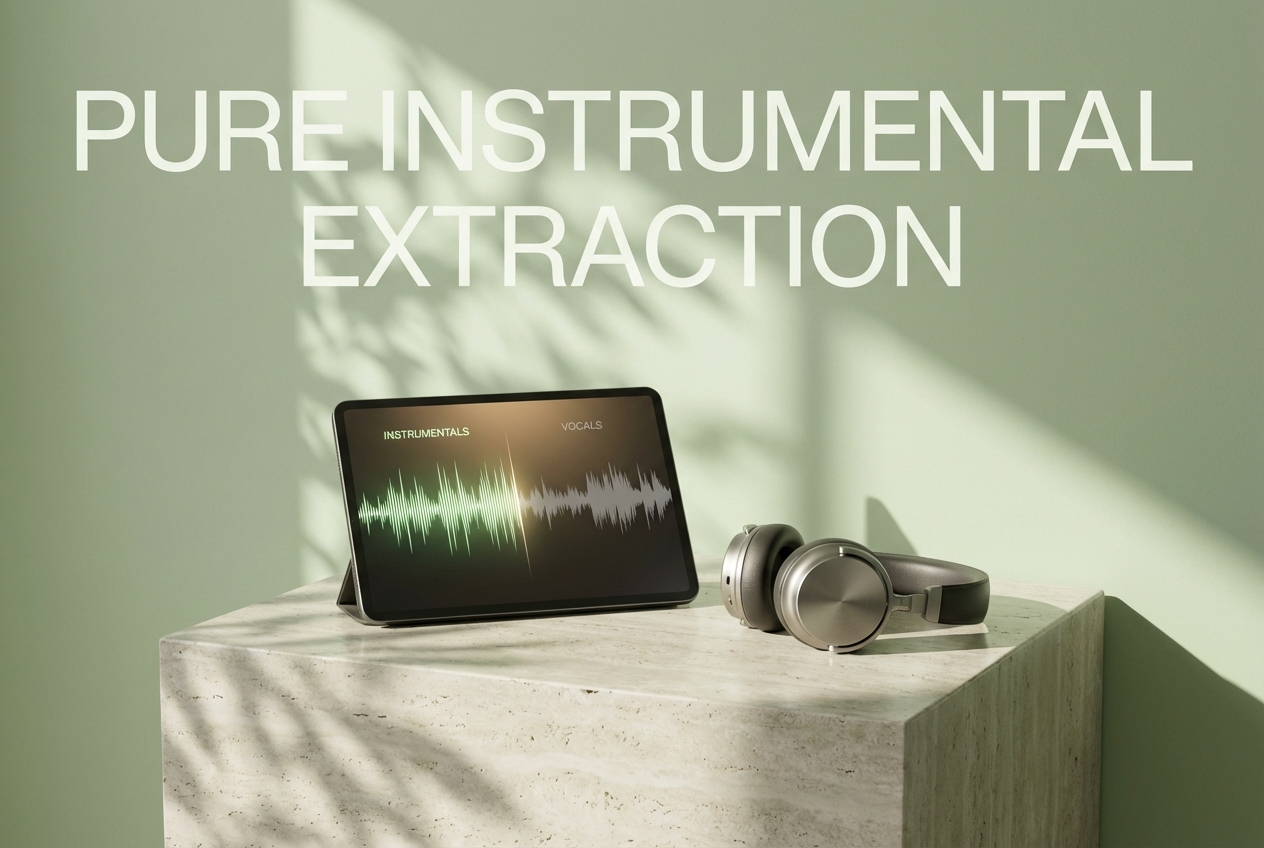
Instrumental Extraction
Strip away vocals to reveal the underlying musical composition. Ideal for creating karaoke tracks or analyzing complex musical arrangements.

High-Fidelity Output
Maintain the sonic integrity of your original file. The separation process minimizes artifacts, ensuring the resulting audio sounds natural and uncompressed.

Format Versatility
Work with the files you already have. The platform supports standard audio and video formats, simplifying your workflow without requiring prior conversion.

What file formats are supported for audio separation?
We support common formats including MP3, WAV, FLAC, and MP4. This ensures you can upload your media directly without needing third-party conversion tools.
How long does the extraction process typically take?
Processing time depends on file length, but most tracks are completed within seconds. Our servers are optimized for rapid acoustic analysis.
Is my uploaded audio kept secure and private?
Yes, your files are processed securely and automatically deleted from our servers after a short period. We do not store or claim ownership of your media.
Can I use the isolated tracks for commercial projects?
You retain the original rights to your uploaded content. However, you must ensure you have the legal right to modify and use the source material commercially.
Does the ai background music generator affect audio quality?
Our technology is designed to minimize audio degradation. While separation is complex, we prioritize preserving the original fidelity of both vocals and instruments.

Remove Background Music and Refine Your Sound
Experience clean audio separation today. Remove background music from audio to unlock new creative possibilities.