AI Mastering Workflow
Introduction
AI Mastering on MusicArt is designed to improve the overall sound of your tracks without requiring professional mastering knowledge.
The system analyzes loudness, frequency balance, and dynamics, then applies intelligent adjustments so your song feels cleaner and more polished.
Open AI Mastering and choose your track
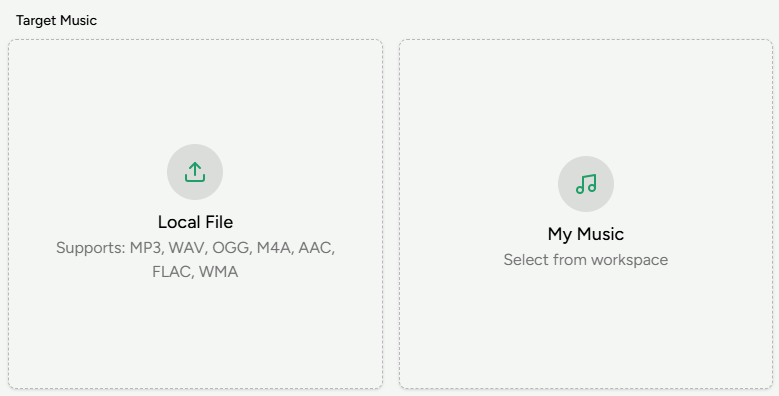
Visit the AI Mastering page and, in the Target Music area, upload the track you want to master or select one from your workspace.
For best results, use a high-quality mix with no clipping or heavy limiting so the mastering process has enough headroom.
Select a reference track
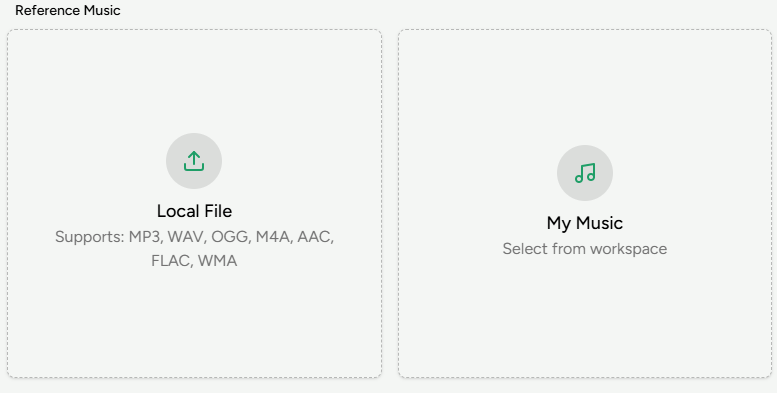
Choose an optional Reference Music track. MusicArt analyzes the reference song’s loudness, tonal balance, stereo width, and dynamics, then uses these characteristics as a guide.
Matching the reference genre and mood to your own song usually produces more consistent results.
Run mastering and download the result
Click the Master button to start processing.
Within about 2–3 minutes, MusicArt generates a mastered version with clearer sound and improved balance.
Preview the result and download the mastered file for publishing or further use.