
Why Our Youtube Vocal Remover Stands Out
Precision Audio Separation Built for Modern Creators
Our tool delivers studio-quality results without technical complexity. Experience faster processing and cleaner splits than standard tools.
Crystal Clear Vocal Isolation
Advanced AI algorithms detect and extract vocals with minimal artifacts. Whether you're working with pop, hip-hop, or acoustic tracks, the platform preserves vocal nuance while removing background noise effectively.
Lossless Instrumental Extraction
Get pristine instrumental tracks suitable for remixing and production. With Vocal Remover Youtube, our solution maintains instrumental integrity, capturing every drum hit and synth layer without degradation or quality loss.
One-Click Processing Speed
Upload, process, and download in minutes. No learning curve, no complex settings. Our streamlined interface lets you remove vocals from YouTube content instantly, freeing time for creative work instead of technical setup.
Three Steps to Perfect Audio Separation
How Our Tool Transforms Your Audio
Simple workflow designed for musicians and content creators. Upload your YouTube track, let AI handle the separation, download professional-grade vocals and instrumentals.
Upload Your Audio
Paste your YouTube link or upload an audio file directly. Our Youtube To Vocal Remover accepts multiple formats and processes files up to 30 minutes long. The system automatically detects audio quality and optimizes processing parameters for best results.
AI Processes Separation
Advanced neural networks analyze frequency patterns and isolate vocal elements from instrumental layers. The vocal remover from YouTube works in real-time, mapping each audio component with precision. You'll see progress updates as processing completes.
Download Separated Tracks
Access clean vocal and instrumental files instantly. Export in your preferred format for immediate use in DAWs, karaoke software, or remix projects. Our Youtube Vocal Remover delivers broadcast-ready audio ready for your next creative project.
POWERFUL VOCAL REMOVAL CAPABILITIES
Everything You Need in a Youtube Vocal Remover
Professional-grade audio separation tools designed for creators. From YouTube extraction to multi-stem processing, our solution delivers results that rival expensive studio equipment.
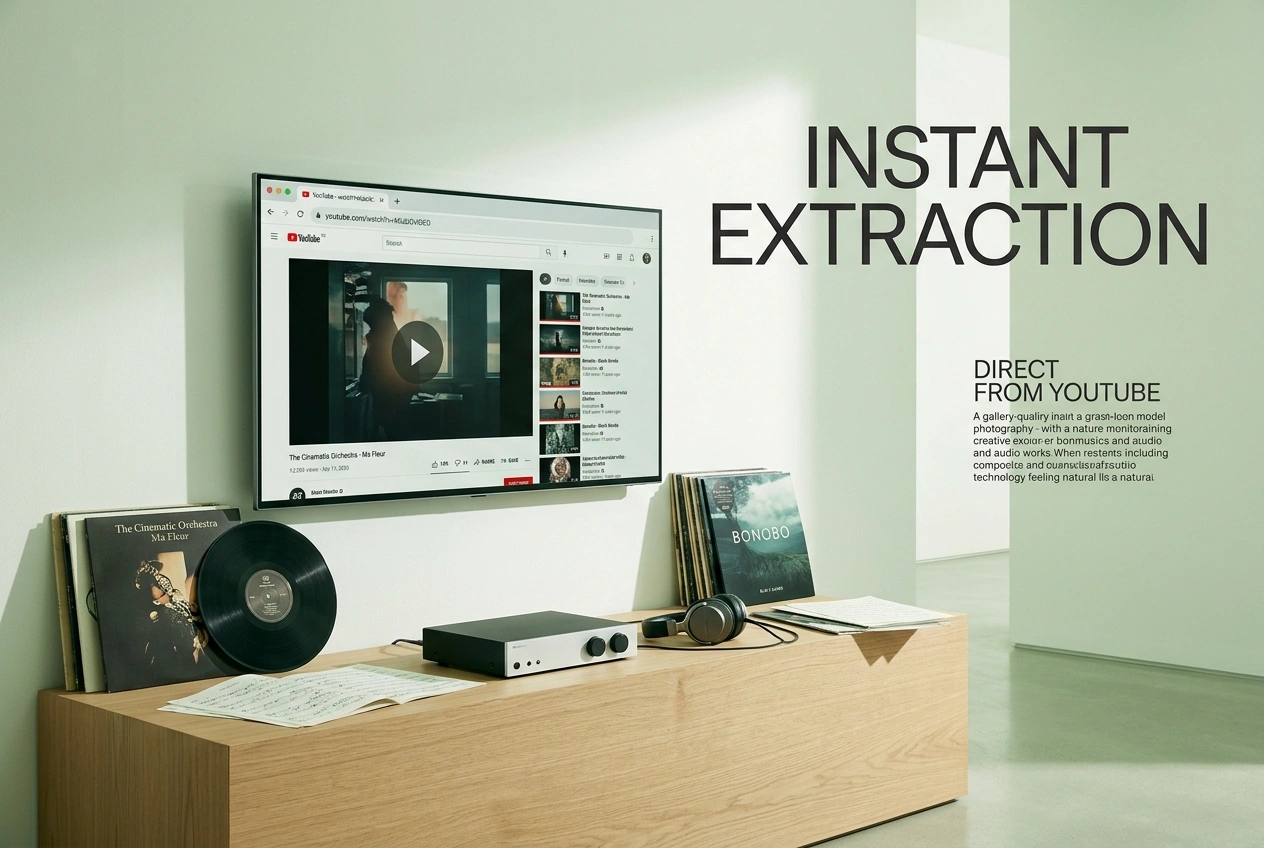
Direct YouTube Integration
Paste any YouTube link into our vocal remover from YouTube and extract audio automatically. No downloading required, no format conversion needed. Process music videos, live performances, and covers directly from the platform.
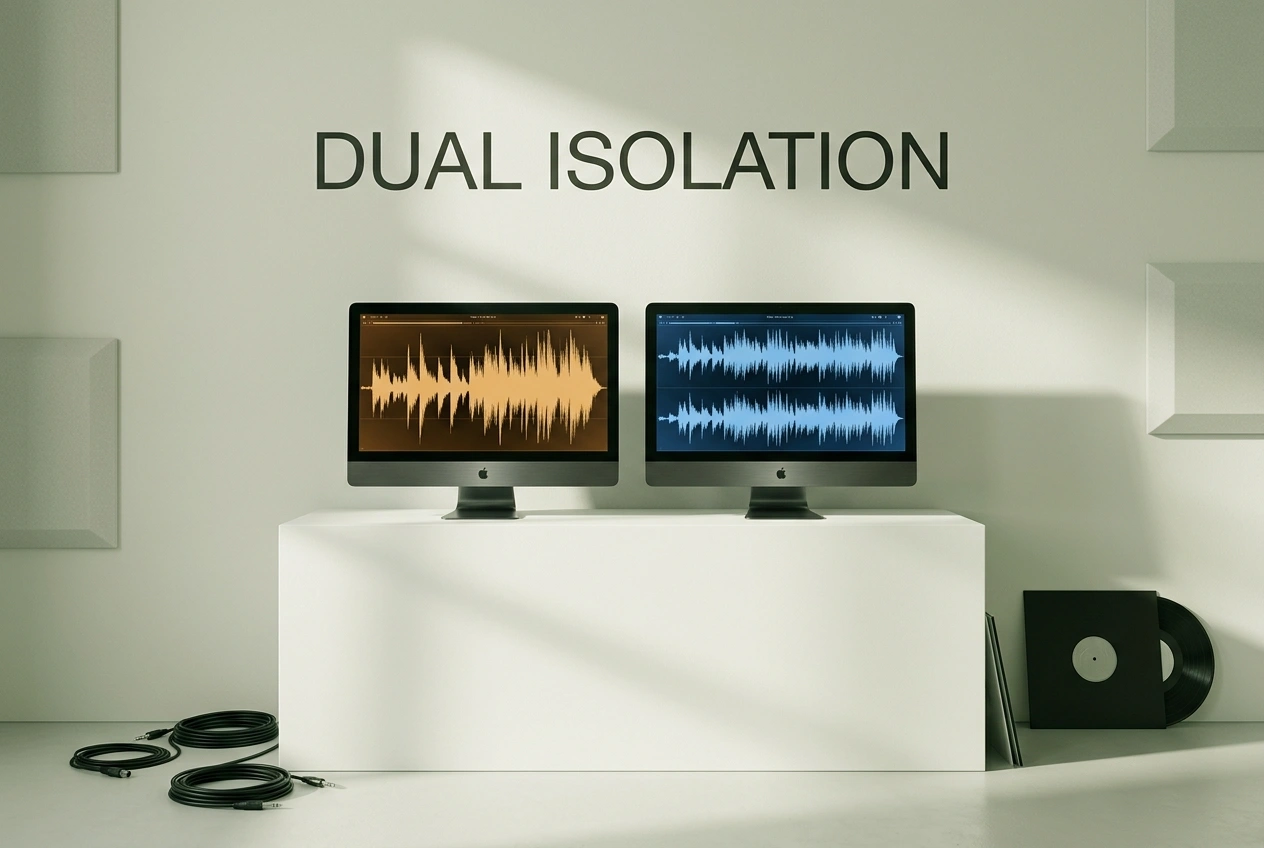
Dual-Track Output System
Every session generates two separate, professional-quality files. Isolated vocals perfect for layering and effects, plus clean instrumentals ideal for backing tracks and remixing projects.
Adjustable Separation Control
Fine-tune vocal intensity and instrumental balance with precision sliders. Our tool lets you customize separation strength, ensuring results match your specific creative needs whether for karaoke or professional production.
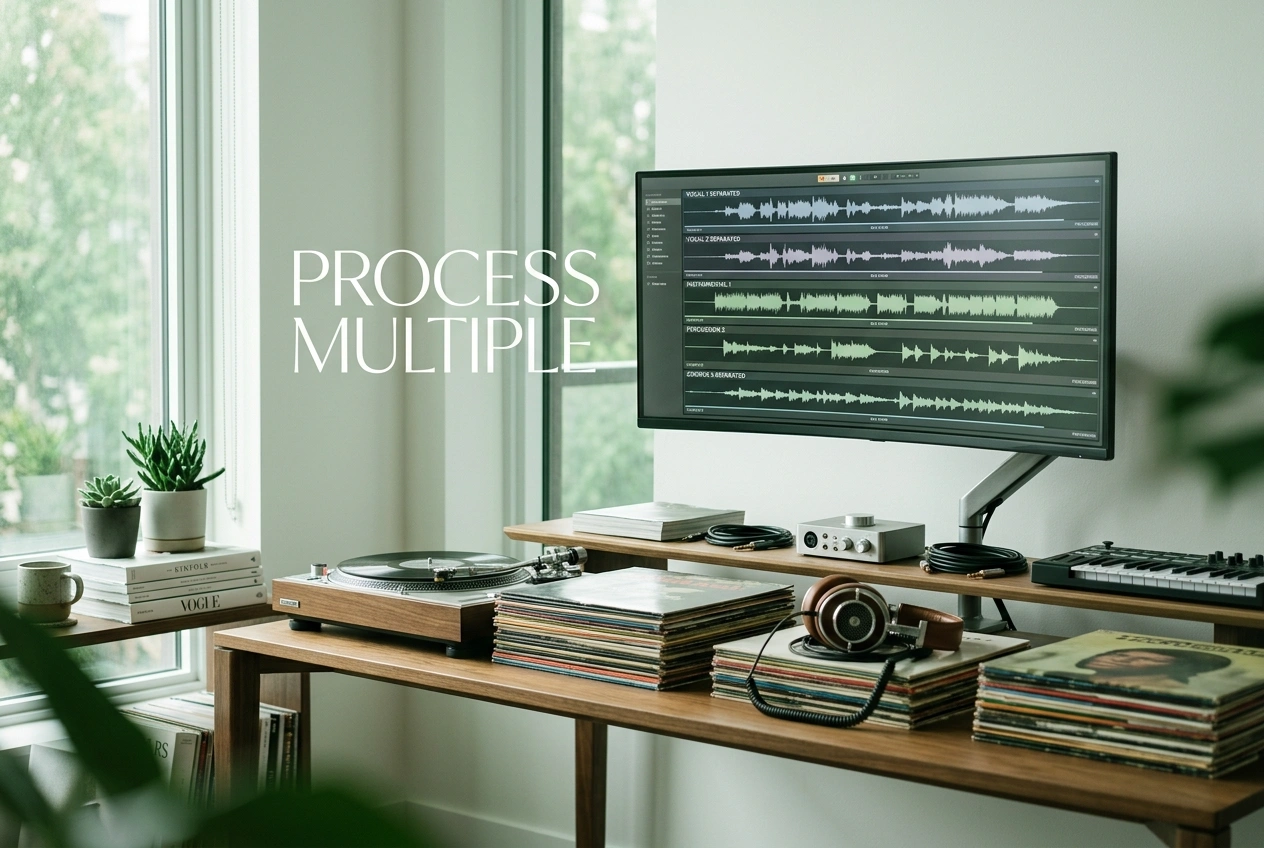
Batch Processing Efficiency
Process multiple YouTube tracks simultaneously without quality loss. The platform handles bulk operations seamlessly, perfect for creators managing extensive music libraries or production workflows requiring consistent audio separation.

Can I use the separated vocals from YouTube for commercial projects?
Separated audio retains the original copyright status. For commercial use, ensure you have proper licensing or rights to the original YouTube content. We recommend checking the video's license terms before commercial distribution.
What audio formats does the vocal remover from YouTube support?
Our tool accepts MP3, WAV, FLAC, and M4A formats. YouTube links are automatically converted to optimal audio format. Downloaded tracks are available in multiple formats for compatibility with your DAW or editing software.
How accurate is the Youtube Vocal Remover for different music genres?
Our AI performs exceptionally well across pop, rock, hip-hop, and electronic music. Performance varies with production quality and vocal mixing. Live recordings and heavily compressed tracks may show minor artifacts, but results remain suitable for most creative applications.
Is there a file size or duration limit for the vocal remover from YouTube?
We support audio files up to 30 minutes and 500MB. YouTube videos are automatically optimized during extraction. Longer tracks may require extended processing time, but quality remains consistent regardless of file specifications.
Can the Youtube Vocal Remover handle live performances and acoustic recordings?
Yes, our separation technology adapts to live recordings and acoustic arrangements. Results depend on recording quality and mic placement. Studio recordings typically yield cleaner separation, while live performances may retain some ambient elements in the instrumental track.

Start Separating Vocals with Our Youtube Vocal Remover Today
Join creators worldwide using our vocal remover from YouTube for professional audio projects. Process your first track free, no credit card required.