Why Choose Our AI Story Video Generator
Turn Audio Into Cinematic Narratives Without Technical Skills
MusicArt AI's AI Story Video Generator combines intelligent storytelling with visual creation, letting you produce broadcast-quality narrative videos from any audio source effortlessly.
Intelligent Narrative Generation
Our AI Story Video Generator automatically crafts coherent storylines that match your music's mood and tempo. No screenwriting experience needed—just upload your track and watch as the system generates compelling plot structures, character arcs, and scene descriptions that sync perfectly with your audio.
Visual Customization at Every Frame
Unlike basic story to video AI tools, MusicArt AI lets you preview every scene before rendering. Select from diverse character roles, adjust visual styles from cinematic to animated, choose aspect ratios, and refine storyboard details. Your AI Story Video Creator respects your creative vision.
Beat-Synchronized Production
The AI Story Video Creator engine analyzes your music's rhythm and emotional peaks, timing each scene transition and camera movement to match. Subtitles, continuous shot effects, and dynamic pacing emerge automatically—your narrative video stays locked to the beat throughout.
Discover How AI Story Video Generator Works
From Audio to Cinematic Story in Three Intuitive Steps
MusicArt AI's AI Story Video Generator streamlines narrative video creation through intelligent audio analysis, AI-powered storytelling, and automated visual synchronization for seamless results.
Upload Your Audio and Define Your Vision
Begin by uploading your music file or pasting a music link into the AI Story Video Generator. Specify your story direction—provide a narrative outline or let the system generate one automatically. Select your preferred character roles, visual style, and frame dimensions. The AI Story Video Maker analyzes your audio's emotional tone and tempo to inform all subsequent creative decisions.
Preview and Refine Your Storyboard
The AI Story Video Creator generates a detailed scene-by-scene breakdown with visual descriptions for each moment. Review the storyboard, adjust character placements, modify scene sequences, and fine-tune pacing. This preview stage ensures your narrative video aligns with your creative intent before final rendering begins.
Generate and Download Your Complete Video
Render your finished narrative video with a single command. The AI Story Video Generator synchronizes every scene transition, subtitle, and visual effect to your music's beat. Download your broadcast-ready video in your chosen format. From audio to story to video—the entire process becomes seamless and efficient.
POWERFUL FEATURES FOR NARRATIVE VIDEO CREATION
Everything You Need in an AI Story Video Generator
MusicArt AI delivers comprehensive tools for transforming music into visually compelling stories, combining intelligent automation with creative control throughout your narrative video production.

Automatic Story Generation
The AI Story Video Generator analyzes your music's emotional arc and creates original narratives that match its energy. Whether you need dramatic tension, romantic tension, or uplifting moments, the AI Story Video Creator crafts storylines that feel intentional and cohesive. Skip the blank page—start with intelligent narrative suggestions.

Character and Style Customization
Choose from diverse character archetypes and visual aesthetics within your AI Story Video Maker. Adjust everything from actor appearances to cinematographic styles—cinematic, animated, documentary, or stylized. Your story to video AI experience becomes personalized, ensuring the final narrative video reflects your unique creative vision.
Beat-Matched Scene Synchronization
MusicArt AI's AI Story Video Generator automatically times scene transitions, camera movements, and visual effects to your music's rhythm. Every cut, every beat drop, every emotional swell aligns perfectly. The result is a narrative video where visuals and audio feel orchestrated together, not layered separately.
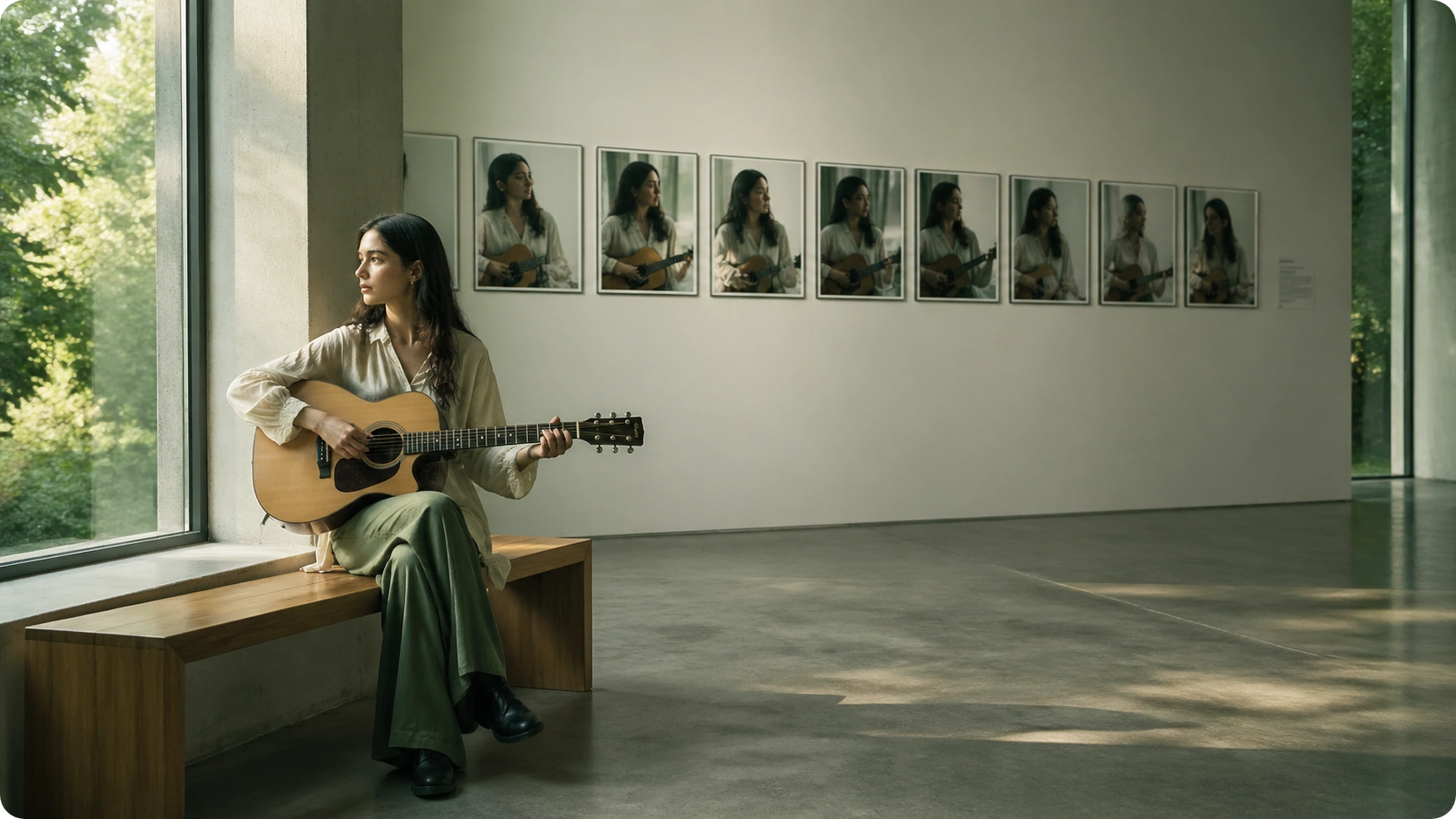
Storyboard Preview and Refinement
Before rendering, review your complete storyboard frame-by-frame. The AI Story Video Creator displays visual descriptions, timing cues, and subtitle placements. Make adjustments to pacing, scene order, or character moments. This preview stage ensures your narrative video meets your standards before final production.

Frequently Asked Questions
Can I use my own music with the AI Story Video Maker?
Yes. MusicArt AI's AI Story Video Creator accepts uploaded audio files or direct music links. The system analyzes your track's tempo, mood, and structure to generate matching narratives and synchronize visuals perfectly to your audio.
How does the AI Story Video Generator create narratives automatically?
The AI Story Video Maker uses advanced language models to analyze your music's emotional progression and generate coherent storylines. You can provide a brief outline or let the system create one independently. The AI Story Video Creator then translates narratives into visual scene descriptions.
What video formats and aspect ratios does the story to video AI support?
MusicArt AI's AI Story Video Generator supports multiple aspect ratios including 16:9 for widescreen, 9:16 for vertical mobile, and 1:1 for square formats. Export options include MP4, WebM, and other standard video formats suitable for social platforms and professional use.
Can I edit scenes after the AI Story Video Creator generates them?
Absolutely. The storyboard preview stage lets you modify scene sequences, adjust character placements, refine pacing, and edit narrative details. Your AI Story Video Maker respects creative control—preview everything before final rendering.
How long does it take to generate a complete narrative video?
Processing time depends on video length and complexity. Most projects render within minutes. MusicArt AI's AI Story Video Generator optimizes rendering speed while maintaining quality, so your narrative video production stays efficient without compromising visual polish.

Create Your First Narrative Video with AI Story Video Generator Today
Transform music into cinematic stories instantly. No experience required—just upload and create.