Why Choose MusicArt AI
Turn Your Photos Into Cinematic Videos Effortlessly
MusicArt AI combines intuitive photo video maker tools with AI-powered music integration, letting you create professional image-to-video content without technical skills or expensive software.
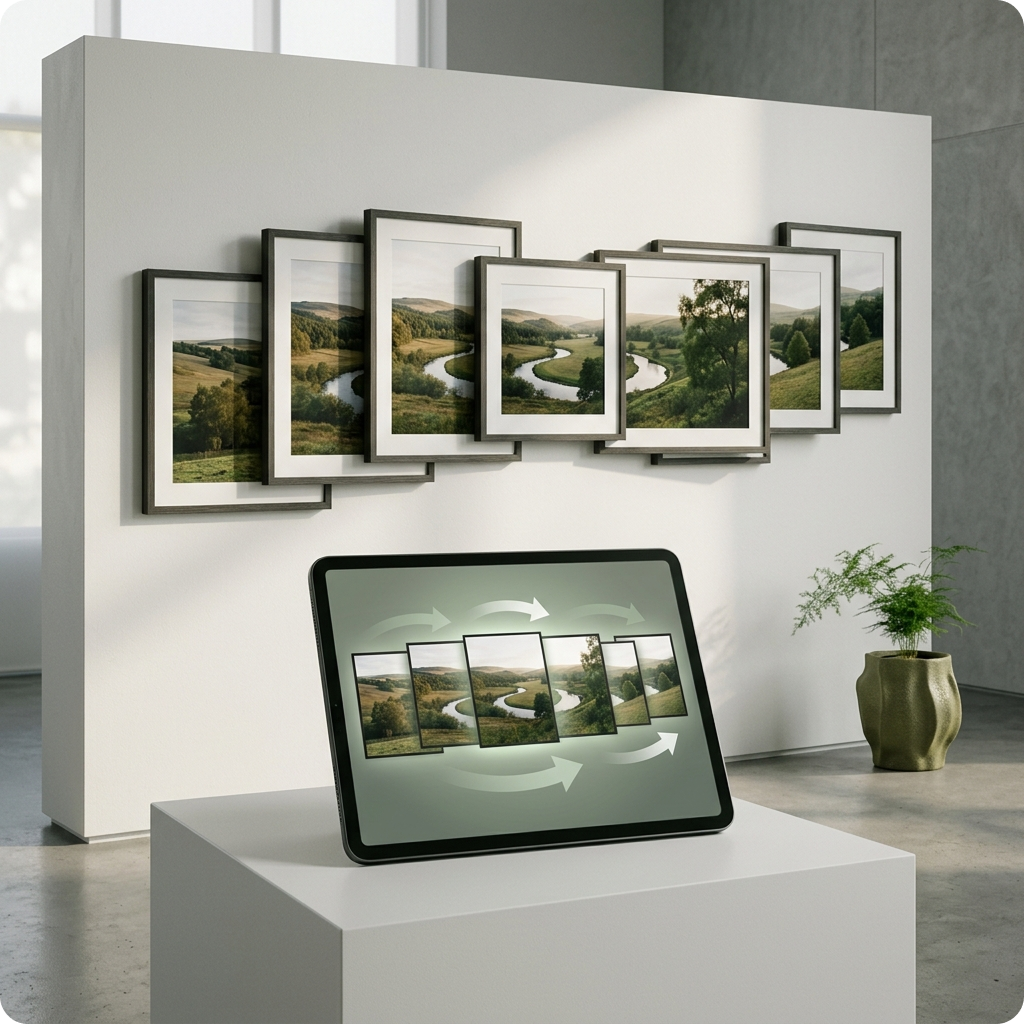
Seamless Photo to Video Conversion
Our photo video maker transforms static images into dynamic videos with smooth transitions and motion effects. Whether you're creating a free photo video maker project or professional content, the process feels natural and intuitive. Add multiple photos, customize timing, and watch your story come alive.
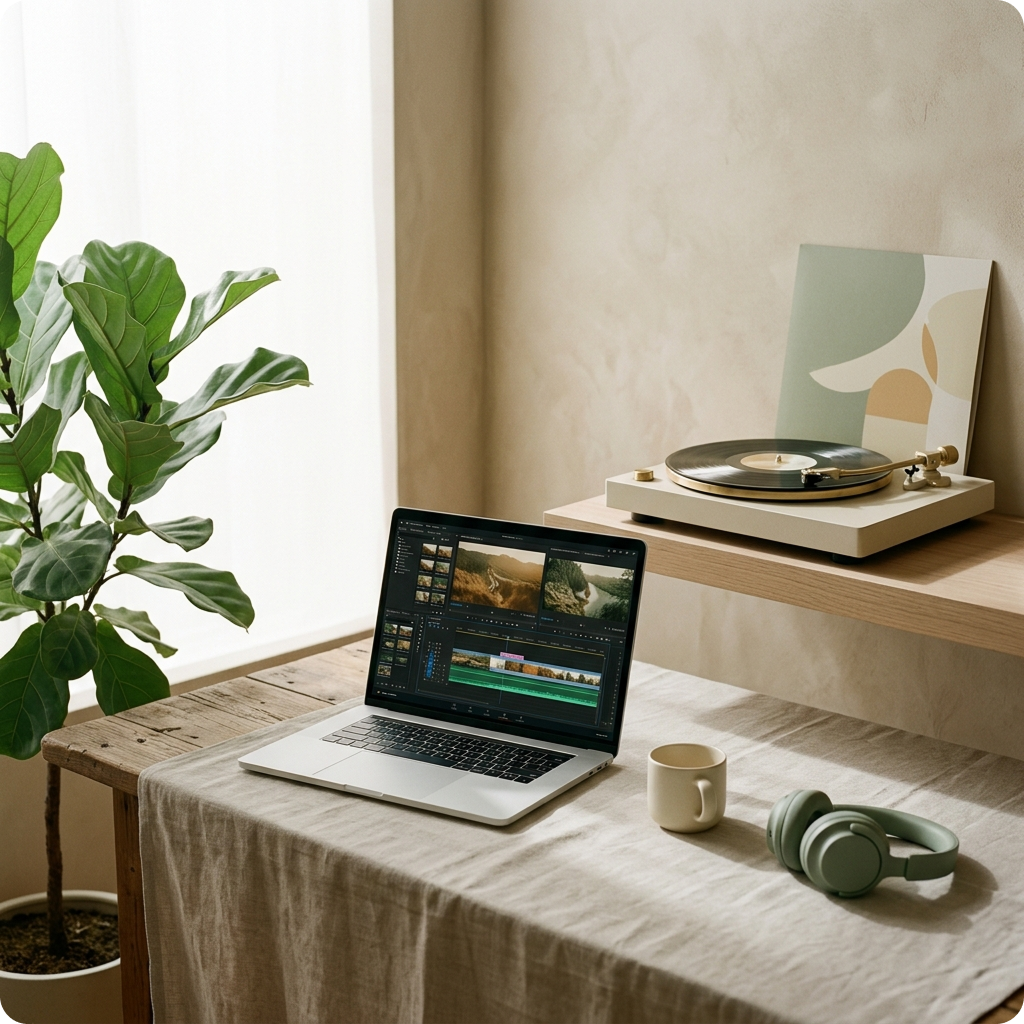
AI-Matched Royalty-Free Music Integration
Every photo video maker project deserves the perfect soundtrack. MusicArt AI generates royalty-free music that matches your video's mood and pacing. No copyright concerns, no licensing fees—just music that elevates your image video maker content instantly.
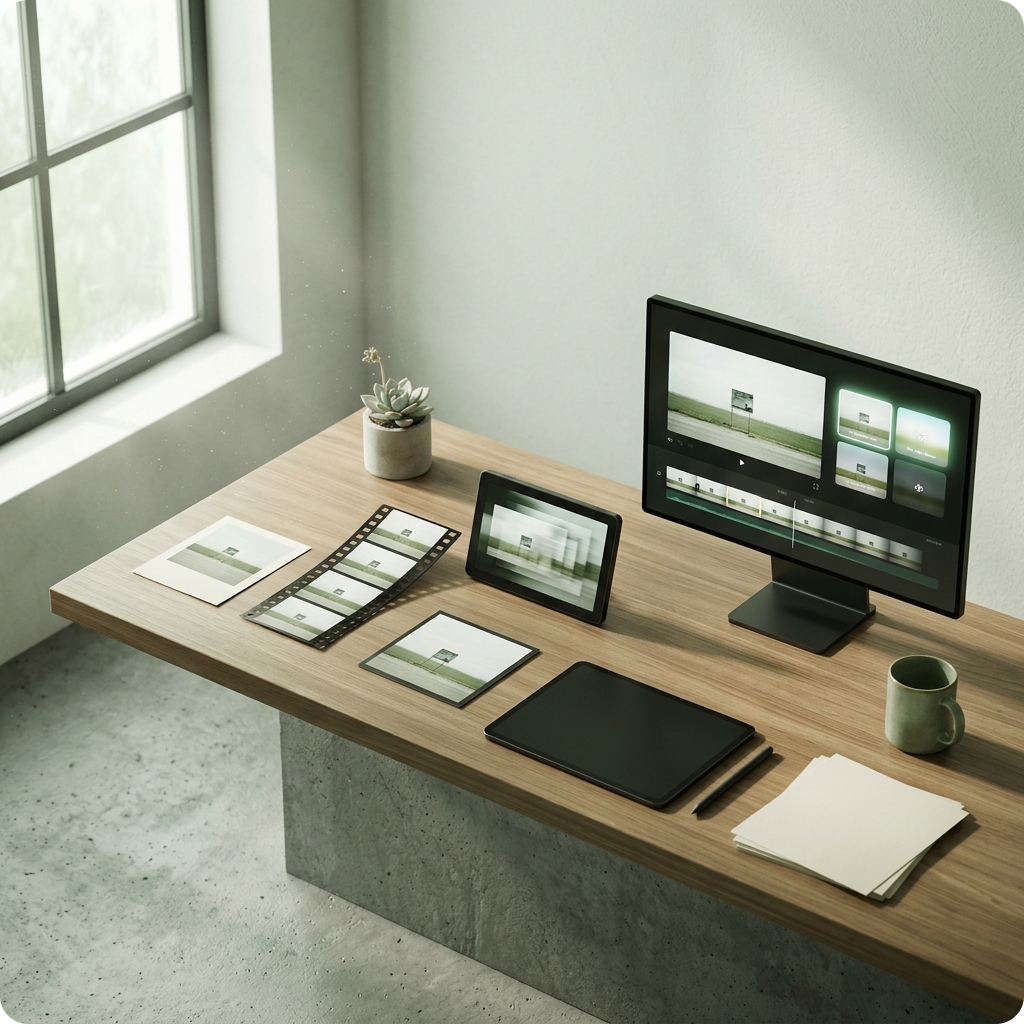
Professional Results Without the Learning Curve
Unlike complex video editing software, our free video maker keeps things simple. Templates, presets, and one-click enhancements mean your photo to video projects look polished immediately. Beginners and creators alike appreciate how straightforward the photo video maker experience truly is.
How the Photo Video Maker Works
Create Your First Video in Three Simple Steps
MusicArt AI's photo video maker streamlines the entire process from image selection to final export. Our image-to-video technology handles the complexity while you focus on storytelling and creativity.
Upload and Arrange Your Photos
Select photos from your device or library and arrange them in your desired sequence. The photo video maker interface lets you preview the flow instantly. Adjust timing for each image, add captions, and set the overall pacing—all within a clean, distraction-free workspace.
Let AI Generate the Perfect Soundtrack
Once your photo-to-video sequence is ready, MusicArt AI analyzes the mood, transitions, and duration to generate original royalty-free music. The free video maker automatically syncs audio with your visuals, creating professional-grade timing without manual adjustment.
Enhance and Export
Apply filters, effects, and transitions to polish your photo video creation. Preview the complete video with music, make final tweaks, and export in your preferred format. Your photo video maker project is ready to share across social media, websites, or for personal use.
POWERFUL PHOTO VIDEO MAKER FEATURES
Everything You Need in a Photo Video Maker
MusicArt AI delivers comprehensive tools for creating stunning image-to-video content. From AI music generation to professional effects, our free photo video maker includes features typically found in premium software.
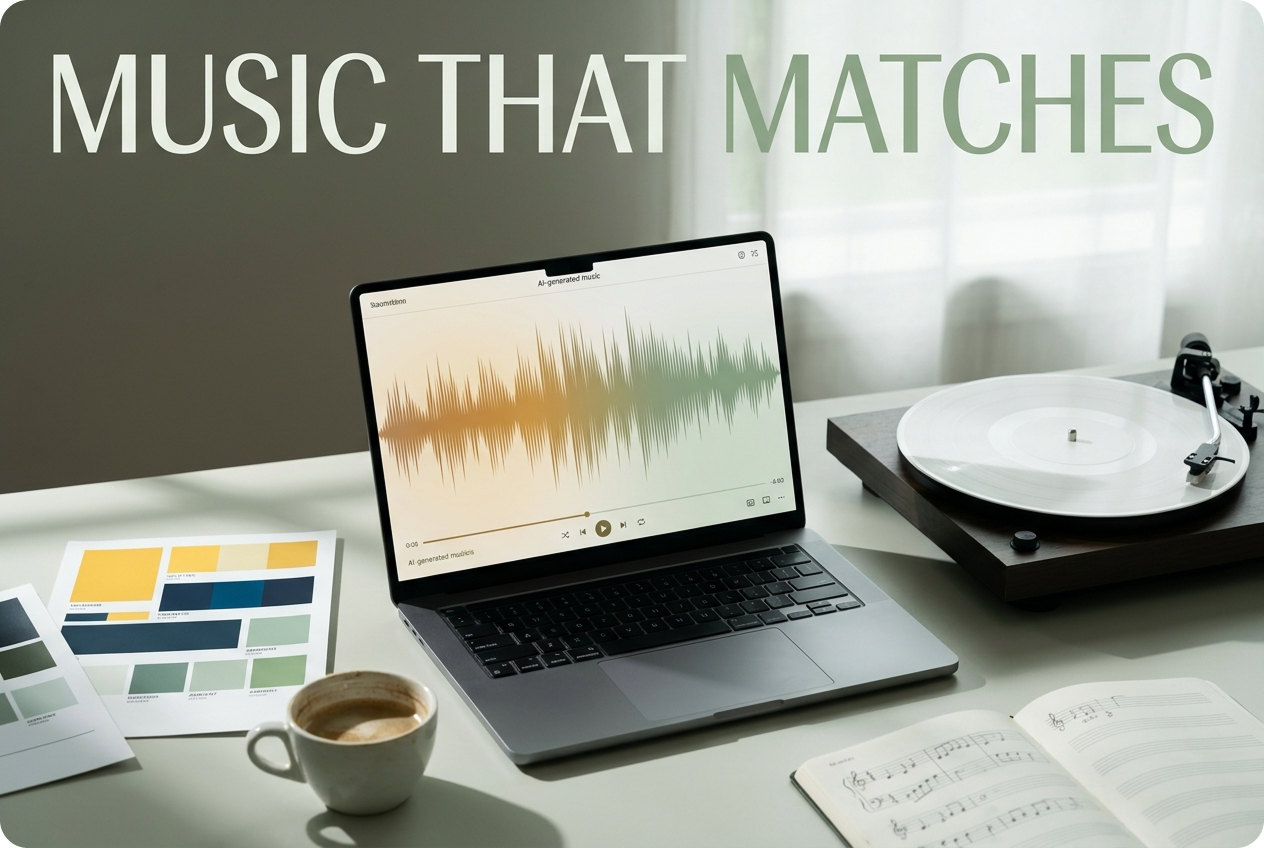
AI Music Generation for Every Mood
Our photo video maker generates original, royalty-free music tailored to your video's emotional tone and pacing. Whether you need uplifting, cinematic, or ambient soundtracks, the AI understands your image-to-video narrative and creates matching compositions instantly.
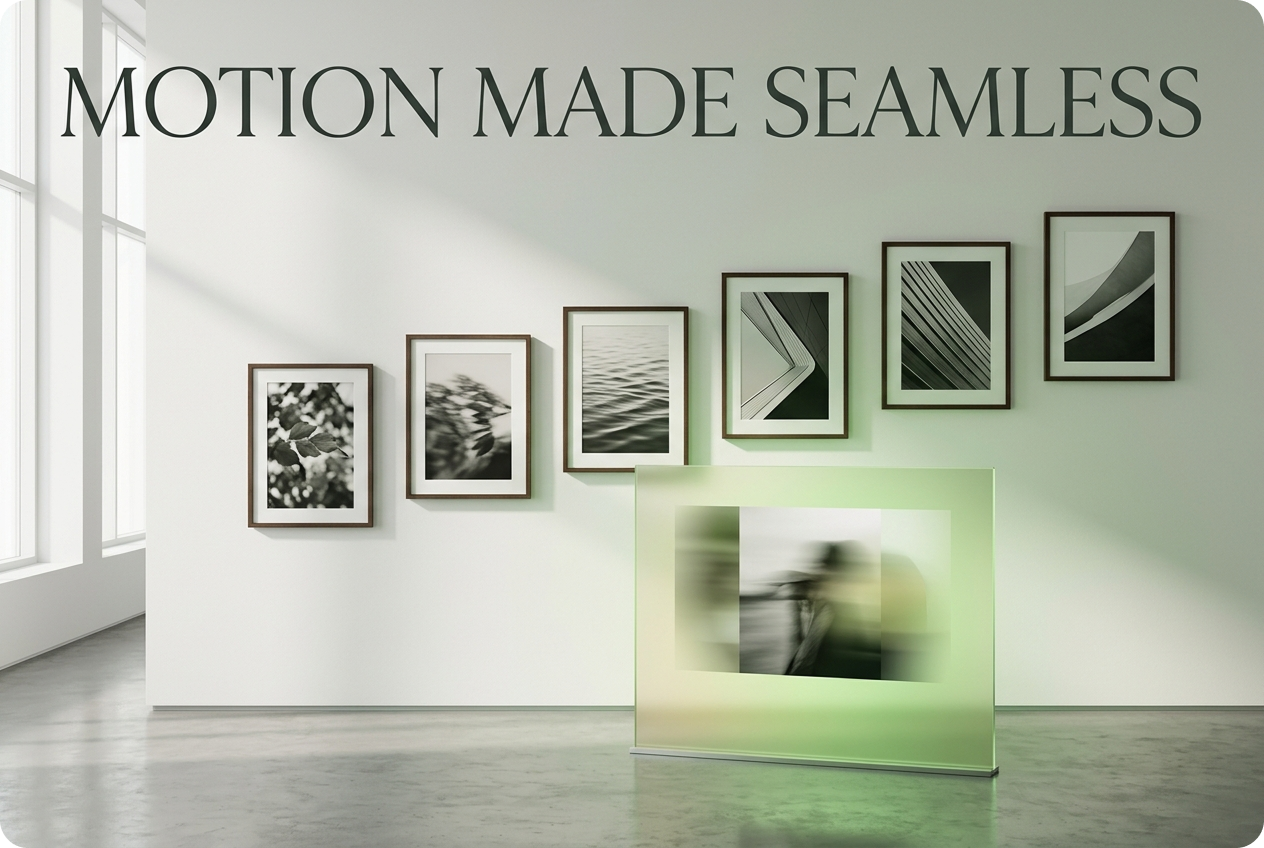
Smooth Transitions and Motion Effects
Transform static photos into flowing visual stories with intelligent transitions. The video maker applies motion effects that feel natural and professional. Each image-to-video transition is customizable, letting you control speed, style, and intensity for your free video maker projects.
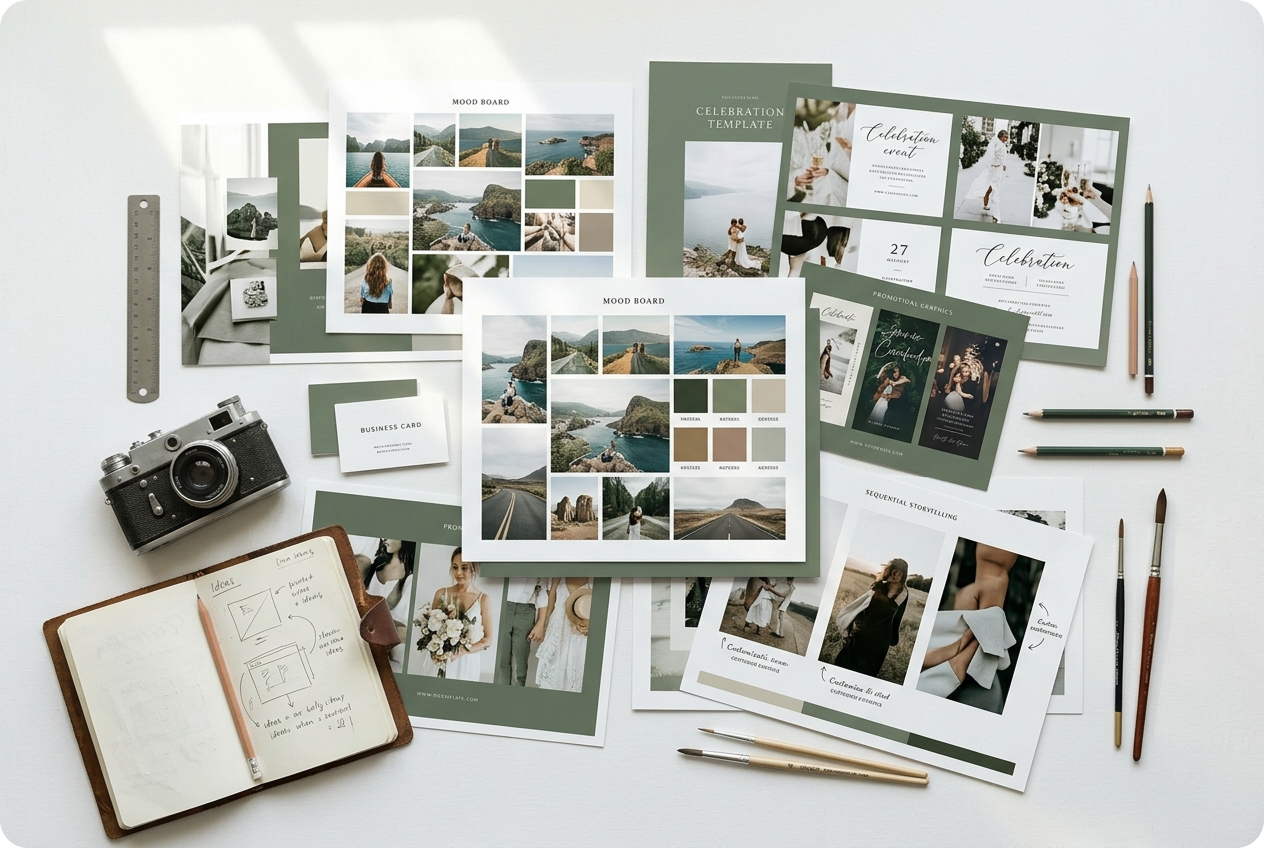
Professional Templates and Presets
Skip the blank canvas. Our video maker includes templates designed for different content types—travel, celebrations, promotions, and storytelling. Each video maker template is fully customizable, so your video maker output feels personal and polished.
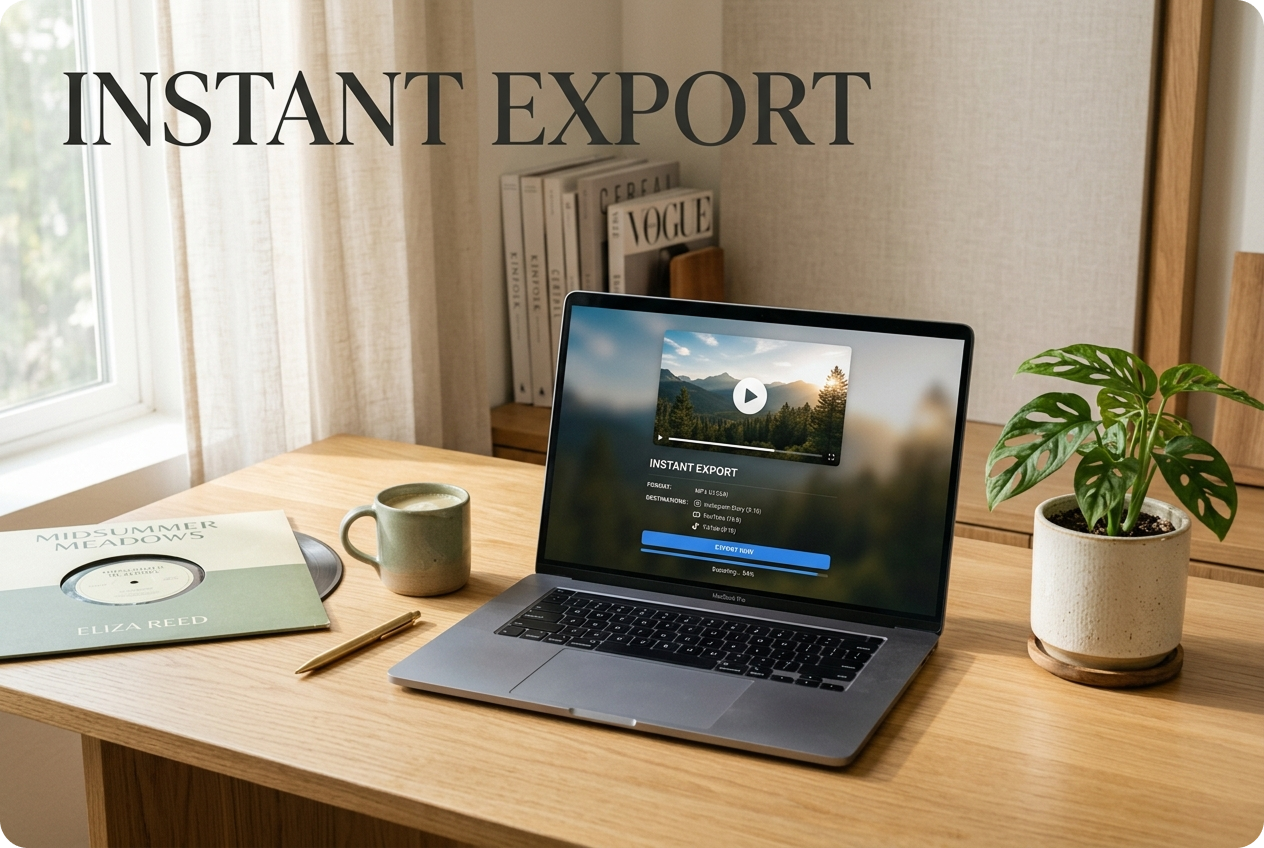
One-Click Export and Sharing
Your photo-to-video creation is ready instantly. Our video maker exports in multiple formats optimized for social platforms, websites, and mobile devices. Share directly or download—MusicArt AI's video maker handles all technical details so you can focus on the impact.

Frequently Asked Questions
Can I use my own music in the image video maker?
Yes, you can upload personal audio files to your photo to video project. However, you're responsible for ensuring you have rights to any music you add. MusicArt AI's AI-generated royalty-free music option eliminates licensing concerns entirely.
What image formats does the photo video maker support?
Our video maker accepts JPG, PNG, GIF, and WebP formats. You can mix formats within a single project. The image to video tool automatically optimizes resolution for smooth playback across devices.
How long can my photo to video creation be?
There's no strict limit on duration. The video maker handles projects from 30 seconds to several minutes. Processing time scales with length, but MusicArt AI's efficient rendering keeps wait times minimal.
Is the royalty-free music truly copyright-free?
Yes. All AI-generated music from MusicArt AI is original and royalty-free. You can use it commercially without licensing fees or attribution requirements. This applies only to music generated by our AI, not user-uploaded audio.
Can I edit my video after exporting from the photo video maker?
Absolutely. Your exported video is a standard file you can edit in any video software. Our photo video maker creates the foundation; you maintain full control over further customization or distribution.

Start Creating Your Photo Video Maker Project Today
Transform photos into captivating videos with AI-matched music. No experience needed, no subscriptions required to explore.