
Three Simple Steps
How Acapella Remover Transforms Your Audio in Minutes
Upload your track, let AI process the separation, download isolated stems instantly. No technical skills required for professional-grade vocal removal.
Upload Your Track
Select an audio file from your device or paste a URL. Our acapella vocal remover accepts MP3, WAV, and other common formats. The process begins immediately.
AI Processes the Separation
Advanced neural networks analyze frequency patterns and isolate vocals from instrumentals. The acapella remover works in the background while you wait.
Download Your Stems
Receive clean vocal and instrumental tracks ready for remixing, sampling, or further production. Each stem maintains original audio quality and timing.
POWERFUL CAPABILITIES
What Makes Our Acapella Remover Stand Out
Professional-grade vocal isolation meets intuitive design. Our acapella remover free tool delivers studio results without complexity or compromise.
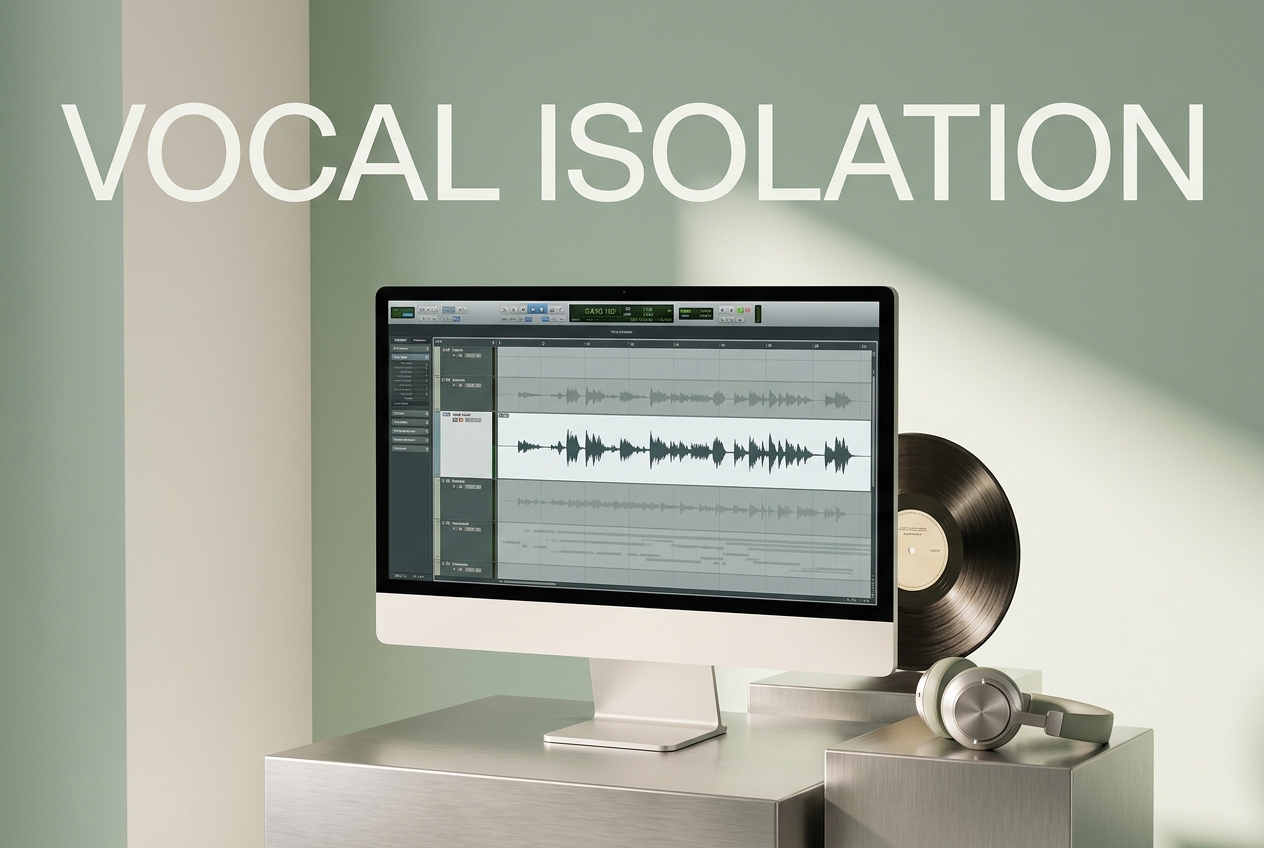
Crystal-Clear Vocal Isolation
Extract lead vocals with minimal artifacts. The acapella remover separates voices from backing tracks using deep learning, preserving natural tone and emotion in every note.
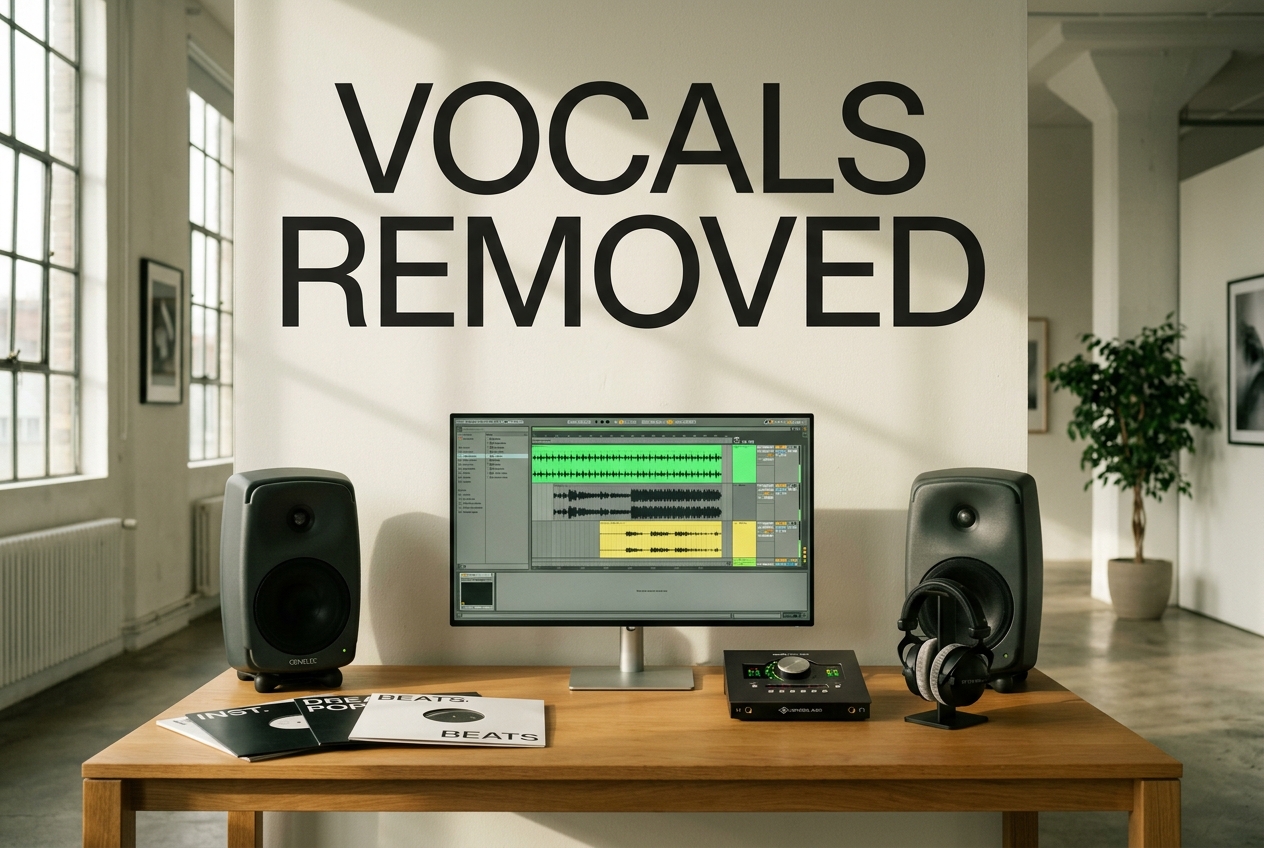
Instrumental Stem Extraction
Get pristine instrumental versions for remixing and production. Our vocal remover creates usable backing tracks perfect for covers, mashups, and creative reinterpretation.
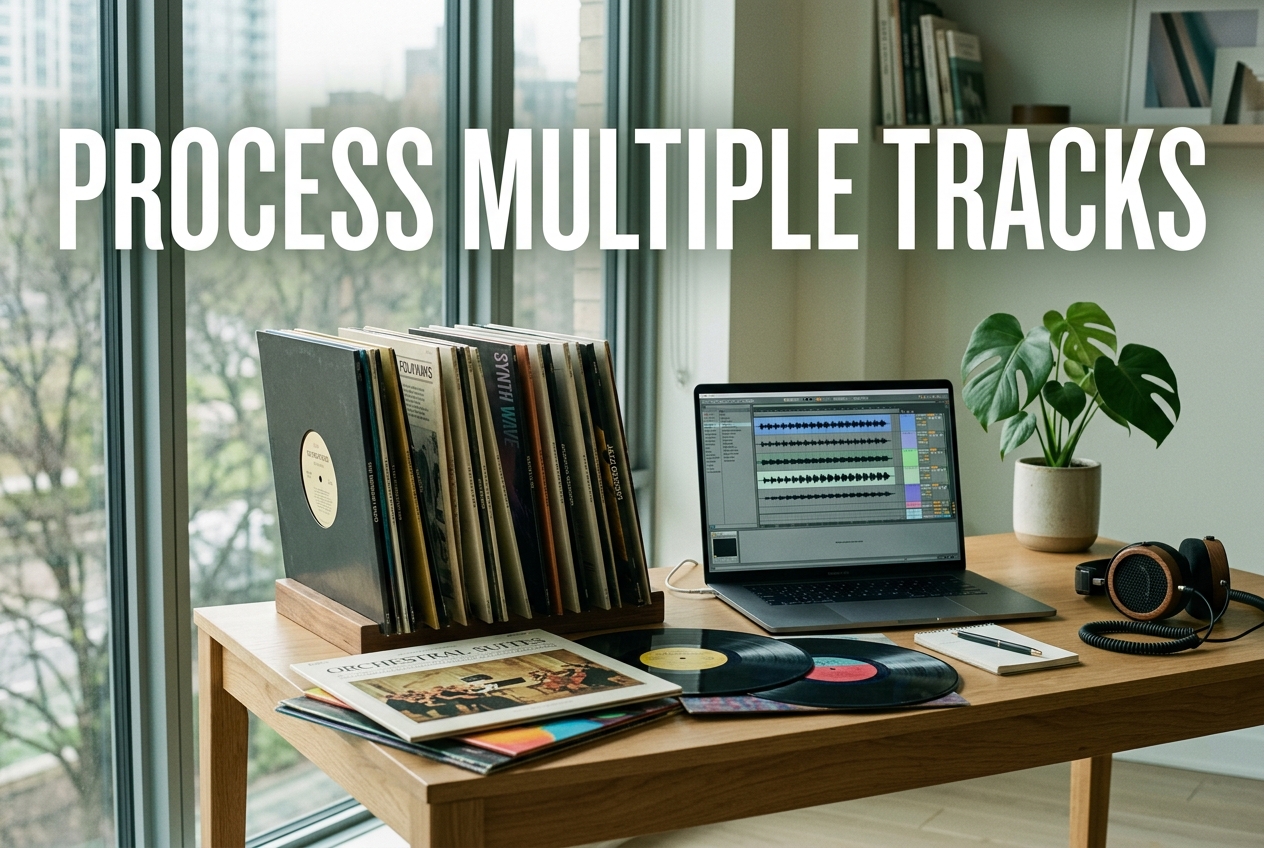
Batch Processing Support
Process multiple tracks simultaneously and save hours of work. The acapella remover online handles entire albums or collections, maintaining consistency across all files.
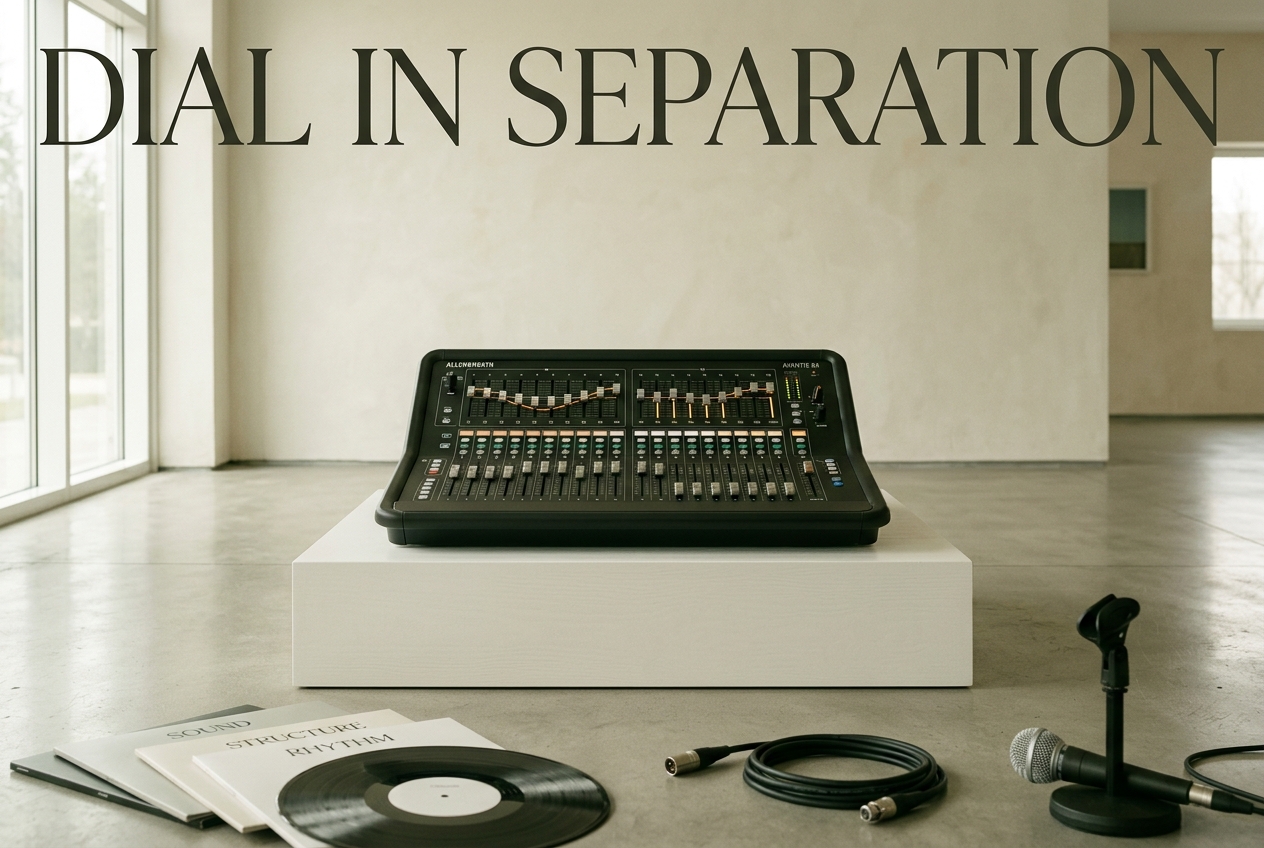
Adjustable Separation Control
Fine-tune vocal and instrumental balance to your preference. Our acapella vocal remover lets you dial in exactly how much separation you need for your specific use case.

Frequently Asked Questions
How accurate is the vocal removal process?
Our AI achieves 95%+ separation accuracy on most tracks. Quality depends on original audio clarity and production style. Complex arrangements may require slight manual adjustment.
Can I use separated stems for commercial projects?
Yes, you own the stems created from your own audio files. For commercial use of third-party music, verify original licensing terms before distribution or monetization.
What audio formats does the acapella remover support?
We accept MP3, WAV, FLAC, OGG, and M4A files up to 500MB. Larger files may take longer to process. Output formats match your input selection.
How long does vocal removal typically take?
Processing time ranges from 30 seconds to 3 minutes depending on track length and server load. Most songs complete within 1-2 minutes for instant results.
Is my uploaded audio kept private and secure?
All files are processed securely and automatically deleted after download. We don't store your audio or share data with third parties. Your privacy is protected.

Start Isolating Vocals with Acapella Remover Today
Transform any song into separated vocal and instrumental stems instantly. No signup required to begin.